- The Real Reason Carb Counting Feels So Hard
- Carb Counting Without the Complicated Math
- Your Free Carb Counter Toolkit for Busy People
- The Type vs Snap Method for Daily Logging
- Common Carb Counting Mistakes and How to Fix Them
- Your Daily Carb Counting Plan and Printable Cheat Sheet
- Frequently Asked Questions About Carb Counting
You finish lunch, glance at your phone, and feel that little wave of resistance.
Not because eating well is hard. Not because you don’t care. Because logging the meal feels like opening a second job. Search for the rice. Pick the right portion. Was that one cup or more? Add the sauce. Forget the drink. Close the app. Promise yourself you’ll log it later.
Later usually doesn’t happen.
I see this all the time with busy professionals, parents, people training after work, and people trying to manage diabetes without letting it dominate every meal. They don’t fail because they’re lazy. They quit because the process is annoying, slow, and weirdly fragile. One missed meal becomes a missed day. One confusing restaurant plate becomes “I’ll start again Monday.”
A good free carb counter should reduce friction, not add more of it. It should help you make a decent decision in real life, while standing in a kitchen, sitting in a car line, or eating at your desk. That’s the standard that matters.
The Real Reason Carb Counting Feels So Hard
Carb counting gets hard the moment a meal stops being neat and labeled.
A bowl of cereal is easy. Then Tuesday happens. Someone brings muffins to work. Lunch comes from a takeout place with three sauces. Dinner is a taco plate you didn’t cook. Now you’re guessing portions, searching for close-enough matches, and trying to remember what ended up on the plate.
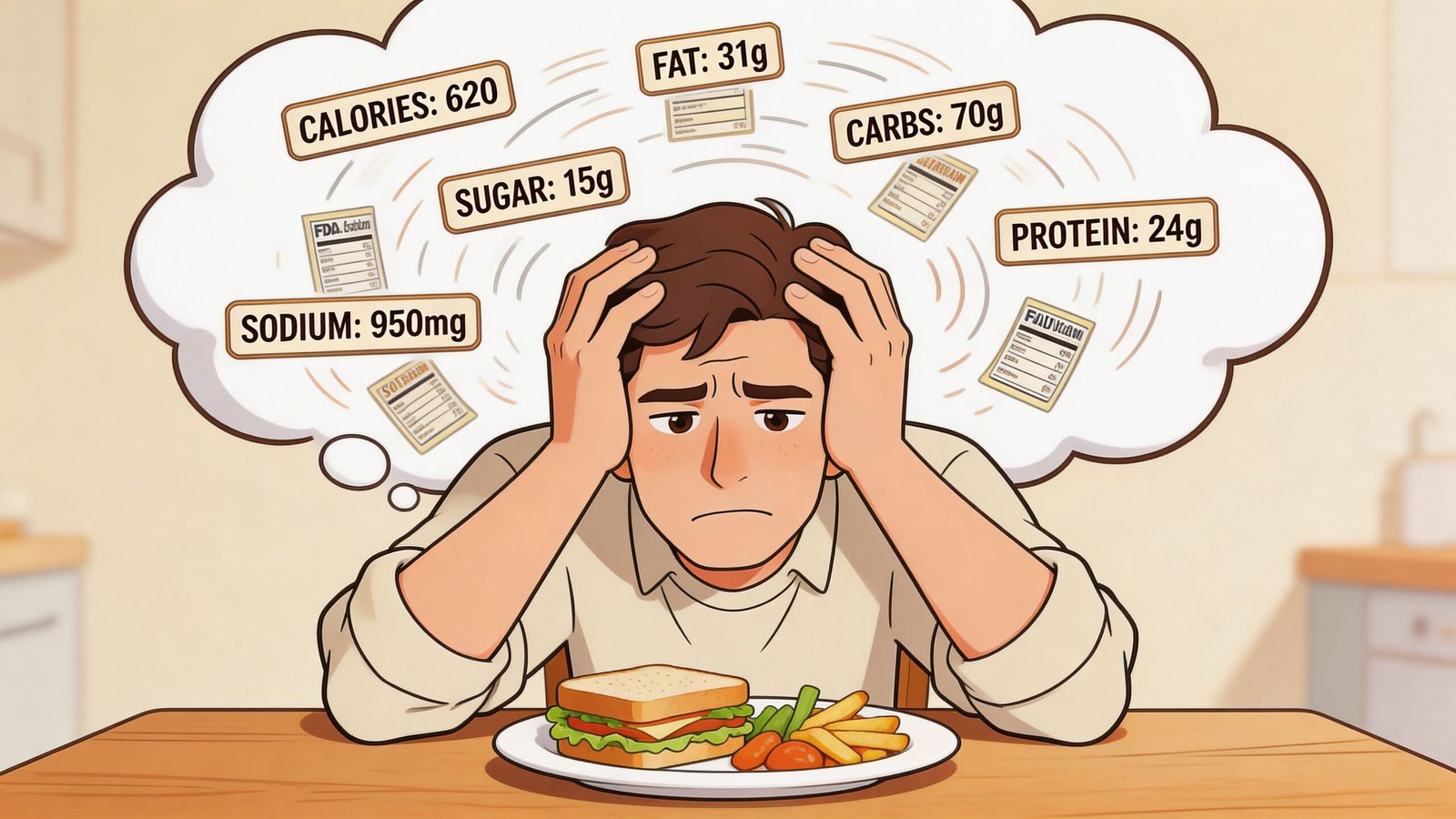
That’s the point where busy people often assume they lack discipline. I don’t buy that. In coaching, the sticking point is usually workflow, not effort.
Three things create most of the drag:
- Too many search results: One food can show up in endless versions, and half of them are wrong for what you ate.
- Too much estimation pressure: App serving sizes rarely match a normal plate, restaurant portion, or family-style meal.
- Too many interruptions: Logging can turn a quick meal into a task you postpone, then forget.
That friction adds up fast. Even someone who understands carbs can get tired of entering the same lunch slightly differently every day.
Friction beats motivation
Carb counting matters because it helps connect meals to energy, appetite, training, and blood sugar. But knowing that does not make logging easier. People quit when the process asks for too many tiny decisions.
Consistency improves when logging fits your day in under a minute.
That’s why a free carb counter should do more than store numbers. It should reduce the amount of typing, second-guessing, and portion panic required to get a useful entry. If labels are part of the problem, this guide on how to read nutrition labels without getting confused can make packaged foods much faster to log.
What helps in practice
The people who keep tracking usually stop treating every meal like a chemistry assignment. They use a low-friction method instead.
That usually means:
- Estimating on purpose when precision will slow you down
- Repeating common meals instead of rebuilding them
- Saving usual foods and portions
- Using one method for simple meals and another for mixed plates
That last part is the shift many people need. Some meals are faster to type. Others are faster to snap and review. PlateBird works well for this because it supports both sides of that workflow, which matters more in real life than having the biggest food database.
Carb counting gets easier once the goal changes from perfect logging to useful logging.
Carb Counting Without the Complicated Math
Carb counting gets much easier once you stop trying to calculate every meal like a spreadsheet. Busy people do better with a few reliable rules they can use at a grocery store, at a drive-thru, or halfway through lunch between meetings.
The three basics that matter
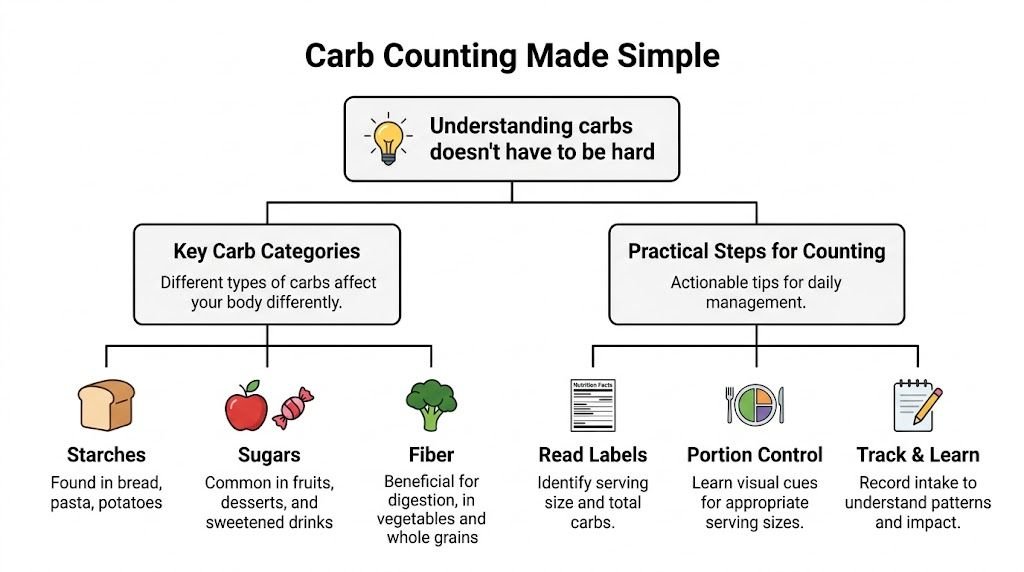
Start with recognition. Carbs usually come from grains, fruit, milk, beans, starchy vegetables, sweets, and sugary drinks. In practice, people miss the quiet sources more than the obvious ones. Sauces, flavored yogurt, coffee drinks, granola, and snack mixes add up fast.
Use the label number that keeps logging simple. For general awareness and for many people tracking blood sugar, total carbs are easier to use than net carbs because they are listed clearly on food labels and in most databases. If you want a quick explanation of the difference, read this guide on net carbs vs total carbs.
Then use one mental shortcut and stick with it. A carb choice is about 15 grams of carbohydrate. That gives you a fast way to estimate meals without doing much math. Three carb choices. About 45 grams. Four carb choices. About 60.
That level of accuracy is enough for many everyday meals.
A hand guide you can use anywhere
Portion tools matter because carb counts are often more accurate than people think until the serving size doubles. Your hand gives you a repeatable reference point, which is often all you need for a first pass.
Use it like this:
- Fist: About a cup of rice, pasta, oatmeal, potatoes, or cut fruit
- Cupped hand: A smaller portion of cereal, crackers, grapes, or chips
- Thumb: Dressings, sauces, and nut butter that can raise the meal total
- Palm: Protein foods, which help you build meals that are easier to repeat and log
I tell clients to use hand portions as a decision tool, not a precision tool. If the pasta on the plate looks like two fists instead of one, count it that way and move on.
A simple example
Take a lunch with a turkey sandwich, yogurt, and berries.
Start with the foods most likely to carry the carbs. Bread. Yogurt. Fruit. That gets you to a useful estimate quickly. After that, check whether anything looks larger than a standard portion. Thick bakery bread changes the count. A sweetened yogurt changes the count. A small handful of berries usually does not need much debate.
Practical rule: Log the main carb sources first, then clean up details if you need to.
That order saves time and cuts the kind of overthinking that makes people quit.
What this looks like in real life
A lot of meals do not need perfect math. They need a solid estimate you can repeat tomorrow. If lunch is a wrap, fruit, and chips, count the wrap first because it usually drives most of the meal total. If dinner is a rice bowl, estimate the rice before you fuss over vegetables or a spoonful of sauce.
This is also where the workflow matters. Some meals are faster to type. Others are faster to snap and review. A free carb counter becomes useful when it helps you do both without slowing down your day. PlateBird fits that approach well because it supports quick text logging for simple foods and photo-based logging for mixed plates.
Good carb counting is boring in the best way. It should feel easy enough to keep doing, even on busy days.
Your Free Carb Counter Toolkit for Busy People
You’re standing in line for lunch, the meeting starts in six minutes, and you still want to keep your carbs in a reasonable range. That moment decides whether a free carb counter helps or gets ignored.
The best tool depends less on a flashy feature list and more on whether it fits your actual day. Someone who eats the same breakfast and lunch most weekdays needs speed and repeatability. Someone managing blood sugar around mixed restaurant meals needs a tool that handles uncertainty without turning every meal into homework.
Four tool styles people actually use
Pen and paper
Pen and paper still works well for people who already know the carb counts of their usual foods.
It’s quick, cheap, and less distracting than opening an app. The trade-off is obvious. It won’t help much with packaged foods, takeout portions, or spotting patterns across the week unless you review your notes consistently.
Big database apps
These tools work best for barcode scanning, packaged foods, and people who want more than carbs on the same screen.
The downside is friction. Search results can be messy, brand entries may conflict, and logging a simple meal can take longer than the meal itself. I see this all the time with clients who start motivated, then stop tracking because every lunch turns into ten taps and three guesses.
Photo-based AI trackers
Photo logging is useful because it matches real life better than a giant search bar does. Mixed meals, restaurant plates, and family dinners are easier to capture with a quick snap than by hunting for every ingredient one by one.
Still, photos need a review step. Sauces, portion sizes, and hidden starches can throw off the estimate. A photo-first tool helps most when it gives you a fast draft you can correct, not a result you have to trust blindly.
Hybrid tools
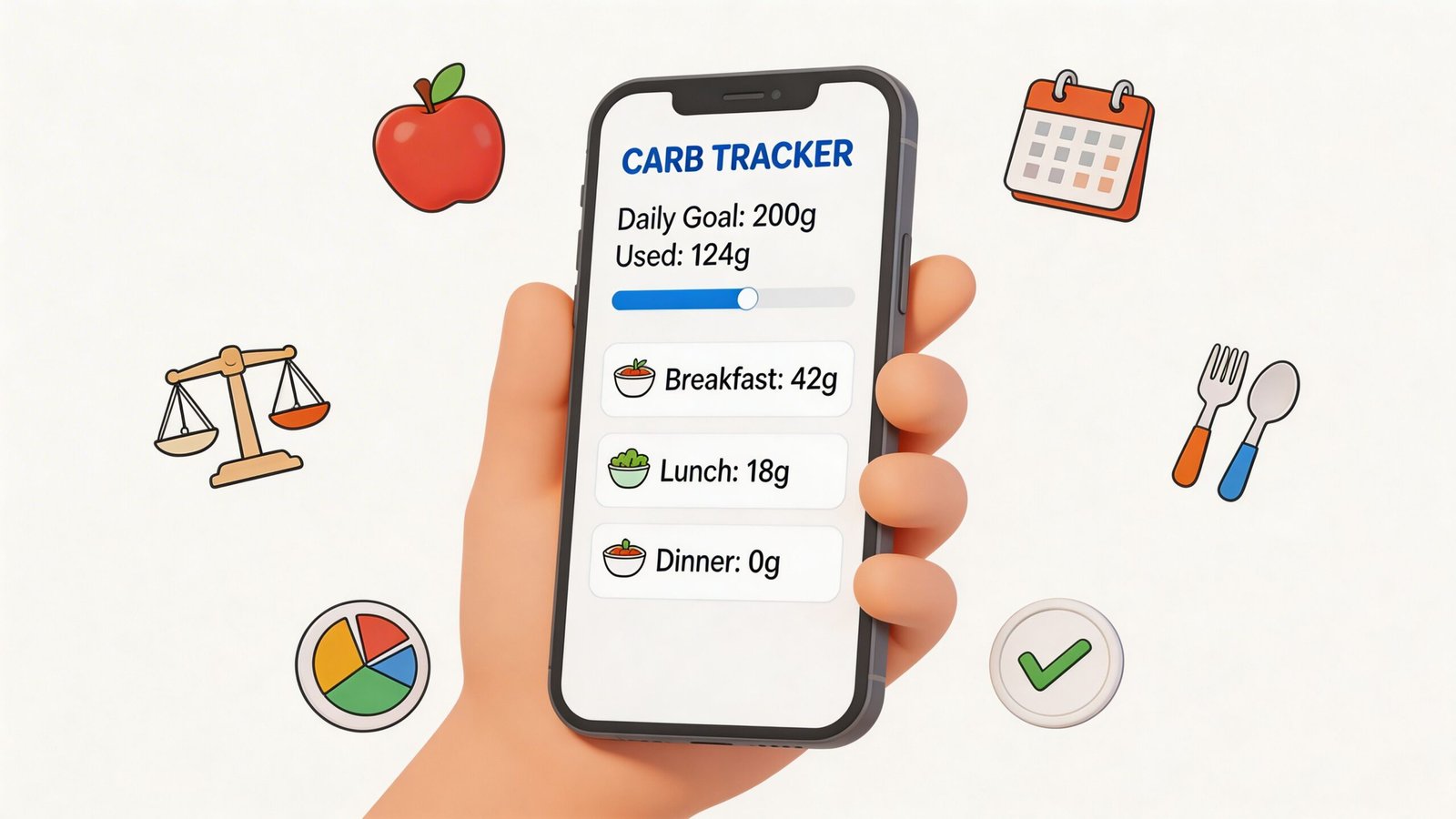
Hybrid tools solve the problem busy people have. Some meals are faster to type. Others are faster to snap.
That’s why I prefer tools built around both workflows. PlateBird is a good example because it supports quick text logging for routine meals and photo-based logging for plates that are harder to break down. For people who have quit tracking before, that flexibility matters more than having the biggest food database.
What busy people need from a tool
A good free carb counter should remove friction at the moments people usually give up.
Look for these basics:
- Fast entry: You should be able to log before the meal gets cold.
- Repeat meal support: Regular breakfasts, lunches, and meal prep should get easier after the first entry.
- Easy corrections: If the app guesses wrong, fixing it should take seconds.
- Low decision load: Fewer screens and fewer taps usually mean better consistency.
- A practical daily target: If you need a starting point, a free macro calculator for setting realistic carb goals can help.
The bigger picture matters too. The International Diabetes Federation reported that 537 million adults were living with diabetes in 2021 in the IDF Diabetes Atlas. Carb tracking is not a niche habit. It’s a daily management task for a lot of people, and tools work best when they respect how little time people have.
The best carb tracking tool is the one you can keep using on busy days, tired days, and takeout days.
People often spend too much time comparing app features and not enough time choosing a logging workflow. In practice, that workflow decides whether tracking feels light enough to keep doing.
The Type vs Snap Method for Daily Logging
Carb counting gets easier when you stop using one method for every meal.
Some meals are repetitive and predictable. Others are messy, mixed, and hard to eyeball. Treating both the same creates unnecessary work. The simpler approach is a type vs snap method.
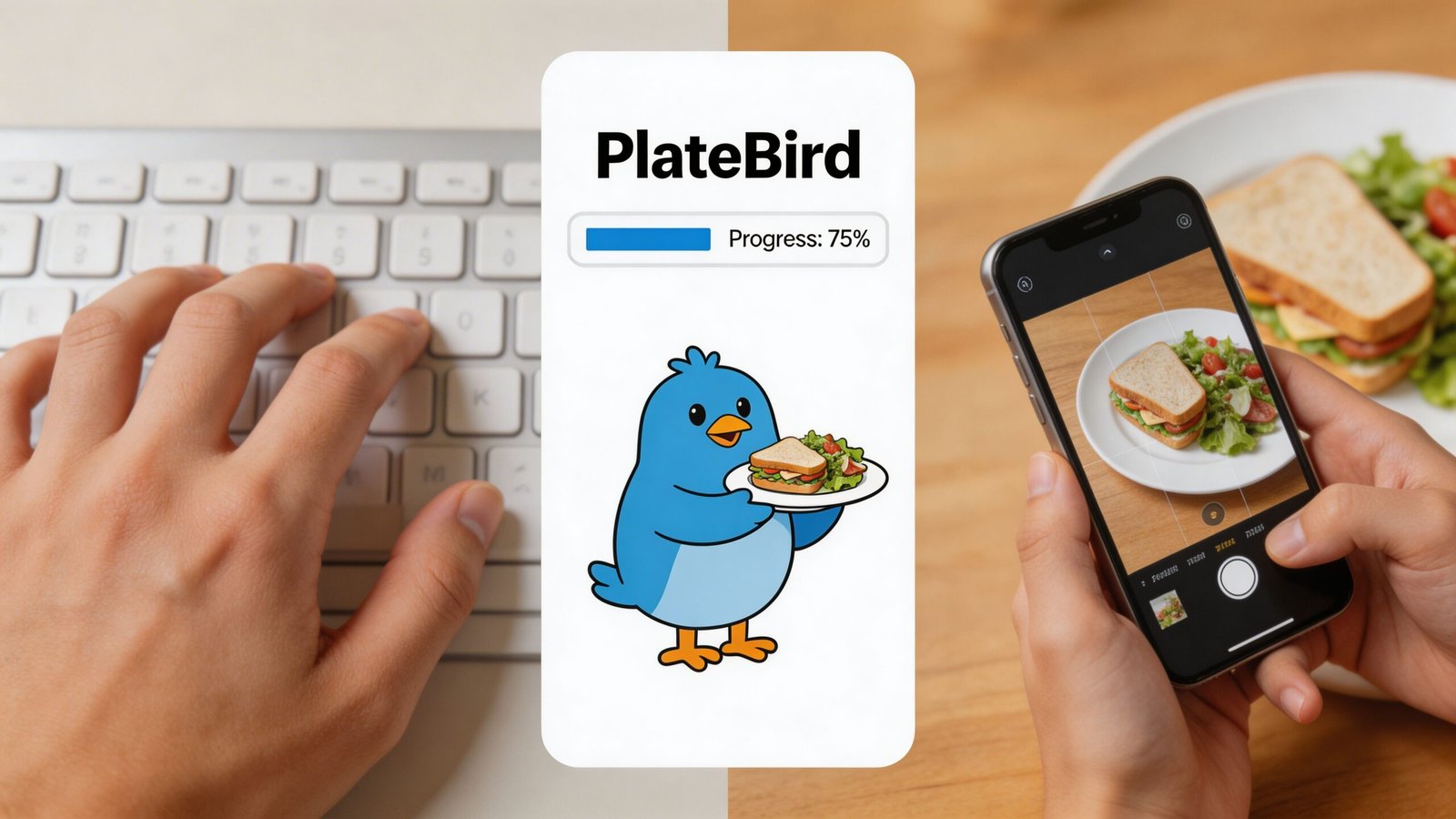
Type it for meals you eat often
Typing wins when the meal is familiar.
Think of meals like:
- oats, milk, berries
- eggs, toast, coffee
- chicken, rice, broccoli
- turkey sandwich, yogurt, apple
These meals don’t require a dramatic AI reveal. You already know what they are. You need speed, consistency, and a log you can reuse.
Here’s the workflow I teach:
- Enter the meal in plain language. Keep it natural, not formal.
- Check the carb estimate once. Make sure the portions look close.
- Use the same wording next time. Consistency helps create a repeatable shortcut.
- Only edit when the portion changes. Don’t rebuild the meal from scratch.
Typing works especially well for home meals, meal prep, and weekday breakfasts. It also helps you notice whether your “usual lunch” is consistent or drifting larger over time.
Snap it for meals with more unknowns
Photos are useful when you’re dealing with meals that don’t fit a neat template.
Good use cases include:
- restaurant plates
- buffet meals
- mixed takeout containers
- home-cooked dinners with several components
But this method needs a reality check. A key challenge in free carb counters is the accuracy of AI photo estimation for mixed plates, which can misjudge carbs by 20 to 30% (SNAQ carb counting app overview). That’s why “snap and trust it blindly” is not a strong workflow.
Use this instead:
- Take a clear photo before eating
- Separate items visually when possible
- Review the app’s guesses
- Correct the biggest carb sources first, such as rice, pasta, potatoes, bread, or sweet sauces
If the meal is complex, use the photo to start the log, not to finish it.
Mixed plates are where many people get lulled into false confidence. The app can identify “chicken rice broccoli,” but still misjudge how much rice is there, or confuse sauce-heavy food with something simpler.
The decision rule that keeps logging fast
Use typing when the meal is routine. Use a photo when the meal is visually complex. Then verify before you move on.
That’s the whole system.
A typed breakfast might take only a few seconds once it becomes habitual. A snapped restaurant dinner might need a short review. Both are fine. The mistake is trying to force the same level of detail onto every meal.
A better mindset for under-a-minute logging
You don’t need a perfect food record. They need a reliable habit.
That habit gets easier when you:
- Save repeat meals
- Keep names consistent
- Review only the biggest carb contributors
- Move on once the estimate is usable
If your lunch is the same bowl most days, typing will usually beat photo logging. If dinner is a one-off plate with several components, a photo can save time as long as you verify the obvious risk areas.
That balance is what makes a free carb counter sustainable.
Common Carb Counting Mistakes and How to Fix Them
Most carb counting mistakes aren’t dramatic. They’re small misses that happen over and over.
A splash of sweetened creamer. The sauce on the stir-fry. The extra tortilla. The second helping that never made it into the app. People usually don’t quit because of one big error. They quit because little errors make tracking feel pointless.
Mistake one, trusting the database too much
A primary limitation in carb counting apps is database reliability. Research on carb counting apps found photo recognition had a mean error of about 15 grams compared with nutritionists, and 63% of meals were underestimated. The same review noted that user-generated entries contributed to 82% of overestimation cases (JMIR study on carbohydrate counting apps).
That means “the app had it” doesn’t automatically mean “the number is solid.”
Fix it by being selective:
- Favor branded or standard entries over random user submissions when possible.
- Be cautious with mixed dishes like casseroles, curries, and pasta bakes.
- Double-check staple carbs such as rice, pasta, and potatoes.
Mistake two, ignoring hidden carbs
Drinks, sauces, dressings, glazes, and condiments can shift a meal.
If the meal tastes sweet, sticky, creamy, or heavily sauced, pause before you log it as a plain version. A grilled chicken meal with sauce is not the same entry as plain grilled chicken.
A quick fix is to ask yourself, “What in this meal isn’t obvious at first glance?” That question catches a lot.
Mistake three, letting app portions overrule your eyes
App defaults are often tidy. Real portions are not.
If the app says one serving and your plate looks closer to two, believe the plate first. Your hand guide helps. It gives you a rough visual check when the app tries to make an oversized bowl look standard.
Coach’s note: A fast correction is better than a polished wrong answer.
Mistake four, all-or-nothing thinking
This is the most expensive mistake because it ends the habit.
People miss one meal, then stop logging for the day. They eat out once, feel unsure, then decide they’ve ruined the week. None of that helps.
Try this instead:
| Situation | Better response |
|---|---|
| Missed breakfast log | Start with lunch |
| Unsure about dinner carbs | Make a reasonable estimate |
| Ate more than planned | Log it anyway |
| App result seems off | Adjust the main carb item and move on |
Good tracking is durable. It survives imperfect days.
Your Daily Carb Counting Plan and Printable Cheat Sheet
A sustainable carb routine is simple. Repeat the meals you can. Estimate the meals you must. Keep the process light enough that you’ll still do it next week.
For some people, that means a consistent breakfast and lunch with a more flexible dinner. For athletes or runners, carb planning may also shift around training, and a resource like this ultimate nutrition plan for a half marathon is useful when you need to think about fueling and recovery alongside everyday tracking.
A simple daily structure
Here are three practical patterns based on the carb-choice approach covered earlier:
- Lower and steady day: 3 carb choices at breakfast, 3 at lunch, 3 at dinner
- Moderate spread day: 4 carb choices at breakfast, 3 at lunch, 4 at dinner
- Meal plus snack day: 3 carb choices at each meal, plus 1 to 2 carb choices in a snack
Printable Carb Counter Cheat Sheet
| Food Category | Example Food | Typical Serving Size | Approx. Carbs (g) |
|---|---|---|---|
| Grain | Bread | 1 slice | 15 |
| Grain | Cooked rice | 1 cup | 45 |
| Grain | Oatmeal | 1/2 cup dry oats | 15 |
| Starchy vegetable | Small baked potato | 1 potato | 30 |
| Fruit | Banana | 1 small | 15 |
| Fruit | Blueberries | 1 cup | 15 |
| Dairy | Milk | 1 cup | 15 |
| Dairy | Yogurt | 1 container, plain or flavored varies | 15 |
| Snack | Crackers | Portion varies by brand | 15 |
| Sweets | Cookie or dessert serving | Portion varies | 15 |
Print this, keep it on your fridge, and treat it like a shortcut, not a rulebook. The goal is faster recognition.
Frequently Asked Questions About Carb Counting
Should I count total carbs or net carbs
Start with total carbs if you want a method you can repeat on a busy day. Total carbs are listed clearly on food labels, and they match the kind of fast logging that helps people stay consistent. Net carbs can be useful in specific situations, but for beginners they often add extra math without improving day-to-day follow-through.
Are free apps accurate enough
Usually, yes, for everyday use. The catch is that accuracy depends as much on the entry method as the app itself.
Typed entries work well for packaged foods and repeat meals because labels and saved meals are easy to verify. Photo logging helps when you are eating out, grabbing takeout, or working from memory later. That is why I prefer a type vs. snap workflow instead of expecting one method to fit every meal. A free carb counter is a practical guide, not a precision instrument.
Can I count carbs without an app
Yes. Plenty of people do well with nutrition labels, a short cheat sheet, and a handful of repeat meals they know well.
An app mainly reduces friction. It gives you a faster place to type in breakfast, save common lunches, or snap a dinner photo before the details disappear from memory. If tracking has felt hard in the past, the best tool is the one you will use four days from now.
What if my goal is both glucose management and weight loss
That is common, and it changes the goal from “log every gram perfectly” to “log well enough to make better decisions.” Carb counting can help you notice patterns, portion creep, and meals that leave you hungry an hour later. For a broader overview of weight loss with diabetes, that guide can complement your tracking routine.
If you want a faster way to log meals without turning every plate into homework, try PlateBird. You can type what you ate in plain language, snap a photo when that is easier, and keep carb counting easy enough to stick with.