Tired of tedious food logging? You're not alone. You commit to tracking macros, then spend the next ten minutes hunting for the right food entry, scanning a barcode that doesn't register, or rebuilding the same breakfast from scratch for the third time this week. That's usually the moment people start looking for a better app to track macros, because the core problem isn't motivation, it's friction.
The best tools now do more than count protein, carbs, and fat. They can reduce setup pain, recognize meals from a photo, learn repeat meals, and give you a clearer path to consistency. The market is also big enough to matter, with an estimated 175 to 200 million people using calorie and nutrition tracking apps in 2026, and Statista cited at 192 million active users in the nutrition and diet tracking segment, which sits inside a broader USD 19.2 billion health and fitness app market (nutrition and diet tracking app statistics). That's a lot of people looking for a better way to stay on target.
If you're also building a sustainable plan, pair tracking with a sustainable calorie deficit plan. The right app won't do the work for you, but it can make the work easy enough that you keep doing it.
1. PlateBird
PlateBird fits people who want speed and AI-driven simplicity without spending time on setup. You type what you ate in plain English, then the app breaks down calories and macros for you, so logging feels closer to jotting down a note than searching a database. That makes it a practical choice for busy professionals, first-time trackers, and anyone who gets tired of endless menu scrolling.
The setup is light, which is part of the appeal. PlateBird is free to download and requires no account to start, so there is less friction between deciding to track and opening the app. Its direction also reflects where macro tracking is heading, away from manual entry work and toward faster logging workflows that are easier to keep up with day to day.
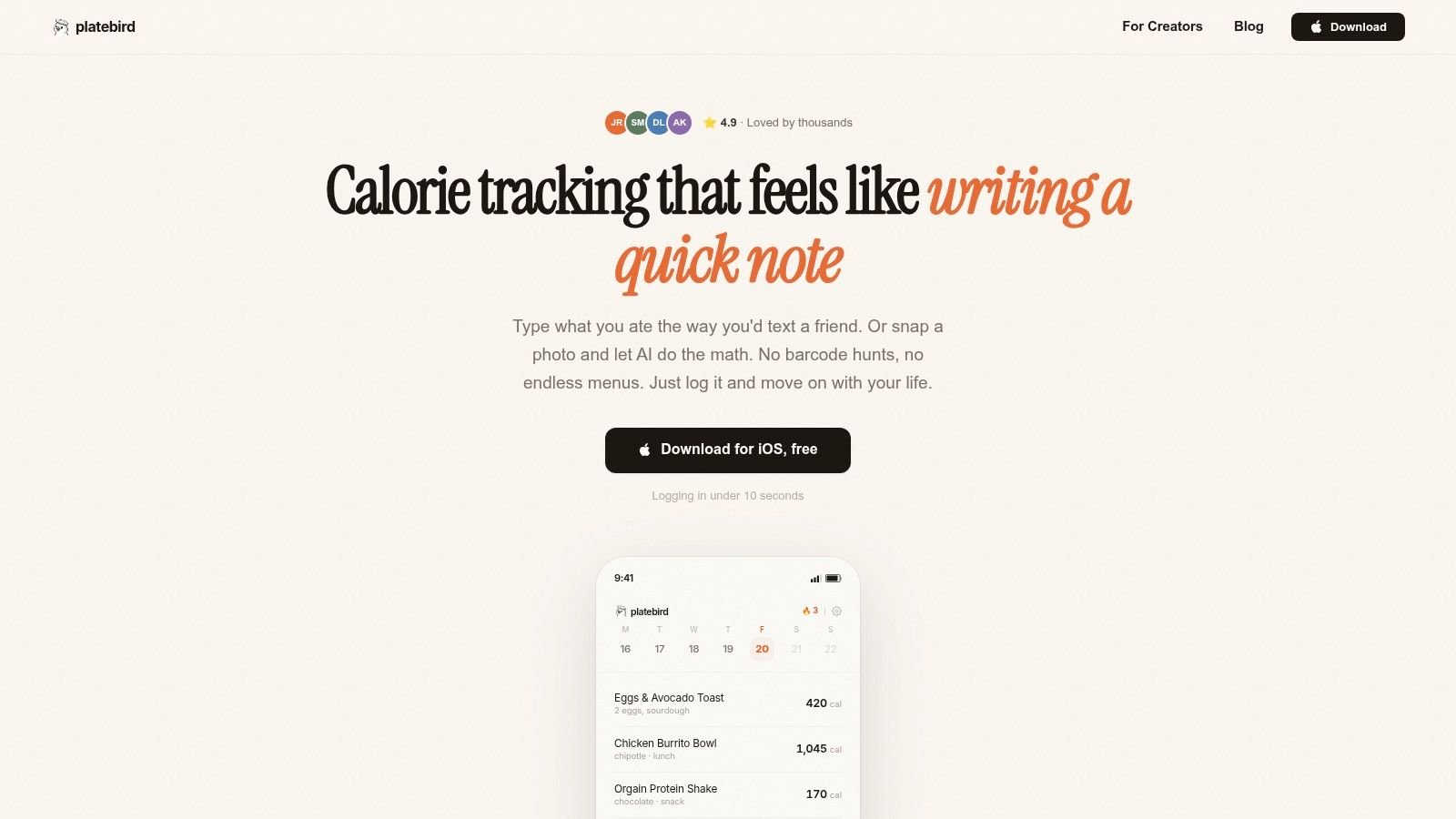
PlateBird is a strong fit for people who hate logging, but still want useful numbers. Weight-loss seekers, gym-goers, meal preppers, and nutrition coaches can all use it to get a quick estimate without turning every meal into a project. It also works well for anyone who eats repeat meals, since reuse matters more than novelty once your routine settles in.
Start small. Log one meal pattern first, usually breakfast or lunch. Type something simple like “eggs toast coffee” or “chicken rice broccoli,” then reuse the same style of entry until it feels automatic. That early win matters because the goal is not perfect data on day one, it is building a habit you will still use on day thirty.
Practical rule: If logging takes longer than eating did, the app is in your way.
PlateBird's own site describes it as an AI-powered calorie and macro tracker for iOS, which makes it a natural pick for people who want a modern mobile-first workflow. The trade-off is clear. It focuses on AI estimation and speed, not the deeper manual database style that older trackers built their reputation on. If you want the fastest path from meal to numbers, start with the PlateBird macro-tracking app guide and see whether the workflow matches your daily life.
2. MyFitnessPal
MyFitnessPal is still the obvious choice for people who want breadth. Its Android listing identifies it as a long-running calorie and macro counter, and that longevity matters because the category has shifted from niche dieting software into a mature mobile product built for everyday use (MyFitnessPal on Google Play). It's especially useful in the U.S. if you want a huge food search ecosystem and a familiar diary layout.
This is the app many already know, which can be a strength or a weakness. If you're new to tracking, familiarity lowers the mental barrier. If you've used it for years, you already know the trade-off, some advanced controls live behind paid tiers, and the free experience can feel busy.
Best for general-purpose tracking
MyFitnessPal is best for users who want a broad, dependable default instead of a specialized system. It's a reasonable fit for lifters, casual dieters, and anyone who eats a lot of branded or restaurant foods and wants a large database to search through.
The fastest way to start is to skip the temptation to make everything perfect on day one. Enter your main meal templates, save your go-to breakfasts, and rely on recurring foods before you build out every custom recipe. That approach reduces friction fast, which is the main reason people stick with logging.
The app works best when you treat it like a system for repeat behavior, not like a place to reinvent every meal.
If you want more detail on how a modern tracker can outperform the older interface style, there's a useful internal comparison at PlateBird versus traditional macro tracking. MyFitnessPal still earns its place because it's familiar, established, and broadly capable. It's just no longer the only serious option for macro logging.
3. Cronometer
Cronometer is the best app to track macros if your real priority is accuracy and nutrient depth. Its Google Play listing says it tracks calories, macros, fasting, and 95+ nutrients and compounds, which is a strong signal that this category has moved beyond basic protein-carb-fat math (Cronometer on Google Play). That level of detail matters for athletes, performance-focused users, and anyone who cares about micronutrients as much as macros.
The app is especially useful when you want to see the full nutritional picture, not just your daily totals. If your diet quality depends on fiber, sodium, vitamins, and minerals, Cronometer gives you a more serious dashboard than most mainstream apps. The flip side is that the interface can feel dense if all you really want is a quick log and move on.
Best for data-driven users
Cronometer is the right fit for people who like numbers and don't mind a little extra structure. It's also a strong choice if you're tracking nutrition for a clinical reason, because the app is built around a more detailed view of intake.
Start by pinning the nutrients you care about most and ignoring the rest. That small setup step keeps the app from overwhelming you with data you won't use. Then log the same few meals repeatedly for a week so you can understand how the charts behave before you try to optimize every micronutrient at once.
Precision helps only when you can actually read it.
Cronometer's own workflow now also reflects the category's shift toward automation, with AI photo logging becoming part of the user experience on its platform. That doesn't replace careful tracking, but it does make the process less tedious than the old manual-entry model. If your goal is depth, not just convenience, Cronometer is one of the most defensible choices.
4. Lose It!
Lose It! is the best app to track macros if you want simplicity without giving up structure. The interface is clean, the onboarding is approachable, and the overall feel is less intimidating than a data-heavy tracker. That's a real advantage for beginners who want to build the habit first and optimize later.
This app works well for people who are focused on weight loss and want a friendly daily system. It's not built to overwhelm you with charts or coaching logic. Instead, it keeps the experience straightforward enough that logging becomes routine rather than a decision-making exercise.
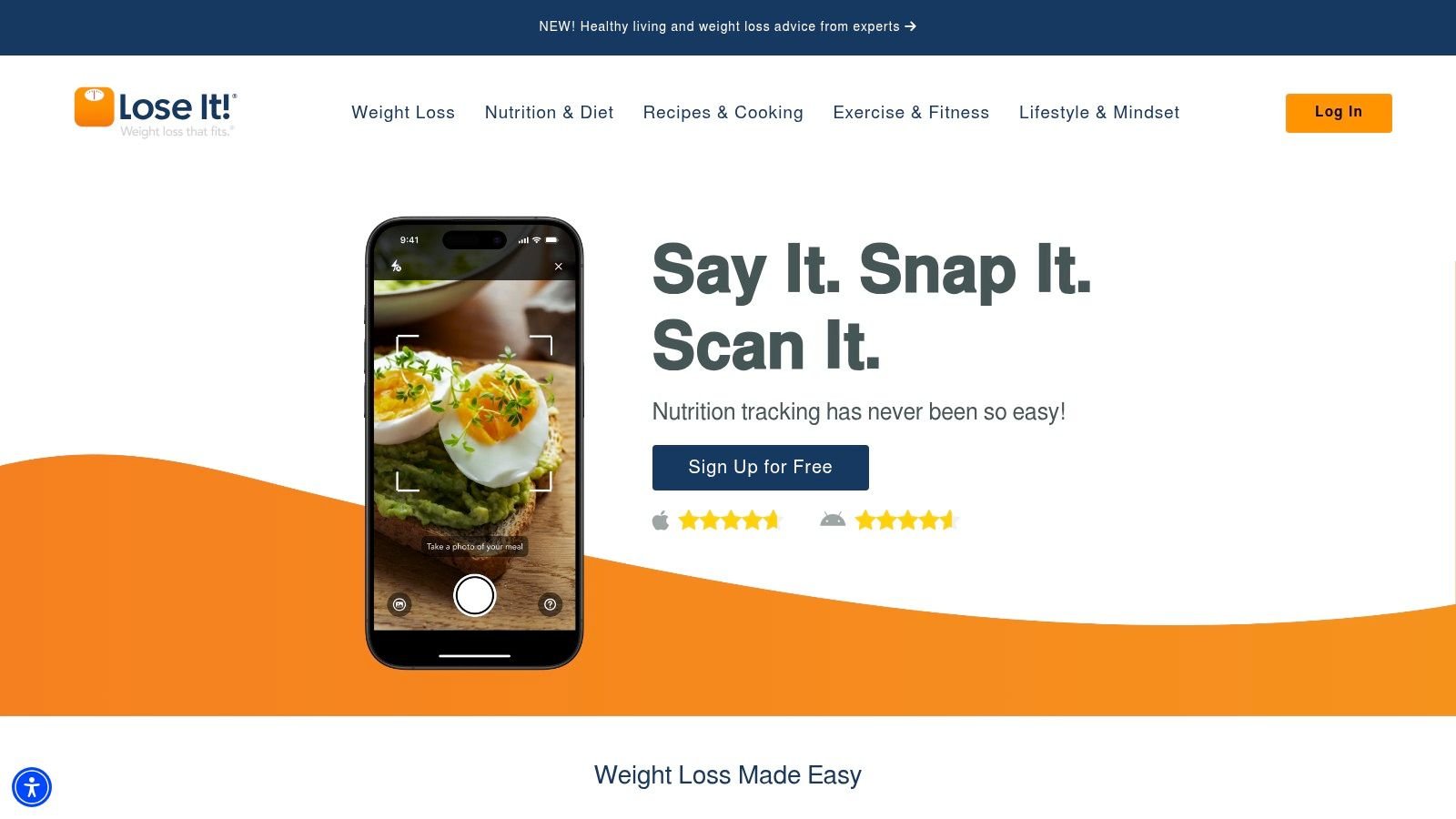
Best for beginners who want a guided start
Lose It! is a strong fit if you want a clear daily calorie budget and a macro tracker that doesn't feel clinical. The community and challenge features can also help people stay engaged when the novelty of tracking starts to fade.
The smartest way to get started is to use the app's simplicity instead of fighting it. Log your usual meals first, learn where the app places key actions, then add recipes only after your basic routine is stable. That sequence matters because beginners often burn out by trying to build a perfect food database before they've built a habit.
Simple is useful when simple keeps you consistent.
The trade-off is that more advanced tools, including some macro controls, are tied to premium access. Still, if your main goal is to start tracking without feeling buried in options, Lose It! is one of the easiest on-ramps available.
5. MacroFactor
MacroFactor is the best app to track macros for people who want adaptive coaching rather than a fixed calorie target. Its strength is that it adjusts your intake based on your measured trend over time, which is exactly what serious lifters and data-minded dieters usually want. If your weight trend changes, your plan changes with it.
That adaptive logic is what separates it from a plain diary app. You still log food, but the app is doing more behind the scenes than simple tallies. It's a premium-first product, so it's not the casual free option some people hope for, but the trade-off is a more structured system.
Best for serious lifters and disciplined dieters
MacroFactor is best for users who like numbers, weigh-ins, and iterative progress. It also suits people who want a coach-like experience without hiring one, especially if they already understand the basics of tracking and want the app to handle the adjustments.
Start by trusting the process for a full stretch of consistent logging before changing targets on your own. The app works best when the data has enough time to speak, so resist the urge to micromanage every fluctuation. That's where many users go wrong with adaptive tools, they interfere before the trend has any real meaning.
Let the trend, not the daily mood, guide the change.
MacroFactor also leans into low-friction logging with tools like barcode scanning, recipe import, and AI photo logging, which helps offset the premium model. If you want an app that treats tracking like an ongoing feedback loop, MacroFactor is one of the strongest picks.
6. Carbon Diet Coach
Carbon Diet Coach is the best app to track macros if you want a coach-like structure built into the app itself. It's more guided than a standard food diary and more accountability-driven than a basic calculator. The weekly check-in rhythm makes it useful for people who do better with structure than with open-ended self-tracking.
This app is a good match for fat loss, muscle gain, maintenance, or reverse dieting. It suits users who already understand they need feedback, not just targets. Carbon is also a sensible option if you want integrated macro tracking on both iOS and Android without a cluttered social layer getting in the way.
Best for accountability
Carbon works best for people who like a regular review loop. You log, you check in, and the app adjusts. That rhythm helps prevent the common problem where people set macros once and then keep following them long after their progress has changed.
The easiest way to begin is to treat the first few check-ins as calibration, not judgment. Log consistently, weigh yourself on the same schedule, and let the app gather enough signal to make useful recommendations. If you keep changing behavior every few days, you're not really giving the system a chance to coach you.
A good coach does not need drama, it needs data.
Carbon does not try to be the most colorful or feature-packed platform. It tries to be useful. If that sounds like your style, Carbon Diet Coach is a solid fit.
7. Lifesum
Lifesum fits people who want macro tracking to feel more like a healthy routine than a numbers exercise. It keeps the experience polished, adds meal plans, and leans into a lifestyle feel that works well if you want guidance without a lot of noise. If you've tried stricter trackers and found them draining, this is the kind of app that can make daily logging easier to keep up with.
It makes the most sense for users who want structure with some visual appeal, especially if they already lean toward keto, high-protein, or Mediterranean-style eating. The calmer layout helps the app stay approachable, and the recipe support can reduce the usual “what do I eat now?” spiral. Pair your tracking with a guide to choosing a healthy cookbook if you want more meal ideas and less decision fatigue during the week.
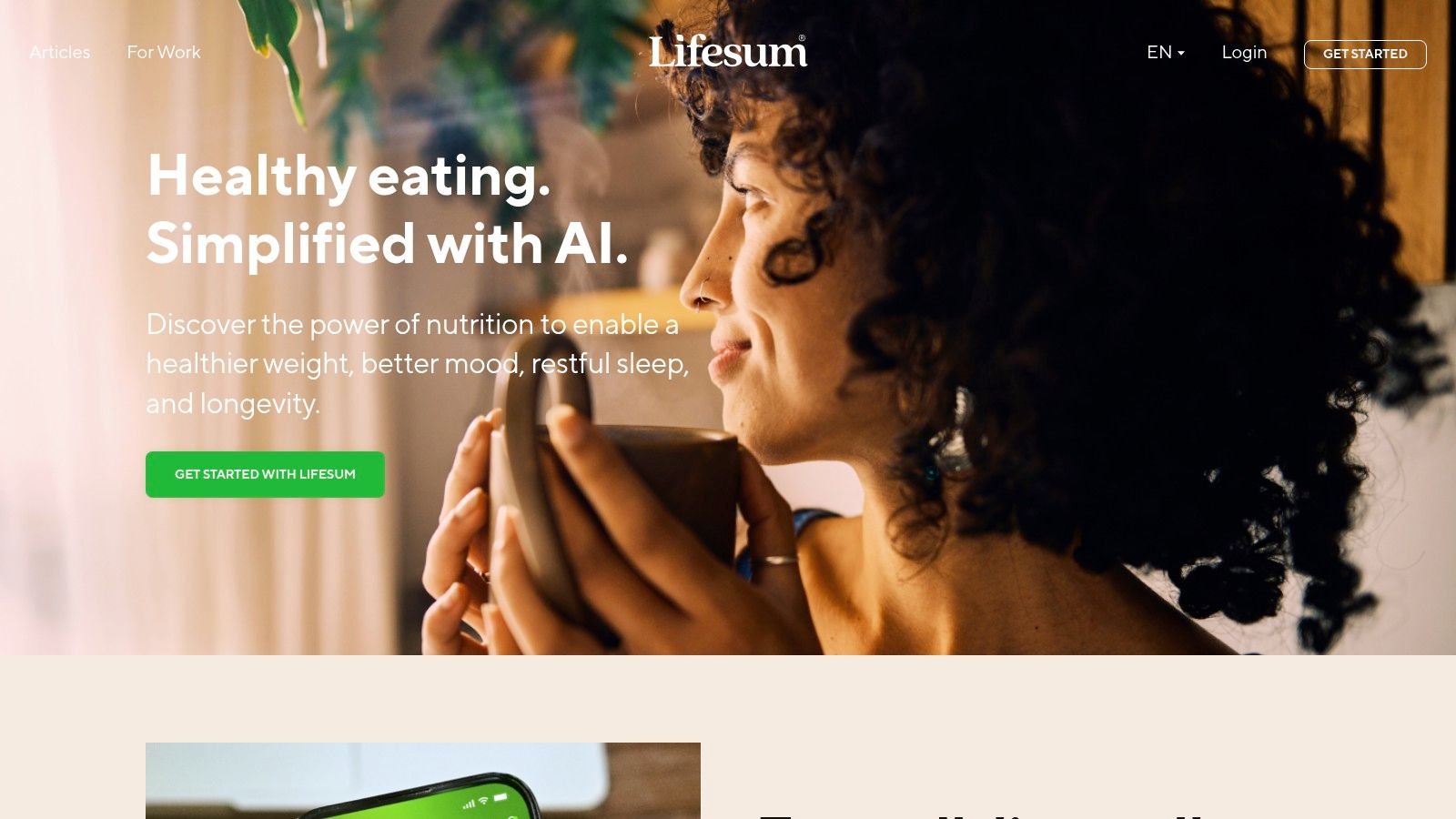
Best for people who want structure with style
Lifesum works well for beginners and for anyone who wants more than a blank diary. The built-in meal plans and recipe content give you a starting point, which is useful if you know your eating habits need direction but you do not want the app to feel clinical.
Start by choosing one program that matches how you already eat, not the most ambitious option in the menu. If the setup feels like it is asking you to reinvent your whole diet on day one, back up and pick a simpler track. That keeps the app useful instead of turning onboarding into a chore. If you want a closer look at how it fits into a broader macro-tracking setup, this comparison with PlateBird is a practical place to start.
The app should reduce decision fatigue, not add another layer of it.
Some features sit behind premium access, so Lifesum is a better fit if you are comfortable with a paid, guided product. For people who want a calmer interface and meal-plan support, Lifesum is worth a look.
8. My Macros+
My Macros+ is the best app to track macros for athletes who want flexible macro targets. It's long been popular with bodybuilders and lifters because it handles training-day and rest-day setups without making the process awkward. That flexibility matters when your intake changes based on workload rather than staying flat every day.
The app is built for people who already know their numbers and want a direct way to hit them. It isn't trying to be flashy, and that's part of the appeal. If your nutrition plan changes across the week, My Macros+ gives you the room to build that into the system.
Best for athletes and macro cyclers
My Macros+ is strongest when your goals are specific and your schedule changes across the week. Carb cycling, high and low days, and meal copying all make more sense here than they do in a beginner-focused tracker.
A good way to start is to set up just two target patterns, one for heavy training days and one for rest days. Don't overbuild the system before you've tested whether you'll use it. Once you can move between those two patterns comfortably, it becomes much easier to expand.
Macro tracking gets easier when the app mirrors your program instead of fighting it.
If you want a deeper breakdown of how it compares in the low-carb and performance space, there's a useful internal comparison at PlateBird versus My Macros+. For athletes who value flexibility over bells and whistles, My Macros+ still earns its place.
9. YAZIO
YAZIO is the best app to track macros if you want a value-oriented mix of tracking, meal plans, and fasting tools. It sits in a practical middle ground, giving you enough structure to stay on track without pushing you into a heavy coaching style. That makes it appealing for beginners who want guidance but don't want an overwhelming system.
The interface is approachable, and the meal-plan content helps reduce decision fatigue. If you like the idea of macro tracking but also want a bit of built-in lifestyle support, YAZIO lands in a comfortable place.
Best for value-conscious users
YAZIO is a smart pick when you want an app that feels useful without trying to become your entire nutrition identity. The fasting tools add another layer for users who like time-restricted eating, though they're not the reason to use it on their own.
The best starting tip is to focus on one main mode first, either logging, meal planning, or fasting. People get stuck when they try to use every feature at once. Start with the thing you'll repeat daily, then add the rest only if it improves your routine.
The best feature is the one you'll still use next week.
Because pricing can vary by region, YAZIO makes more sense as a flexible option than as a fixed-value guarantee. If you want an approachable tracker with helpful structure, YAZIO is a solid contender.
10. Carb Manager
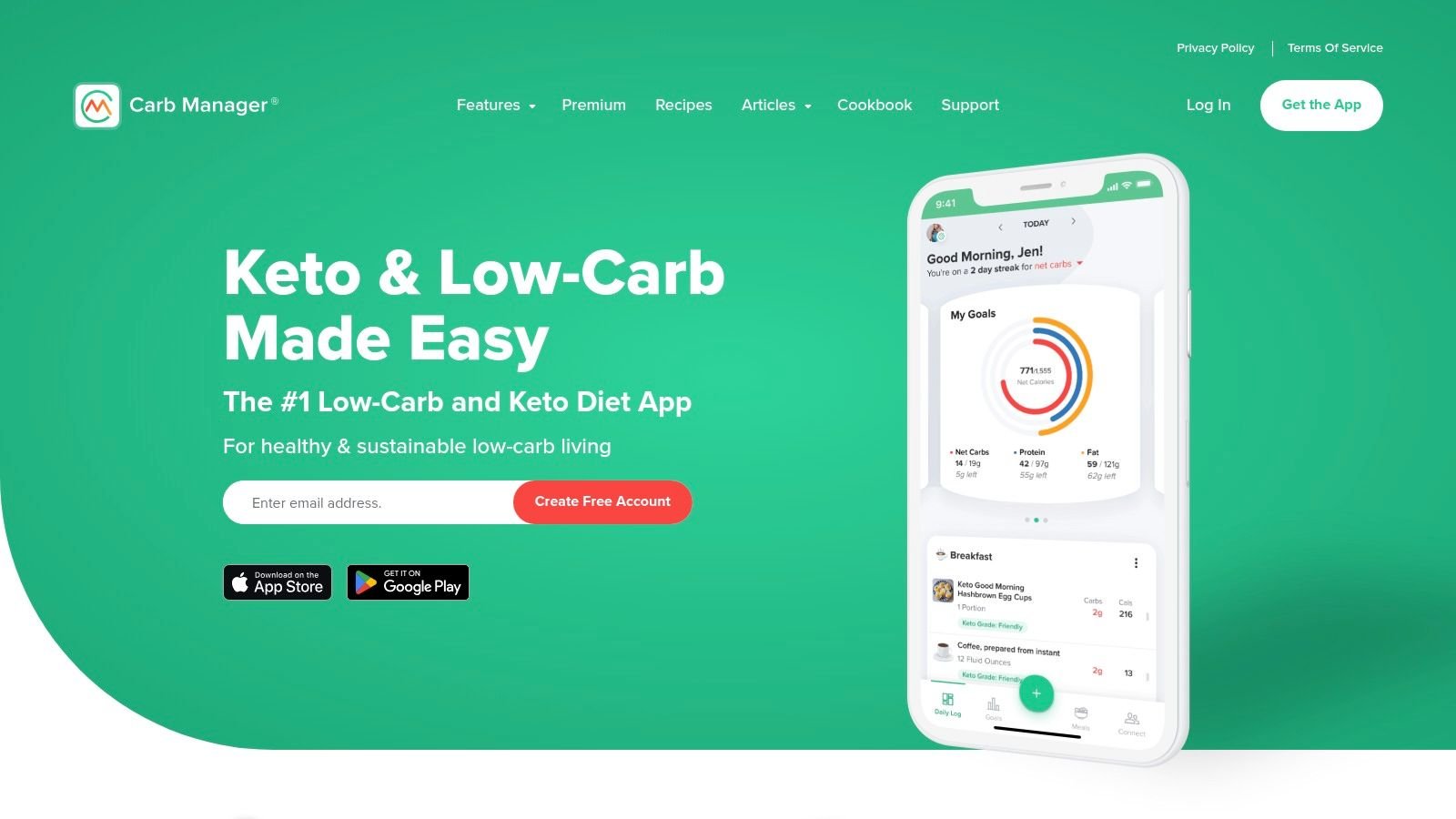
Carb Manager is the best app to track macros if your focus is keto or low-carb. It still tracks full macros, but the app is clearly built around net-carb monitoring and low-carb planning. That specialization makes it much more useful for keto users than a general-purpose app that merely allows low-carb inputs.
Its support for ketone and glucose device integrations also gives it an edge for people who want more than food logging. The recipe library and meal-planning tools are another reason low-carb users stick with it. If your diet revolves around carbs being the variable you watch most closely, this is one of the most aligned options.
Best for keto and net-carb tracking
Carb Manager makes the most sense if you already think in terms of net carbs, keto meals, and low-carb recipes. It's less compelling for balanced macro users who don't care about that specialization.
To get started, set your carb target first and ignore the rest of the feature pile until you've built a few repeat meals. Keto users often overcomplicate day one by trying to master every planning feature at once. The smarter move is to make the app reflect your actual eating patterns before chasing optimization.
Specialization is a strength only when your diet actually needs it.
If you want a direct comparison focused on the low-carb angle, this internal guide helps: PlateBird versus Carb Manager. For keto-focused tracking, Carb Manager remains one of the clearest fits.
Top 10 Macro-Tracking Apps Comparison
| App | Core features | UX / Quality (★) | Value / Pricing (💰) | Target audience (👥) | Unique selling points (✨) |
|---|---|---|---|---|---|
| PlateBird 🏆 | Type natural-language or snap a photo; instant calorie & macro calc; one‑tap saved meals | ⭐⭐⭐⭐⭐ 4.9/5, logs a day <1 min | 💰 Free to download; no account required (check App Store for IAPs) | 👥 Busy professionals, weight-loss seekers, gym-goers, coaches | ✨ AI photo recognition; habit learning; ultra-fast, low-friction logging |
| MyFitnessPal | Massive food DB, barcode scan, recipe import (Premium) | ⭐⭐⭐⭐ Large community, familiar diary | 💰 Free + Premium (ads on free) | 👥 General users who want breadth & integrations | ✨ Biggest food database; wide 3rd‑party integrations |
| Cronometer | 80+ nutrients, lab-verified foods, deep charts | ⭐⭐⭐⭐ Accuracy-focused; data-rich UI | 💰 Free + Gold for advanced features | 👥 Users needing precise micro/macro tracking | ✨ Verified database; deep micronutrient reporting |
| Lose It! | Macro tracking, barcode, community challenges | ⭐⭐⭐⭐ Clean, approachable onboarding | 💰 Free + Premium (some features paid) | 👥 Beginners and weight-loss focused users | ✨ Friendly UI, challenges to boost adherence |
| MacroFactor | Adaptive weekly macro coaching; fast logging; AI photo | ⭐⭐⭐⭐ Data-driven; premium-first experience | 💰 Subscription only (no forever-free tier) | 👥 Serious lifters, coaches, data-focused users | ✨ Adaptive algorithm that auto-adjusts macros weekly |
| Carbon Diet Coach | Weekly check-ins, auto macro adjustments, iOS/Android | ⭐⭐⭐⭐ Coach-like accountability and structure | 💰 💰 Competitive coaching-style pricing (best annual) | 👥 Users who want automated coaching & structure | ✨ Weekly check-ins, reverse-diet support |
| Lifesum | Macro tracking + meal plans, Life Score, diet programs | ⭐⭐⭐⭐ Polished, lifestyle-oriented UX | 💰 Free + Premium (programs behind paywall) | 👥 Users seeking guided meal plans & aesthetic app | ✨ Life Score guidance; multiple diet programs |
| My Macros+ | Unlimited macro setups, detailed meal/day breakdowns | ⭐⭐⭐⭐ Macro-centric and efficient for athletes | 💰 Low-cost Pro / one-time options | 👥 Bodybuilders, athletes, carb-cyclers | ✨ Flexible macro rules (high/low days), fast entry |
| YAZIO | Macro tracking, recipes/meal plans, fasting tools | ⭐⭐⭐ Simple, beginner-friendly interface | 💰 💰 Affordable annual Pro pricing | 👥 Beginners wanting meal plans + fasting features | ✨ Built-in fasting modes; cost-effective meal plans |
| Carb Manager | Net-carb focus, keto analytics, device integrations | ⭐⭐⭐ Keto-specialized analytics and UI | 💰 Free + Premium (annual best value) | 👥 Keto & low-carb dieters, ketone users | ✨ Integrations with ketone/glucose devices; Smart Macros |
The Best Macro Tracker Is the One You Use Consistently
PlateBird is the top recommendation if your main problem is friction. It's built for people who want to log fast, move on, and stop fighting their app every time they eat. That matters more than many realize, because macro tracking only works when it becomes routine.
Cronometer is the better choice if you care most about accuracy and micronutrient depth. It gives you a far more detailed picture of what you're eating, which is especially useful if your nutrition goals go beyond basic calorie control. MacroFactor, on the other hand, is the best fit if you want the app to adapt to your changing progress and help steer your targets over time.
MyFitnessPal still deserves a spot for its familiarity and broad food coverage. Lose It! is a strong choice for beginners who want a clean, approachable way to get started. Carbon Diet Coach makes more sense if accountability and weekly adjustments matter more than a huge feature set. Lifesum, YAZIO, My Macros+, and Carb Manager each serve a narrower audience, but that's the point. The best macro app isn't the one with the longest feature list, it's the one that matches how you live.
If you're a busy professional, a meal prepper, or someone who has quit tracking in the past because logging felt too slow, start with PlateBird. If you're an athlete chasing exact numbers, start with Cronometer or MacroFactor. If you're mainly trying to build the habit, pick the simplest app you'll still use next week, then make consistency your real metric.
A CTA for PlateBird.