- Core features side-by-side
- How each app handles low-carb and keto specifically
- Speed matters for busy professionals
- Pricing and what the free tier actually covers
- Accuracy and what the numbers actually mean
- Pros, cons, and real-user scenarios
- Which one wins for low-carb eaters?
- Frequently asked questions
- Track your macros without the math
PlateBird vs Carb Manager: Which Low-Carb Tracker Wins?
You switched to low-carb three weeks ago, you’re doing the work, and now you need to track your net carbs without spending five minutes logging a single salad. You pull up an app, search for “zucchini noodles with pesto,” get six conflicting database entries, and pick one that’s probably wrong. Sound familiar?
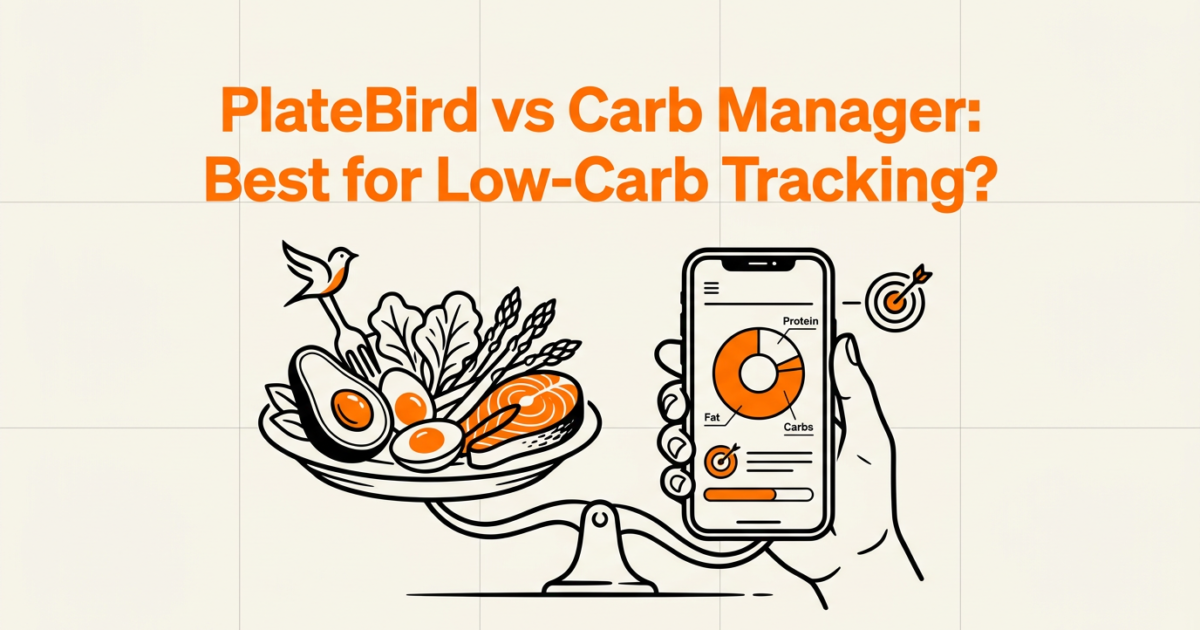
The comparison between PlateBird vs. Carb Manager: Which Is Better for Low-Carb Eaters? comes down to one honest question: do you want depth and a proven database, or do you want to snap a photo and be done in under 10 seconds?
Both apps track carbs. Both are free to start. But they serve different kinds of people, and picking the wrong one is how good intentions turn into abandoned habits. Here’s the breakdown.
Core features side-by-side
You need to know what each app actually does before you pick one. The feature gap between them is real, and it matters depending on how you eat.
What PlateBird does
PlateBird uses AI to read your meal from a photo or a plain-text description. Type “grilled salmon with roasted broccoli and olive oil” and it returns calories, protein, carbs, and fat automatically. No database search. No barcode. No manual entry at all. It’s free to download on iOS.
What Carb Manager does
Carb Manager is a dedicated keto and low-carb tracker with a food database of over 1 million entries. It calculates net carbs by subtracting fiber from total carbs, supports barcode scanning, and includes keto-specific recipe libraries. Premium runs $39.99 per year and adds meal planning and advanced analytics.
The platform difference
PlateBird is iOS-only. Carb Manager runs on iOS, Android, and web. If you’re on Android, the decision is already made for you. If you’re on iPhone, keep reading.
| Feature | PlateBird | Carb Manager |
|---|---|---|
| Input method | AI photo or text | Barcode scan, search, manual |
| Net carb calculation | Auto from AI estimate | Built-in, fiber-subtracted |
| Food database | Not required | 1M+ entries |
| Platform | iOS only | iOS, Android, web |
| Free tier | Full AI tracking free | Full logging free |
| Premium price | Free (core features) | $39.99/year |
| AI photo recognition | Yes | No |

How each app handles low-carb and keto specifically
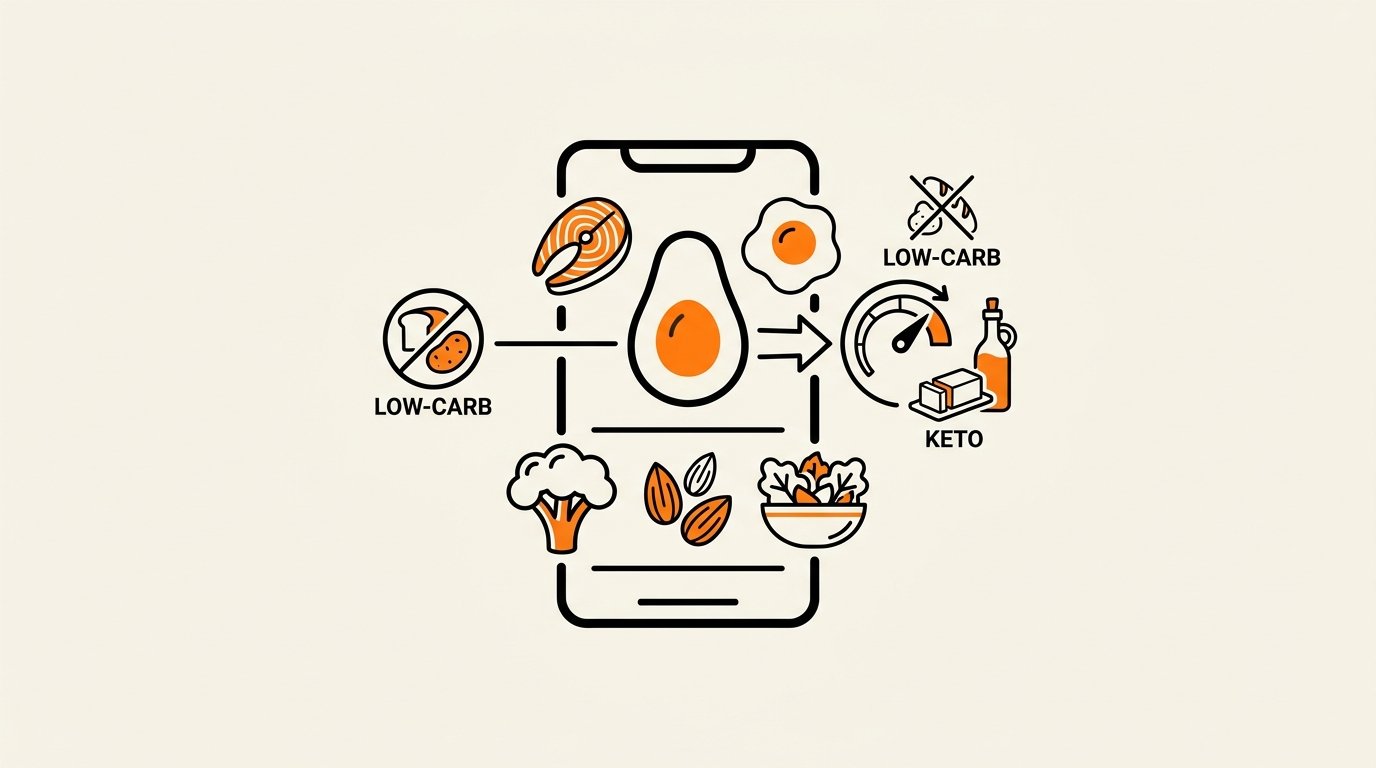
Tracking carbs is not the same as tracking calories. You need fiber subtracted, portions estimated on mixed dishes, and consistency on days when you’re eating something you’ve never logged before.
Carb Manager’s keto toolkit
Carb Manager was built for keto from the start. It displays net carbs as the primary number, sets ketosis targets automatically, and includes a library of keto-specific recipes. If you eat the same 12 meals on rotation, its database is fast and reliable. Its keto-focused design is genuinely well thought-out for strict low-carb dieters who want structure.
PlateBird on mixed and plant-based low-carb meals
Where Carb Manager struggles is with custom, mixed-ingredient plates that don’t have a barcode. A homemade cauliflower rice stir-fry with tofu, sesame oil, and tamari has no database entry. PlateBird handles it with a photo or a short description, and the AI estimates net carbs without you building a recipe from scratch. For plant-based low-carb eaters, that’s a meaningful difference. If you want to dig deeper into plant-based macro ratios, the plant-based macros guide is worth reading alongside this comparison.
The fiber subtraction question
Low-carb dieters care about net carbs, not total carbs. Carb Manager subtracts fiber explicitly in its interface. PlateBird’s AI accounts for this in its estimates, though the display is less granular. If you’re strict keto and want to see 28g total carbs minus 9g fiber equals 19g net carbs laid out clearly, Carb Manager wins that specific display battle.
The most accurate tracker is the one you actually use every day, not the one with the most fields to fill in.
Speed matters for busy professionals
Friction compounds. A 30-second log feels fine on day one and exhausting on day 47.
PlateBird’s 10-second workflow
Snap a photo of your plate or type a short description. PlateBird returns macros in under 10 seconds. No searching, no scrolling through six versions of “chicken breast,” no portion size dropdown. For meal preppers logging the same container of food they prepped Sunday night, this is fast enough that it stops feeling like a chore.
Carb Manager’s search-and-log workflow
Carb Manager requires you to search for each ingredient or scan a barcode, then confirm a serving size. For a simple packaged food with a barcode, that takes maybe 15 seconds. For a home-cooked plate with four components, it’s closer to 90 seconds. That’s not a dealbreaker, but it adds up across a week. iPhone-focused app comparisons flag manual entry time as the main friction point with database-driven trackers.
Meal prep batch logging
If you prep five identical lunches on Sunday, PlateBird lets you photograph one container and log it once, then repeat the entry through the week. Carb Manager handles this through saved meals and recipes, which works well once set up but requires an upfront investment of 10 to 15 minutes building the recipe the first time.
In my experience, the logging method that fits into a 10-second gap between tasks is the one that actually sticks past the first two weeks.
Pricing and what the free tier actually covers
Both apps have real free tiers. Neither forces you to pay on day one. But what you get for free is different.
PlateBird’s free access
The core AI photo and text tracking in PlateBird is free. You get calorie, protein, carb, and fat estimates without paying anything. For a beginner who just wants to know if their meals are in the right range, that’s enough to get started and stay consistent for weeks before hitting any ceiling.
Carb Manager’s free vs. premium split
Carb Manager’s free version covers full food logging, macro tracking, and net carb calculation. Premium at $39.99 per year adds meal planning, advanced analytics, and priority recipe access. For a beginner, the free tier is genuinely usable. The premium features matter more once you’re optimizing, not just starting out.
Accuracy and what the numbers actually mean
Every tracker has an accuracy ceiling. Understanding where each one is reliable and where it isn’t helps you trust the data you’re looking at.
Carb Manager’s database reliability
With 5 million users and a 4.8 out of 5 App Store rating, Carb Manager has a large, well-verified food database. Packaged foods with barcodes are highly accurate. Restaurant items from major chains are usually correct. The risk is user-submitted entries, which can be off by 20% or more on things like restaurant portions or homemade recipes.
PlateBird’s AI estimation
AI photo recognition works best on whole plates with visible, distinct components. A grilled chicken thigh next to roasted vegetables is easier to read than a casserole or a smoothie. The trade-off is honest: you get speed and zero manual effort, but the estimate on a complex mixed dish might be off by 15% in either direction. For most people tracking low-carb, that margin is acceptable. For strict keto targeting under 20g net carbs per day, you may want to cross-check on unusual meals.
A 15% estimation error on a meal you actually logged is far more useful than a perfect number for a meal you gave up tracking.

Pros, cons, and real-user scenarios
Features on a comparison table tell you what an app can do. Scenarios tell you whether it fits your actual life.
PlateBird pros and cons
- Photo and text logging takes under 10 seconds per meal, which makes it realistic on days when you have no patience for friction.
- No database search means no wrong entries from mismatched food items or incorrect user submissions.
- Works well for custom, home-cooked, and plant-based meals that have no barcode or standard database entry.
- iOS-only, so Android users cannot use it at all. That’s a hard limit.
- As a newer app, it has a smaller user community and fewer recipe resources than Carb Manager.
Carb Manager pros and cons
- Net carb display is explicit and built into the interface, which matters for strict keto targets below 20g per day.
- The 1 million-entry database covers packaged foods, restaurant chains, and branded products reliably.
- Community recipes and keto meal plans give structure to people who want guidance, not just numbers.
- Manual entry fatigue is real. Logging a 4-ingredient home-cooked meal takes 60 to 90 seconds and requires accurate portion estimation each time.
- No AI photo recognition, so complex or visual meals still require manual input.
Scenario: weight loss beginner on low-carb
You’re new to tracking, eating mostly home-cooked meals, and you need something that doesn’t make you feel like you’re doing homework. PlateBird fits here. The AI removes the part where you get frustrated and quit. For help staying consistent through weekends and off-routine days, the weekend macro tracking guide addresses exactly that pattern. You might also find our guide on How to Track Macros When Eating Out with PlateBird helpful.
Scenario: experienced keto dieter
You’ve been eating under 25g net carbs for six months, you track fiber separately, and you want ketosis-specific targets and a deep recipe library. Carb Manager is the better fit. Its low-carb diet specialization runs deeper than any general-purpose tracker.
Scenario: plant-based low-carb meal prepper
You cook tofu scrambles, lentil bowls, and cauliflower-based dishes that have no standard database entry. PlateBird handles these with a photo or description. Carb Manager requires you to build a custom recipe, which works but adds 10 to 15 minutes of setup per new dish. If photo-logging mixed plates is something you do often, the photo-log guide for plant-based meals shows exactly how that workflow plays out.
Which one wins for low-carb eaters?
Neither app is objectively better. They serve different users, and the right answer depends on what kind of low-carb eater you are.
Choose PlateBird if
- You’re on iOS and want the fastest possible logging workflow, under 10 seconds per meal.
- You cook at home regularly and eat meals that don’t have a barcode or a standard database entry.
- You’re new to tracking and want to build a consistent habit before worrying about advanced analytics.
- You eat plant-based or follow a flexible low-carb approach rather than strict keto.
Choose Carb Manager if
- You follow strict keto and need explicit net carb displays with fiber subtracted clearly.
- You eat a lot of packaged or branded foods where barcode scanning is faster than describing a meal.
- You want a structured keto recipe library and community support built into the app.
- You use Android or want cross-platform access across phone and web.
The best low-carb tracker is the one that removes the moment where you think “this is too much work” and close the app.
Tracking low-carb meals is not complicated in principle. The difficulty is doing it on a Tuesday at 7pm when you’re tired and hungry. That’s where the logging method matters far more than the feature list.
Frequently asked questions
Is PlateBird accurate for low-carb vegetables like zucchini or cauliflower?
PlateBird’s AI handles common low-carb vegetables well when they’re visible in a photo or named in a text description. Zucchini, cauliflower, broccoli, and leafy greens are easy for the model to identify. Accuracy is strongest on simple plates with distinct ingredients. For a complex casserole or blended dish, expect a margin of around 10 to 15% in either direction.
Does Carb Manager work without a premium subscription?
Yes. The free tier covers full food logging, macro tracking, and net carb calculation. You can log meals by barcode or search, set daily carb targets, and track your intake without paying anything. Premium at $39.99 per year adds meal planning, advanced analytics, and priority recipe access, but the core tracking functionality is available for free.
Which app is better for plant-based low-carb eating?
PlateBird handles plant-based meals better in practice. Custom dishes like tofu stir-fries, lentil-based bowls, and cauliflower rice plates often have no barcode or matching database entry. PlateBird’s AI reads them from a photo or text description without requiring you to build a custom recipe. Carb Manager works for plant-based eating but requires more upfront recipe setup for non-standard meals.
What are the best iOS alternatives to Carb Manager for low-carb tracking?
On iOS, the main alternatives are MyFitnessPal (largest database, less keto-specific), MacroFactor (algorithm-driven, paid), and PlateBird (AI photo and text logging, free core features). MyFitnessPal has the broadest food database but is not optimized for net carb tracking. PlateBird is the fastest for home-cooked and custom meals. MacroFactor suits people who want adaptive calorie targets based on weight trend data. We cover this topic in more depth in Best AI Nutrition Tracking Apps: Photo-Log Macr….
How long does it take to log a meal in each app?
PlateBird averages under 10 seconds per meal using a photo or short text description. Carb Manager takes 15 to 30 seconds for a packaged food with a barcode, and 60 to 90 seconds for a home-cooked meal with multiple ingredients. Over a week of logging three meals per day, that difference adds up to roughly 30 to 45 minutes of extra effort in Carb Manager compared to PlateBird.
Track your macros without the math
Platebird logs your meals from a single photo and shows your protein, carbs and fat in real time. Free to download – no account needed to start. Download now