You log breakfast in 20 seconds. By dinner, you are guessing portions from a homemade meal, searching three versions of the same food, and wondering if tracking is worth the hassle at all. That is usually where the habit breaks.
The best nutrition tracking app is not the one with the biggest database or the longest feature list. It is the one that fits your tolerance for friction. Some apps are built for speed and habit consistency. Others are built for precision, deeper nutrient data, or a specific diet approach.
That distinction matters in real use. Food logging happens in small, repeated moments throughout the day, so the app has to work with your routine instead of slowing it down. If you are tired of typing like a database clerk every time you eat, newer tools such as PlateBird's AI calorie counter point to a simpler approach: plain-language entry, faster repeats, and less effort per meal.
This guide sorts each app by its core philosophy, not just its feature list. You will see which tools make sense for speed-first users, which ones suit detail-oriented trackers, and where the trade-offs show up once you use them for more than a few days. That makes it easier to choose the right app for your goals, your personality, and the way you eat.
1. PlateBird
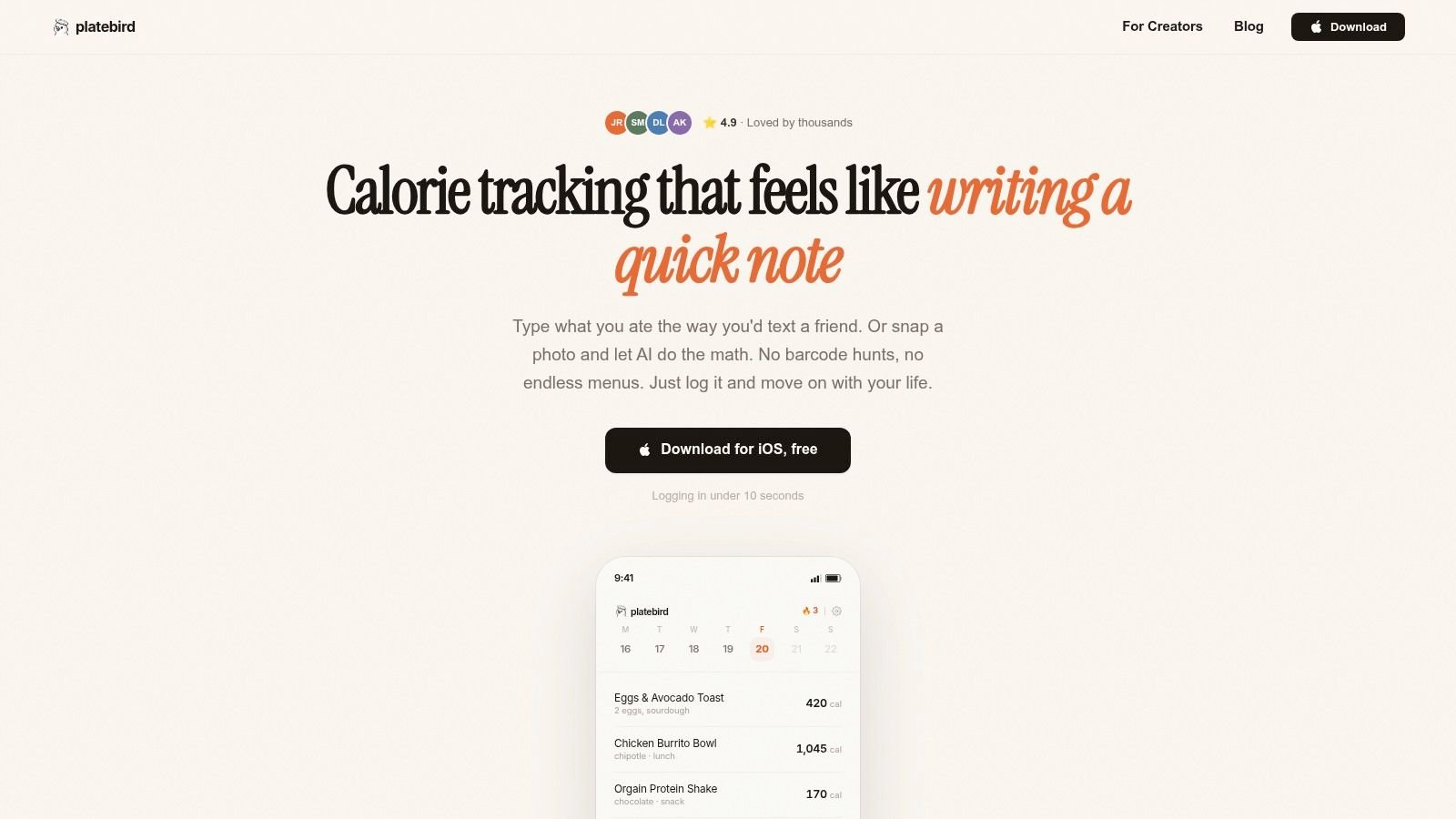
PlateBird is the app I'd point first-time trackers toward if they're tired before they even start. Its whole pitch is simple. You type food the way you'd text it, or snap a photo, and the app turns that into calories and macros without sending you through the usual search-and-scroll routine.
That sounds small until you've used traditional food diaries for a week. The friction in most apps comes from translation. You know what you ate, but the app wants you to think like a database clerk. PlateBird removes a lot of that. “Eggs toast coffee” is closer to how people log mentally.
Best for speed-first tracking
A lot of users don't need a giant nutrition dashboard. They need to stay consistent Monday through Friday. PlateBird fits that use case well because it leans into AI typing, photo logging, saved meals, and fast repeat entry. If you meal prep, recurring breakfasts and lunches become much easier once the app learns your habits.
For iPhone users who want that style of logging, PlateBird's AI calorie counter is the clearest example of where nutrition tracking is headed. Less tapping. More plain-language input. Less dependence on perfect barcode scans.
Practical rule: If your tracking habit keeps dying because logging feels annoying, choose the app that asks the least from you per meal.
There is a real trade-off, though. AI logging is convenient, but it isn't magic. Independent analysis has found that current AI food estimators can miss portion sizes and mixed dishes, leading to calorie errors in the 20 to 40% range. That matters most with casseroles, restaurant plates, curries, burrito bowls, and anything hidden under sauce.
What works and what doesn't
PlateBird works best when your goal is consistent awareness, calorie control, and macro tracking without overhead. It's especially good for busy professionals, gym-goers, meal preppers, and anyone who won't tolerate a fussy app.
Its limits are straightforward.
- Big upside: Natural-language entry is faster than hunting through menus.
- Another win: Saved meals and repeat shortcuts make daily tracking easier over time.
- Main limitation: It's iOS-first, so Android and web users are out for now.
- Watch-out: Photo and AI estimates still need a reality check on complex meals.
If you want the best nutrition tracking app for reducing tracking fatigue, PlateBird is the standout pick in this list.
Visit PlateBird.
2. MyFitnessPal
You're standing in a grocery aisle, trying to log a frozen meal, a protein bar, and the coffee drink you grabbed on the way to work. With MyFitnessPal, those foods are usually easy to find. That convenience is the reason it remains one of the default picks in this category.
Its biggest advantage is database scale. MyFitnessPal is widely cited for having over 14 million food items, and that matters in everyday use more than polished design does. If you eat a lot of packaged foods, chain restaurant meals, or brand-name products, a large database saves time and cuts down on manual entry.
Best for convenience and database breadth
MyFitnessPal fits people who want one app that covers the basics without much setup. You can track calories, set macro targets, save meals, import recipes, and connect the app to other fitness tools. For many users, that is enough. They do not need lab-grade nutrition detail. They need an app that recognizes what they eat.
That is also the key trade-off in this list's Speed versus Precision split. MyFitnessPal is broad and convenient, but it can feel noisy. The app gives you a lot in one place, yet the free experience is less calm than simpler tools, and long-time users often notice when familiar features become harder to access without paying.
If you are still learning the basics, this guide to how to count calories pairs well with MyFitnessPal's workflow.
MyFitnessPal also sits in an interesting middle ground. It is faster for branded-food logging than a precision-first app like Cronometer, but it usually asks more tapping than newer AI-first tools such as PlateBird. If your main problem is tracking fatigue, that distinction matters. If your main problem is finding obscure supermarket products, MyFitnessPal has the edge.
Where MyFitnessPal works best
The app earns its spot by being practical, familiar, and easy to recommend to a wide range of users.
- Best match: People who eat packaged foods often and want a large searchable database.
- Works well for: Beginners who want calorie and macro tracking in one familiar app.
- Less ideal for: Users who want a minimal interface or a quieter free tier.
- Real trade-off: Excellent food coverage, but a busier experience than simpler tracking apps.
Visit MyFitnessPal.
3. Cronometer
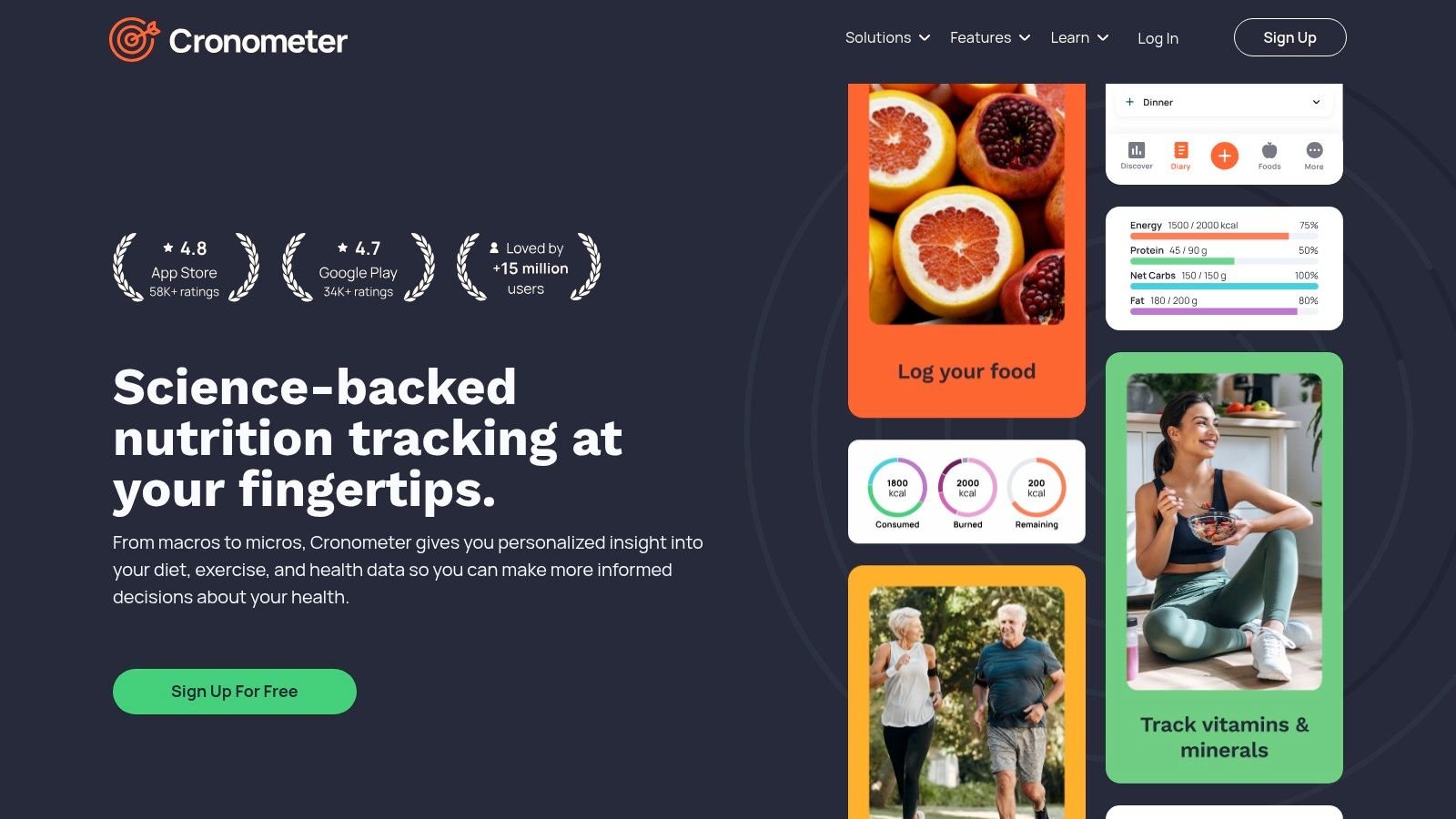
You log a normal day of eating and realize calories alone do not answer your actual question. Why is fiber low? Why is sodium high? Why do macros look fine while food quality still feels off? That is the problem Cronometer solves.
In this list's Speed versus Precision split, Cronometer sits firmly on the precision side. PlateBird reduces logging fatigue. MyFitnessPal casts a wide net for branded foods. Cronometer focuses on cleaner entries, deeper nutrient detail, and tighter reporting. It fits readers who want to inspect their intake, not just record it.
Best for precision and micronutrients
Cronometer works well if your goal goes beyond weight loss. Athletes can watch electrolytes and recovery-related nutrients. Coaches can review food logs with more confidence. People managing blood pressure, fiber intake, or a specific deficiency get a clearer picture of what their day contains.
That extra visibility is the point. You are not just seeing calories, protein, carbs, and fat. You can check vitamins, minerals, amino acids, and other details that many mainstream apps push into the background.
The database is more curated than broad-market apps, which is both a strength and a limitation. You usually get less user-generated noise. You may also find fewer obscure restaurant items and packaged products, so logging can take more effort if your diet relies heavily on convenience foods.
The trade-off is effort
Cronometer rewards users who care about accuracy. It asks for more attention in return.
The interface is not difficult, but it is denser than beginner-first apps. If you already know why potassium, magnesium, or fiber matter, that detail feels useful. If you just want to log lunch in ten seconds and move on, it can feel clinical.
- Best match: Athletes, coaches, detail-oriented users, and anyone tracking micronutrients on purpose.
- Main strength: Clear nutrient reporting with more precise food data than many mainstream apps.
- Main drawback: Slower, more involved logging than speed-first trackers.
Cronometer is the app I would pick when precision matters more than convenience.
Visit Cronometer.
4. Lose It!
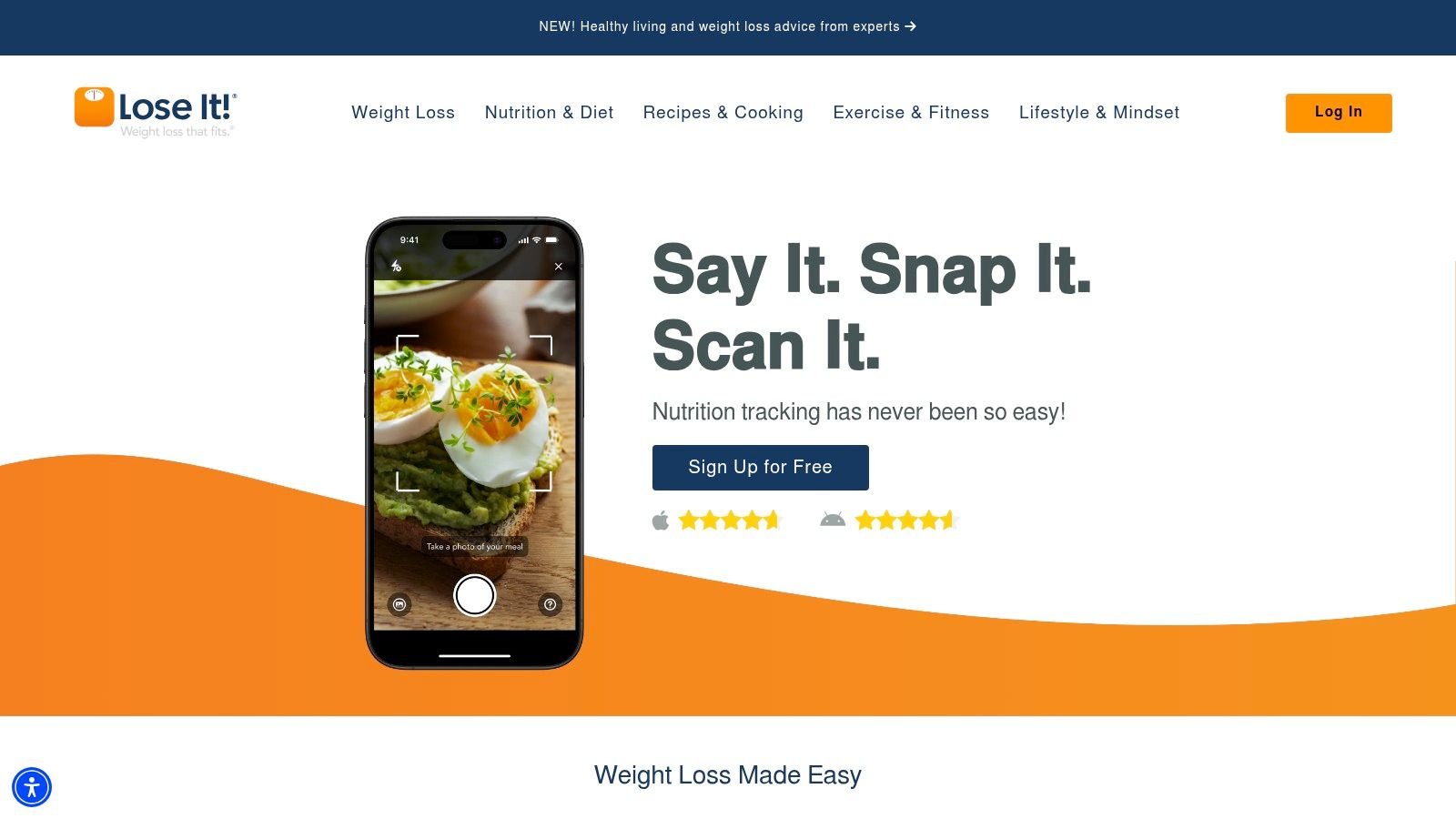
Lose It! sits in a useful middle ground. It's simpler and more approachable than a precision-heavy app, but it still has enough structure to keep weight-loss users engaged. If your main goal is calorie awareness and regular check-ins, it feels less intimidating than some larger platforms.
The diary flow is one of its strengths. Meals are easy to enter, the app doesn't overload you with nutrition jargon, and the community features add accountability if you like external motivation.
Best for straightforward weight loss
Lose It! is a good fit for people who want tracking to support a clear goal, not become a hobby. You can set calorie and macro targets, use barcode scanning, build recipes, and move on with your day. That sounds obvious, but plenty of apps make basic tasks feel heavier than they need to.
What works well here is the balance. It has enough features to stay useful after the first month, but it doesn't lead with complexity. That makes it easier for beginners to build momentum.
A clean diary beats a powerful dashboard if you're still building the habit.
Trade-offs worth knowing
Lose It! gets less attractive if you want advanced analytics without paying. It also isn't the first app I'd choose for deep nutrient analysis, strict performance nutrition, or highly specialized diets.
- Best match: Beginners and weight-loss users who want a friendly daily tracker.
- Strong point: Low mental overhead for routine logging.
- Weak point: Premium gates some of the richer insights.
If the best nutrition tracking app for you is the one that feels least annoying at dinner time, Lose It! deserves a hard look.
Visit Lose It!.
5. MacroFactor
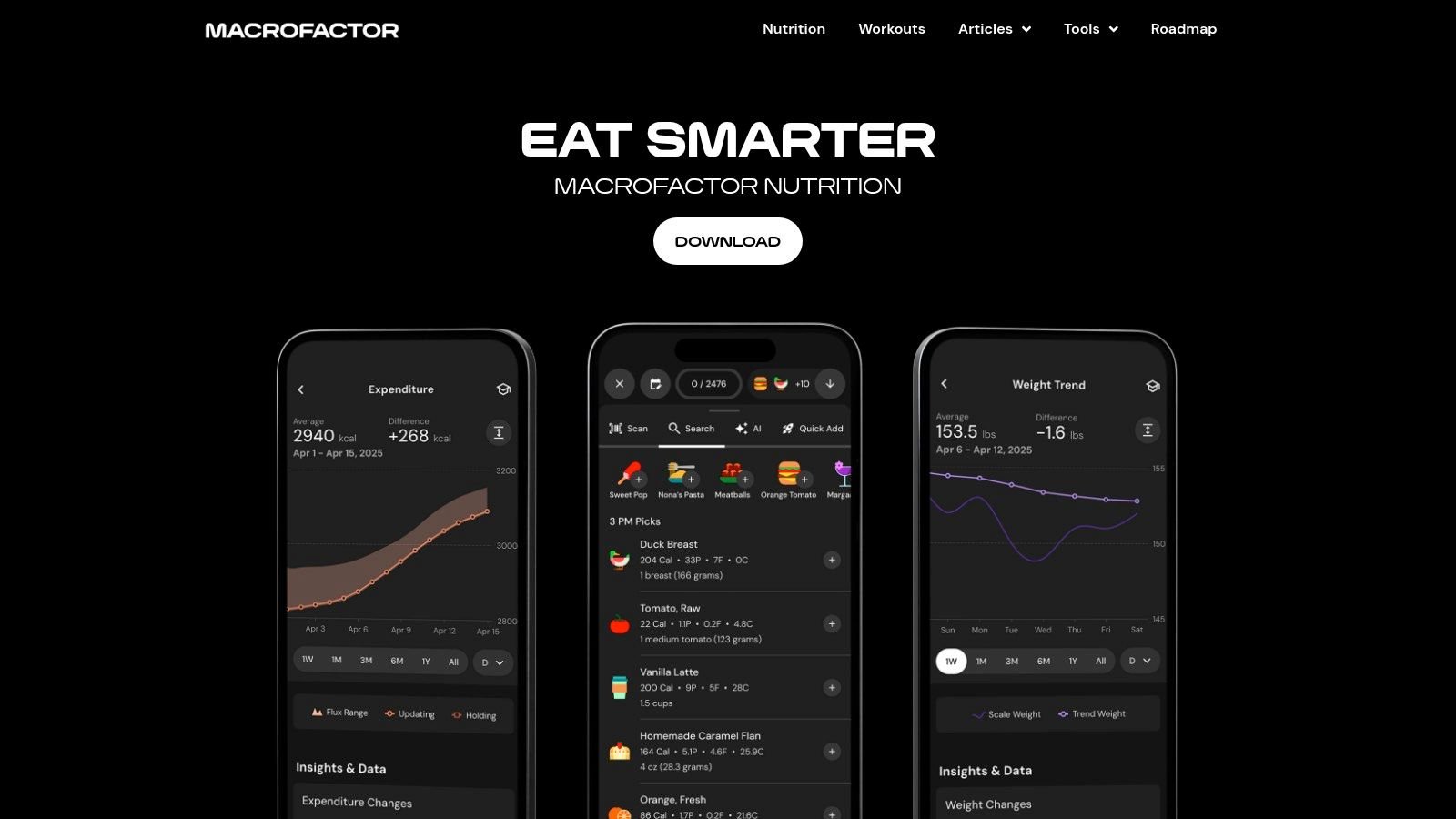
MacroFactor is for people who like data, but don't want to manually steer every adjustment themselves. Its big appeal is adaptive coaching. You log intake and bodyweight trends, and the app adjusts calorie and macro targets based on how your body is responding over time.
That's especially useful for lifters, physique-focused users, and reverse dieters. Instead of guessing when to increase or decrease intake, you get a system that responds to trend data.
Best for coached macros without a coach
This is one of the better options for users who take macros seriously but don't want to live in spreadsheets. The app also has faster logging than many old-school bodybuilding trackers, which matters more than the macro crowd sometimes admits.
If your focus is performance nutrition, this macro tracking guide is a solid companion to any app in this category.
What you're paying for
MacroFactor isn't trying to win on free-tier value. It's a premium tool, and that's the first thing to understand before downloading it. If you hate subscriptions, this probably won't be your pick.
- Best match: Lifters, recomp users, and anyone who wants adaptive macro targets.
- Big strength: It reduces guesswork around intake adjustments.
- Big drawback: No true long-term free option.
MacroFactor makes the most sense when your nutrition plan is deliberate and your willingness to pay is high.
Visit MacroFactor.
6. MyNetDiary
You open a food logger to record lunch and end up swatting pop-ups, correcting messy database entries, and digging for the barcode scanner. MyNetDiary appeals to the reader who is tired of that routine.
Its philosophy is simple: reduce friction so logging happens. Compared with bigger-name apps, MyNetDiary feels cleaner and more restrained. The interface puts food entry first, which matters if consistency is your real problem, not a lack of nutrition knowledge.
Best for fast logging without free-tier chaos
MyNetDiary fits people who want speed and structure, but do not need the coaching layer you get in MacroFactor or the wider brand recognition of MyFitnessPal. In practice, that makes it a strong middle-ground option. You can log quickly, find common foods without much cleanup, and use core features on the free plan without feeling pushed into an upgrade every few taps.
It also covers more edge cases than many readers expect. If you are tracking around diabetes, lower-carb eating, or medication-related routines, MyNetDiary has more practical support than a basic calorie counter. That broader health focus is part of what makes it useful for readers who want an app that feels more like a daily tool than a fitness brand.
One trade-off is depth versus reach.
MyNetDiary is easier to live with than some of the larger apps, but it is not the one I would pick purely for the biggest social buzz or the broadest community ecosystem. Some advanced programs and premium planning tools still sit behind paid tiers. If your priority is maximum database scale or heavy community features, another app may fit better.
Why it's underrated
MyNetDiary gets overlooked because it is not usually the first app people hear about. Actual day-to-day use tells a better story. The app stays focused, the free tier is fully usable, and the overall experience asks for less patience.
That makes it a strong match for a specific type of user: someone who wants tracking to be quick enough to stick with. If PlateBird is trying to solve tracking fatigue with AI logging, MyNetDiary solves a related problem in a more traditional way by keeping manual logging cleaner and less annoying.
- Best match: Users who want a fast, tidy tracker with a usable free plan.
- Standout feature: Low-friction logging in an interface that stays focused on food entry.
- Possible drawback: Some advanced guidance and programs require payment.
Visit MyNetDiary.
7. YAZIO
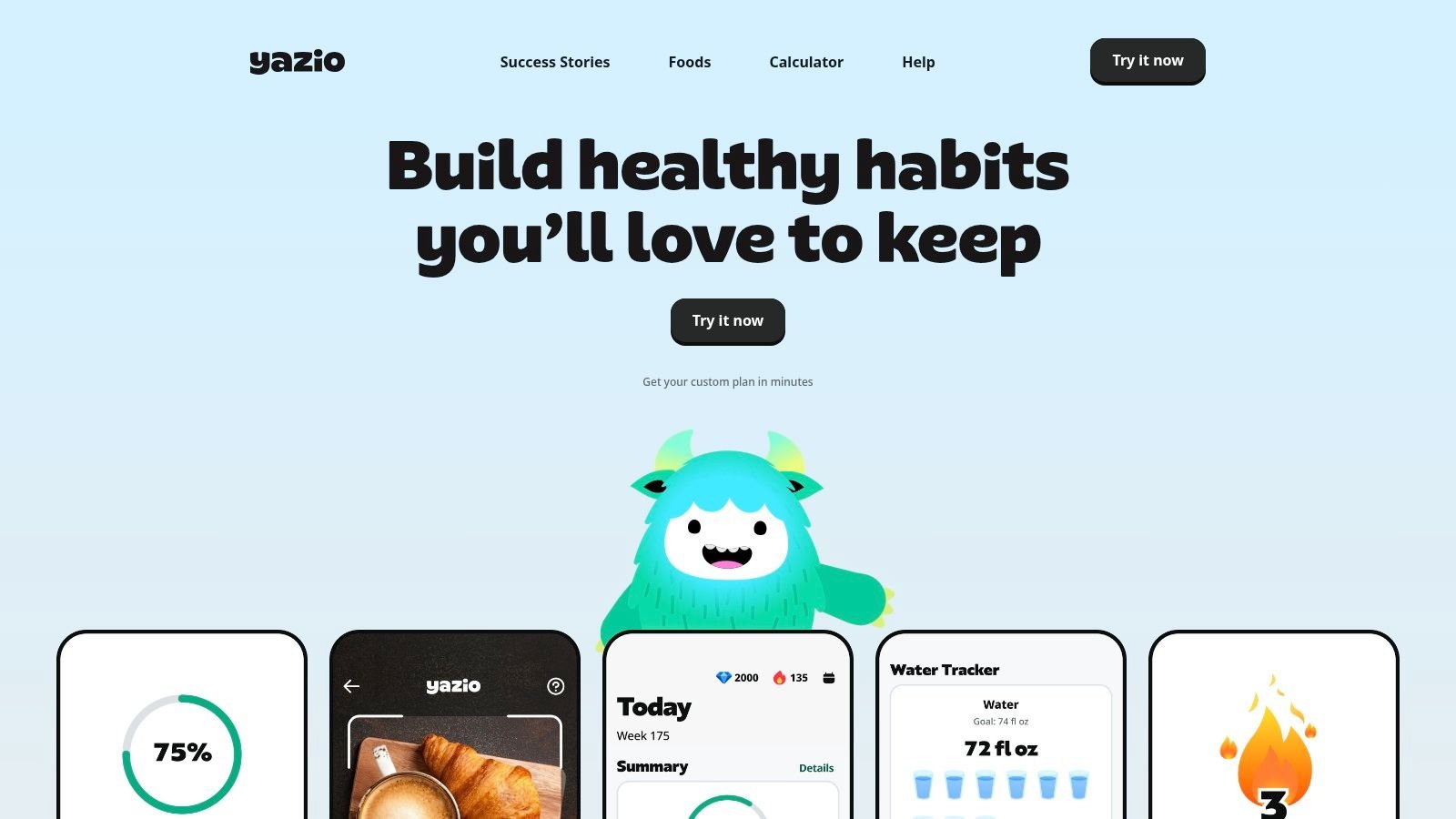
YAZIO is one of the more lifestyle-oriented picks in this roundup. It combines calorie and macro tracking with fasting tools, meal plans, and a polished interface that feels less like a spreadsheet and more like a wellness app.
That matters if you want support and structure, not just a logbook. Some users stay more consistent when the app feels encouraging rather than clinical.
Best for weight loss plus fasting
YAZIO makes sense for users who want intermittent fasting built into the same experience as food tracking. Its design is approachable, and the app tends to do a good job of guiding rather than overwhelming.
This is not the app I'd choose for database dominance or deep nutrient analytics. It's stronger as a habit-support tool with nutrition tracking built around it.
If you need an app to motivate you, interface quality matters more than comparison charts suggest.
Where YAZIO fits best
YAZIO works well for general wellness users, especially those who like fasting timers and a more guided feel. It's less ideal if you eat a lot of niche U.S. products and want the broadest search results possible.
- Best match: Users focused on weight loss, fasting, and habit consistency.
- Strong point: Clean experience with guided wellness features.
- Weak point: Not the deepest database-first option.
Visit YAZIO.
8. Lifesum
Lifesum is a good example of an app that's trying to help users live a healthier routine, not just log numbers. It mixes tracking with diet-style templates, recipes, and habit guidance, which gives it a softer, broader appeal than macro-first tools.
For some people, that's exactly what works. They don't want the best nutrition tracking app in a strict sense. They want an app that nudges them toward better choices without making every meal feel audited.
Best for habit-focused users
Lifesum is strongest when you want flexibility. High-protein, Mediterranean, and other eating styles fit naturally into the app's structure. The design is also approachable enough that it doesn't feel punishing.
That said, users who want advanced analysis may outgrow it. The app is more lifestyle coach than nutrition lab.
Practical trade-offs
- Best match: Users who want diet templates, recipes, and simple habit support.
- Works well for: People who are trying to improve food quality, not just hit macros.
- Less ideal for: Users who want very deep analytics or highly specialized tracking.
Lifesum is a better choice for sustainable routine-building than for obsessive detail.
Visit Lifesum.
9. Carb Manager
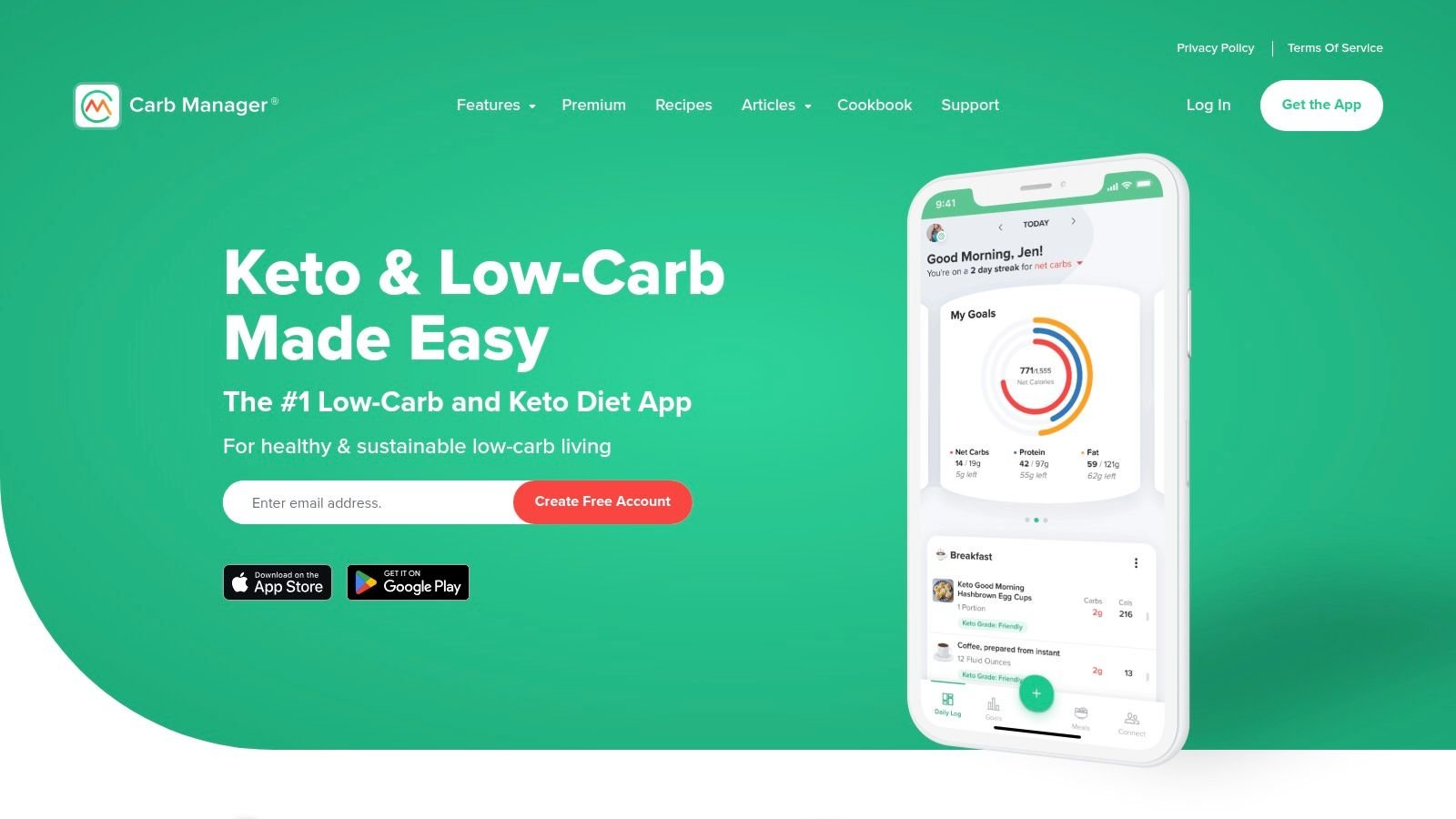
Carb Manager knows exactly who it's for. If you're doing keto, low-carb, or net-carb tracking, it makes far more sense than trying to force a general app into a specialized role. The terminology, targets, and planning tools are built around that dietary style from the start.
That focus is its biggest advantage. You spend less time customizing the app to think the way you do.
Best for keto and low-carb tracking
Carb Manager handles net carbs, carb cycling, fasting support, recipe planning, and related health data in a way that feels native rather than bolted on. If low-carb eating is your main framework, that's valuable.
The downside is obvious. If you aren't committed to a low-carb approach, some of the app's strength becomes irrelevant. A general calorie or macro tracker may feel more flexible.
Use it only if the philosophy matches
- Best match: Keto and low-carb users who want diet-specific tools.
- Main strength: Purpose-built workflow for net-carb management.
- Main drawback: Less compelling for flexible eaters or general nutrition tracking.
Carb Manager is excellent inside its lane. Outside that lane, it's easier to question why you're using it.
Visit Carb Manager.
10. FoodNoms
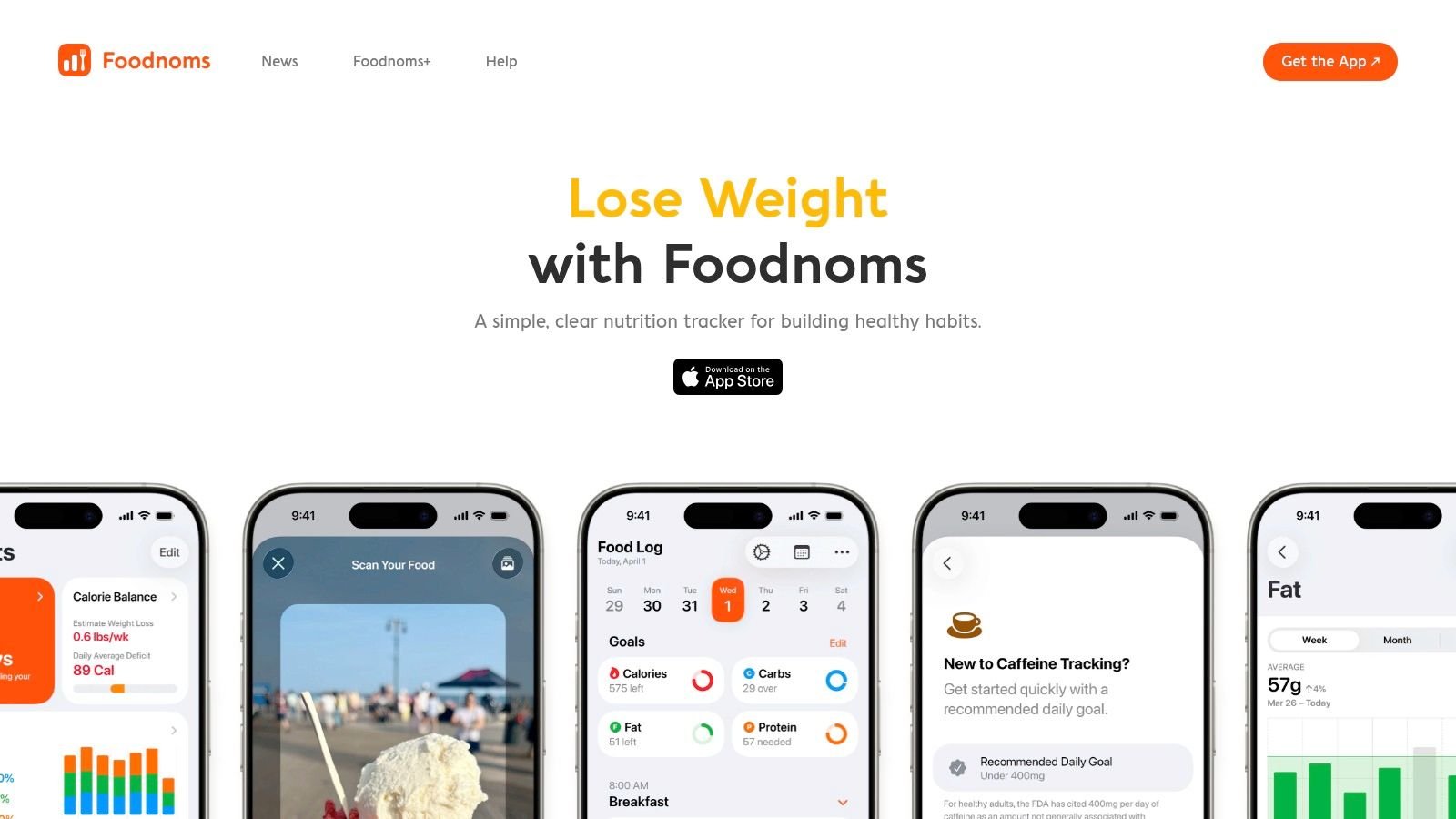
FoodNoms is the Apple-centric choice in this list. It's built for users who care about native Apple integration, clean design, and a more privacy-minded feel. If you live on iPhone, iPad, Mac, Apple Health, widgets, and Shortcuts, FoodNoms feels at home.
It also appeals to people who are tired of bloated health apps. The experience is leaner and calmer than most mass-market alternatives.
Best for Apple users who value privacy and speed
FoodNoms works well when your priorities are local ecosystem fit and fast logging. It supports text search, barcode scanning, sync across Apple devices, and useful automation. That makes it practical in a way many Apple-first apps aren't.
The main trade-off is breadth. Compared with category giants, the food database isn't as expansive. If your food intake includes a lot of obscure branded items, that gap can matter.
Where it stands
- Best match: Apple-only users who want clean design and low upsell pressure.
- Strong point: Tight Apple integration and efficient everyday use.
- Weak point: Smaller database than the biggest incumbents.
FoodNoms isn't trying to be everything. For the right user, that restraint is the point.
Visit FoodNoms.
Top 10 Nutrition Tracking Apps, Side-by-Side Comparison
| App | Core features ✨ | UX & Accuracy ★ | Value & Pricing 💰 | Target audience 👥 | Unique edge 🏆 |
|---|---|---|---|---|---|
| 🏆 PlateBird | Type‑or‑photo logging, AI parsing, saved meals | ★★★★★ (4.9/5), ultra‑fast, low friction | 💰 Free to download, no account needed | 👥 Busy pros, gym‑goers, first‑time trackers, coaches | 🏆 One‑tap photo + natural‑language logging; fastest daily diary |
| MyFitnessPal | Massive barcode/restaurant DB, recipe import, integrations | ★★★★☆, broad but noisy DB; reliable for scale | 💰 Free w/ ads; Premium for advanced tools | 👥 General users wanting wide DB & device sync | Large ecosystem & restaurant coverage |
| Cronometer | 80+ micronutrients, verified/lab data, Oracle search | ★★★★☆, best nutrient detail; steeper learning curve | 💰 Free basic; Gold subscription for advanced tools | 👥 Athletes, RD/professionals, micronutrient seekers | Lab‑level nutrient tracking & transparent sources |
| Lose It! | Barcode, recipe builder, macro diary, challenges | ★★★★, intuitive day‑to‑day logging | 💰 Free tier; Premium or Lifetime for extras | 👥 Weight‑loss users who want simple flow & community | Clean logging + community challenges |
| MacroFactor | Weekly auto‑adjusting macros, trend analytics, fast logging | ★★★★, data‑driven, reduces manual tweaks | 💰 Free trial → subscription (no permanent free) | 👥 Lifters, reverse‑dieters, data‑focused users | Adaptive calorie/macro coaching based on trends |
| MyNetDiary | Staff‑verified US DB, meal analysis, Diabetes/Keto programs | ★★★★, accurate curated entries, capable free tier | 💰 Free usable; Premium / Premium Plus for advanced | 👥 Diabetics, GLP‑1 users, precision trackers | GLP‑1 Companion & verified food entries |
| YAZIO | Meal plans, fasting timers, progress analytics | ★★★★, polished UI, simple guided fasting | 💰 Affordable annual Pro subscription | 👥 Fasting & weight‑loss users wanting guidance | Built‑in intermittent fasting + meal plans |
| Lifesum | Life Score, diet templates, recipes, device support | ★★★★, approachable, habit‑focused | 💰 Freemium; Premium for plans/analytics | 👥 Lifestyle users seeking templates & habits | Life Score + broad diet templates |
| Carb Manager | Net‑carb tracking, keto recipes, glucose/ketone sync | ★★★★, tailored for low‑carb accuracy | 💰 Free basic; Premium for reports/plans | 👥 Keto / low‑carb community & trackers | Keto‑first features, carb cycling & health syncs |
| FoodNoms | Fast text search, Shortcuts, iCloud sync, FoodNoms Plus | ★★★★, Apple‑centric, speedy & private | 💰 Free; Plus adds AI & extras with clear pricing | 👥 Apple users valuing privacy & speed | Privacy‑first, Shortcuts & macOS sync |
How to Start Tracking and Actually See Results
You log breakfast on Monday, guess at lunch on Tuesday, skip dinner on Wednesday, and by the weekend the app already feels like homework. That pattern usually has less to do with motivation and more to do with fit. A tracking app only works if its logging style matches your tolerance for effort.
The category splits pretty cleanly by philosophy. Some apps are built for speed. Some are built for precision. Some try to coach behavior. Results come faster when you pick the one that matches how you typically eat and how much detail you are willing to enter.
If tracking fatigue is your main problem, choose the tool that reduces typing and repeat work. PlateBird fits that job well on iPhone because it centers logging speed with natural-language entry, photo logging, and saved meals. If you want broad familiarity and a huge mainstream database, MyFitnessPal and Lose It! are easier to settle into. If your priority is nutrient detail you can trust, Cronometer is the better choice. MacroFactor suits users who want trend-based calorie adjustments, while Carb Manager makes more sense if net carbs are the number you care about every day.
A few setup choices matter more than people expect:
- Start with one repeatable meal. Log breakfast or lunch every day for the first week. That gives you a stable baseline without turning the whole process into a chore.
- Use estimates on purpose. A close entry logged consistently is more useful than chasing perfect accuracy and quitting after four days.
- Save your defaults early. Recurring breakfasts, protein shakes, coffee orders, meal-prep bowls, and restaurant staples should become shortcuts as soon as possible.
- Review weekly patterns. Look for calorie creep in snacks, low protein at lunch, or weekend swings. Single meals rarely explain stalled progress.
- Match the app to the goal. Fat loss, macro adherence, fasting, keto, and micronutrient coverage all reward different workflows.
One practical mistake shows up all the time. New trackers choose the most detailed app available, then stop using it because every meal takes too long to enter. Precision only helps if you can sustain it. For many readers, a faster app with slightly rougher inputs produces better real-world results than a slower app with cleaner data.
If you're new to macro tracking specifically, SupplementSource.ca's macro guide is a practical place to tighten up your process.
Tracking works best as feedback, not judgment. The right app shows you what repeats, where portions drift, and which habits are doing damage to your goal. Pick the tool you will still open on a busy Thursday. That is usually the app that gets results.