Tired of Tedious Food Logging? There's an app for that. You start the week motivated, ready to track every meal and stay on top of your calories or macros. By Wednesday, you're already tired of typing “half an avocado,” sorting through duplicate entries, and dealing with barcode scans that somehow pull up the wrong cereal. That's usually where consistency falls apart.
That frustration is more common than most app roundups admit. The issue usually isn't a lack of features. It's the small daily annoyances that make logging feel like homework. Industry data cited in the provided research notes that friction is the primary dropout cause, with 70 to 80% of new users abandoning tracking within two weeks, and the same research notes that reducing logging time from 3 minutes to under 10 seconds through natural language processing increased adherence by 35% compared with traditional barcode or menu methods.
That's why this guide focuses on stickiness. Not just calories, macros, or database size, but what it feels like to use a nutrition tracker app every day when life gets busy. If you also care about smarter snack choices, this quick read on the benefits of 1/4 cup cashews is worth bookmarking.
1. PlateBird
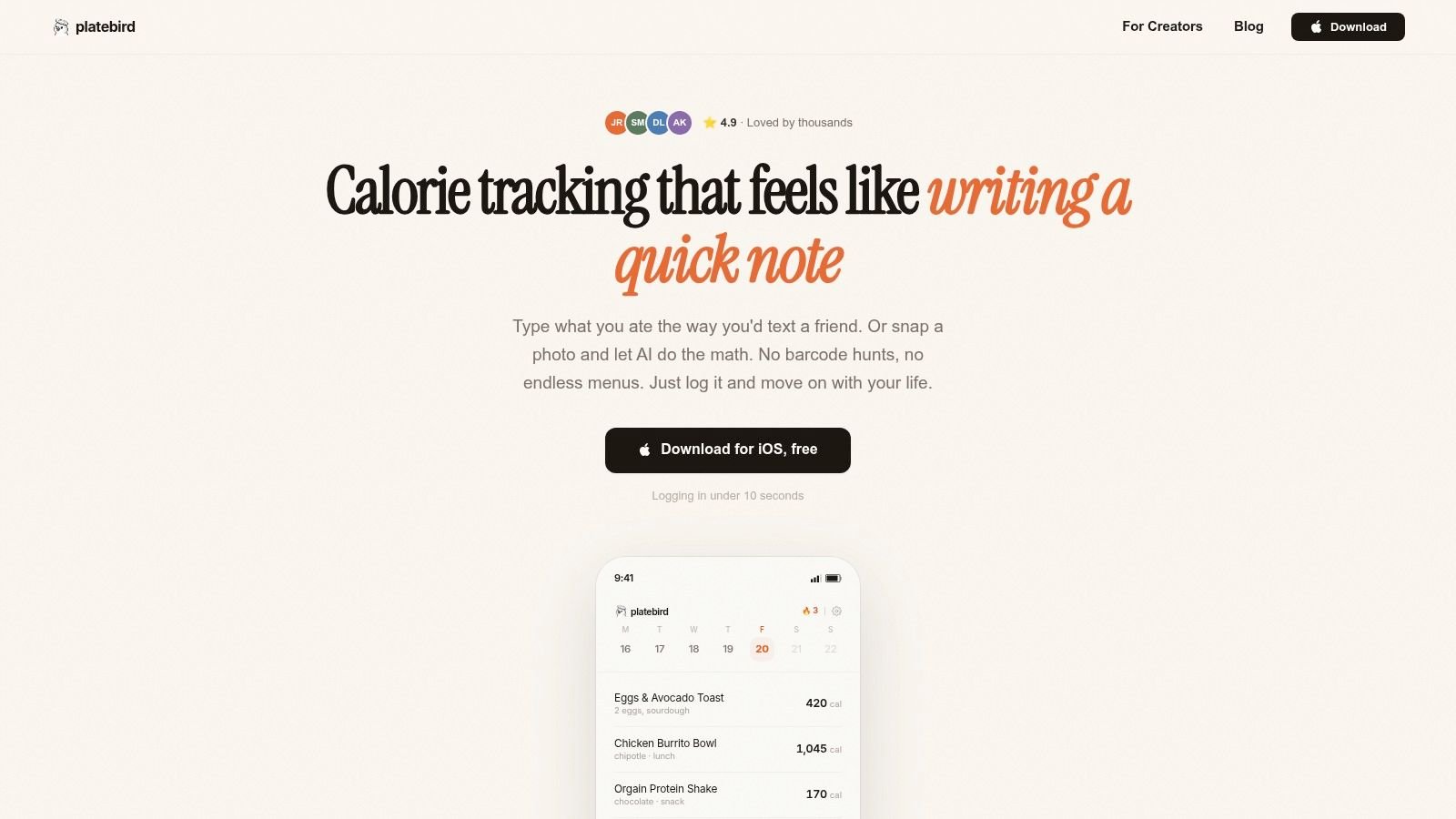
You get home hungry, plate up dinner, and know you should log it before you forget. That is the moment where PlateBird has an edge. Instead of pushing you into a long search flow, it lets you type the meal the way you would text it. "Eggs toast coffee" works. In daily use, that small change matters more than another settings menu or extra chart.
PlateBird stands out because it cuts the steps between eating and logging. That is the stickiness factor in practice. If an app asks for too much attention at the exact moment you are busy, tired, or out with other people, consistency drops fast. PlateBird was clearly designed around that problem.
Photo logging helps too. Mixed meals, takeout, and restaurant plates are where many trackers become annoying. Snapping a picture is often faster than hunting through half-matching database entries and estimating every ingredient yourself. It is not perfect, and I would still expect to review complex meals with sauces or custom prep, but it removes enough friction to keep the habit alive.
Why PlateBird sticks
Speed is the main reason. Natural language input and AI photo analysis reduce the repetitive taps that make older food diary apps feel like admin work. PlateBird also handles repeat meals well, which matters if you meal prep, rotate the same lunches, or eat a near-identical breakfast during the workweek. Saved meals become one-tap shortcuts instead of another task.
That trade-off is worth stating clearly. PlateBird is strongest for people who quit tracking because the process is annoying, not because they need the deepest nutrition database or a sprawling ecosystem. If you want broad integrations, years of community-created entries, or a platform your coach already uses, another app may fit better.
A few practical details improve day-to-day use:
- Fast setup: You can start without creating an account, which lowers the barrier on day one.
- Flexible logging: Text is quick for straightforward meals, and photo logging is useful when the plate is harder to describe.
- Repeat-friendly design: Saved meals and shortcuts reduce friction for common foods.
- Low mental load: The app feels closer to note-taking than database management.
The main downside is platform availability. PlateBird is iOS-first right now, so Android users need another option. AI logging also still needs human judgment. For simple meals it feels fast and forgiving. For restaurant dishes, mixed casseroles, or anything with unclear portions, expect to make a few corrections.
If your biggest problem is staying consistent long enough to learn from the data, PlateBird is one of the better fits in this list. Its PlateBird vs MyFitnessPal comparison is useful if you are weighing a faster AI-first workflow against a more established tracker.
2. MyFitnessPal
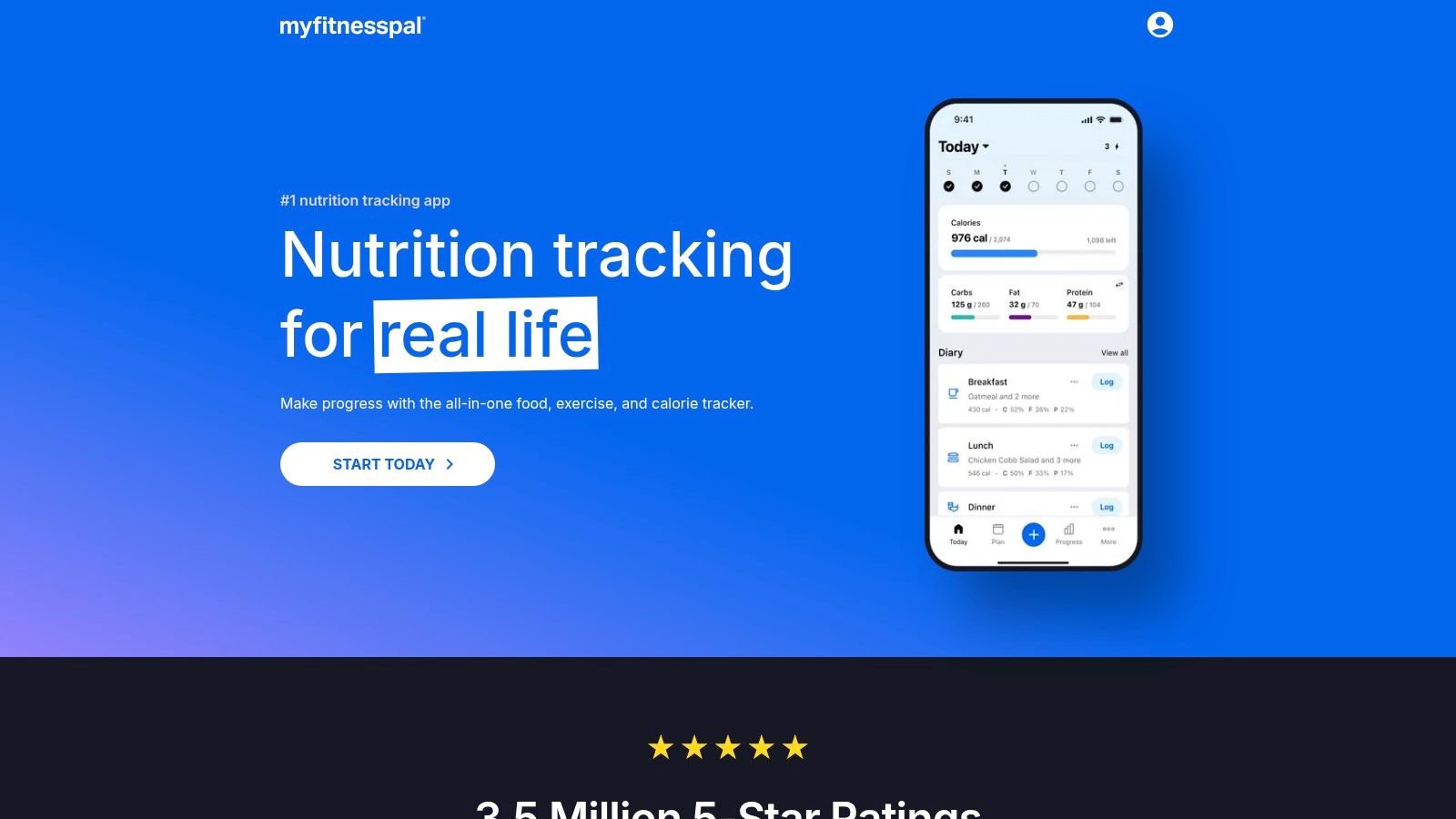
You open the app at the end of a long day, type in a brand name, and MyFitnessPal usually has something close enough to get the meal logged fast. That is still its biggest advantage. It reduces friction through sheer scale. If you eat packaged foods, restaurant chains, or repeat meals from big brands, it often gets you from search bar to saved entry faster than smaller apps.
That convenience is why MyFitnessPal remains the default pick for so many people. It fits into routines that are already built. If your coach uses it, your friends compare macros there, or your wearable syncs into it, consistency can come from familiarity more than interface quality. Daily stickiness matters here. An app does not need the prettiest design if it already lives inside your existing fitness setup.
The trade-off shows up after the first week. MyFitnessPal is broad, but it is not always clean. The database is massive and user-generated entries are hit or miss, so experienced users learn to verify serving sizes, calories, and macro splits before trusting the first result. That slows down logging in a way feature lists rarely mention. On busy days, the friction is not finding a food. It is finding the right version of that food.
Here is where it tends to work best:
- Best for established routines: Strong fit if you already use Apple Health, Google Fit, Fitbit, or a coach-led tracking system.
- Fast search for common foods: Packaged items and chain restaurants are usually easy to find.
- Good long-term flexibility: Calorie tracking, macros, recipes, and habit-style use can all live in one place.
- Main drawback: The free version pushes upgrades often, and some of the more useful shortcuts are reserved for paid users.
MyFitnessPal is easy to recommend for people who want one central hub. It is less impressive for people who want the lowest-friction logging experience every single day. If speed is your biggest adherence lever, an AI calorie counter with faster meal capture may feel easier to stick with.
Go to MyFitnessPal.
3. Lose It!
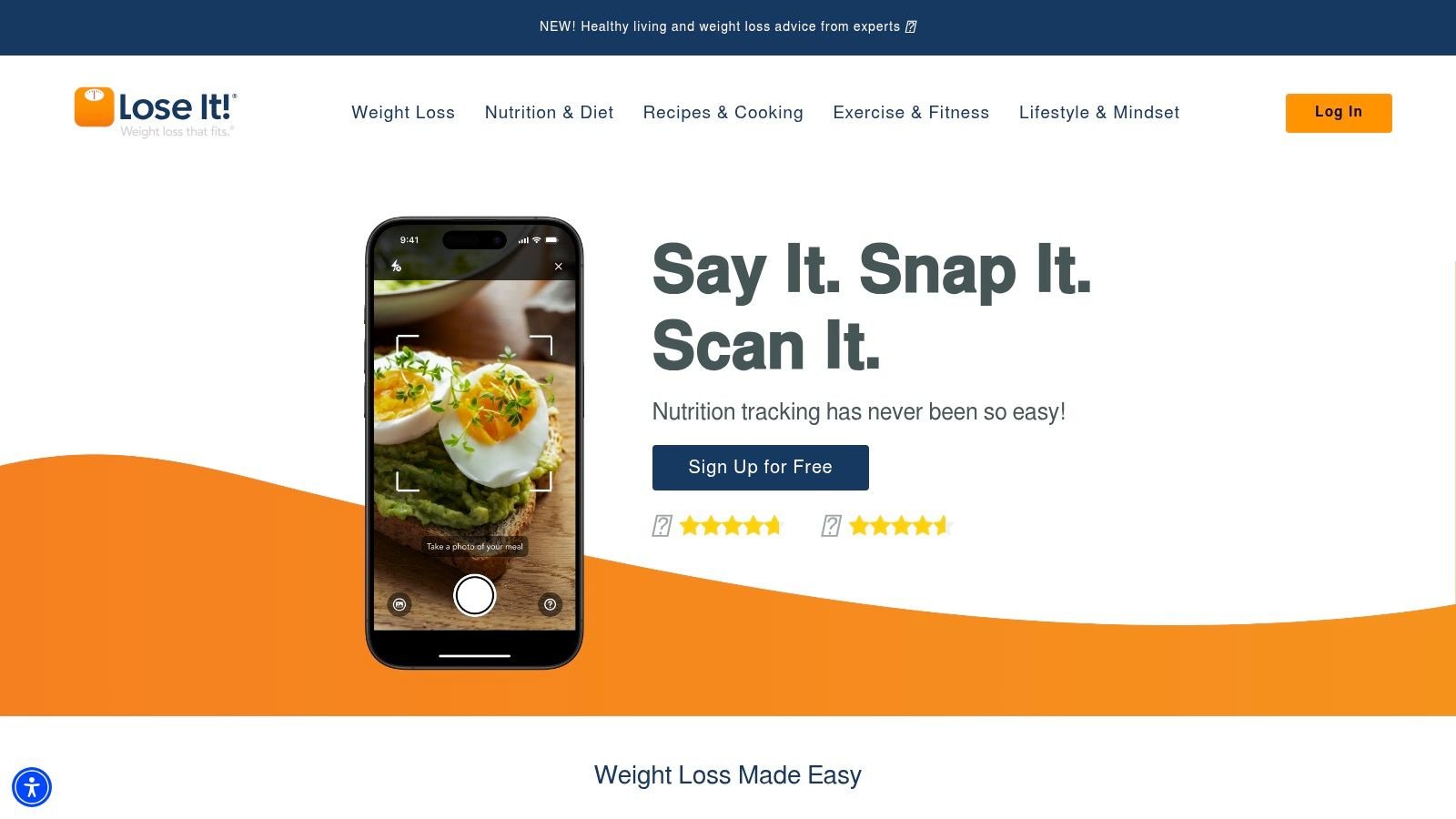
You finish dinner, open the app, and want the log done in 20 seconds. That is the kind of moment Lose It! handles well. It keeps the screen focused on the daily calorie budget, recent foods, and a clear progress view, which lowers the friction that makes people skip tracking after a long day.
Compared with broader platforms, Lose It! feels narrower by design. That is a strength if the goal is fat loss and consistent logging, not building a full fitness dashboard. In daily use, it often feels lighter and more directed than MyFitnessPal. You spend less time sorting through extra features and more time recording the meal and moving on.
The stickiness factor here comes from clarity. The app keeps pointing you back to the same loop: log food, check the budget, make the next meal decision. For users who do better with simple feedback, that loop works. For users who like deeper nutrition analysis or highly flexible coaching logic, it can feel limiting after the first couple of weeks.
Daily feel and trade-offs
Lose It! is usually easy to get started with, and that matters more than feature count. A clean onboarding flow helps new users reach a usable routine fast. That said, the app still relies on fairly conventional food logging. On busy days, that can be the difference between staying consistent and telling yourself you will log it later.
Its AI features help, but the experience still centers on manual confirmation and standard tracking habits. If your adherence depends on shaving seconds off every meal entry, a faster AI calorie counter for quick meal capture may be easier to use every day.
- Best for calorie-budget tracking: Strong fit for people who want a clear weight-loss structure.
- Cleaner daily experience: The interface is more focused than many all-purpose nutrition apps.
- Useful for repeat meals: Recipe tools and saved foods make home cooking easier to log over time.
- Main trade-off: Some convenient features sit behind the paid plan, and the upgrade prompts can wear on you.
Lose It! works best for users who want direction, quick visual feedback, and a simpler habit loop they can repeat without much thought. Go to Lose It!.
4. Cronometer
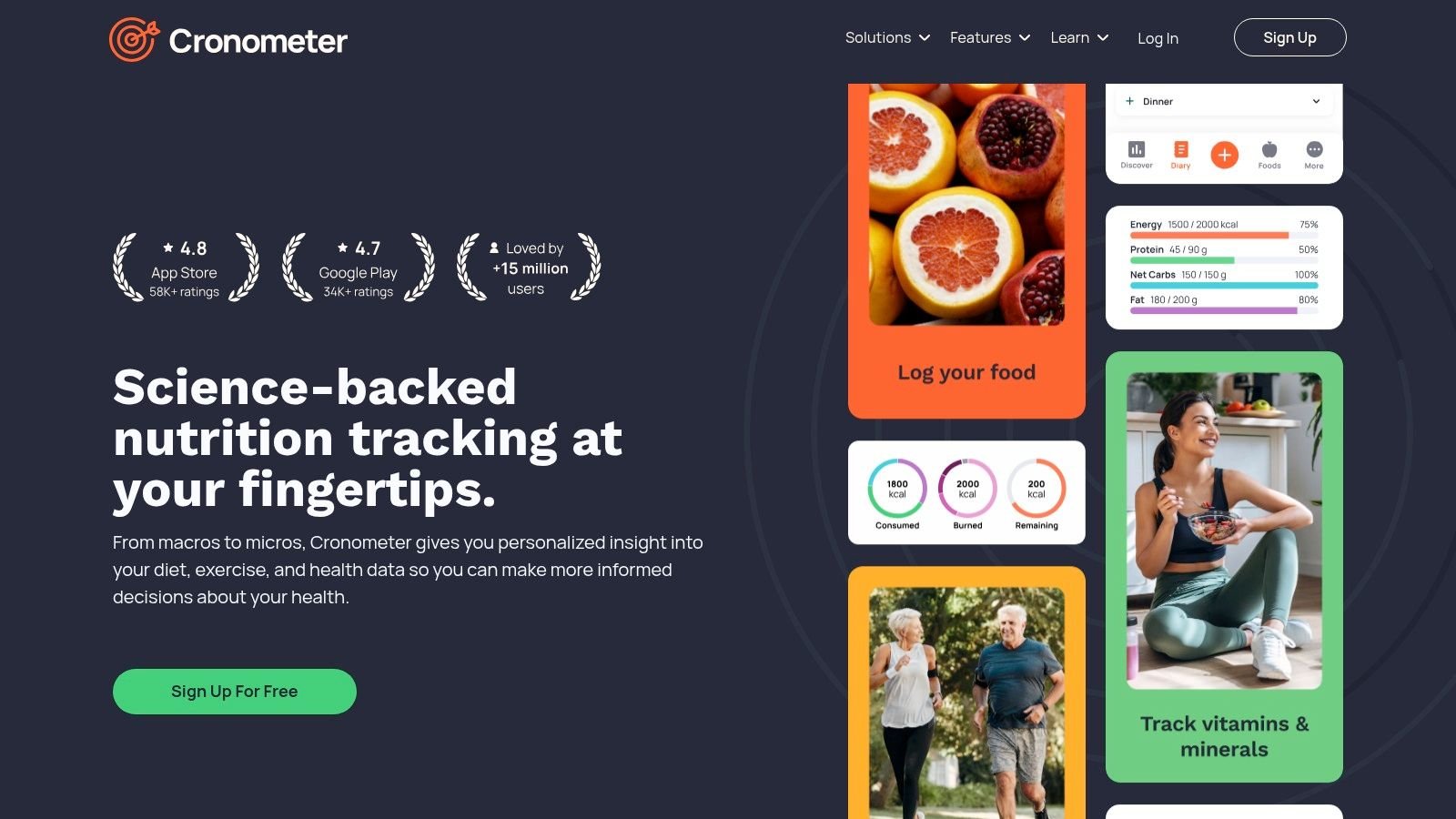
Cronometer is what I recommend when someone says, “Calories are fine, but I want to know what my food quality looks like.” This app is less about casual tracking and more about precision. If you care about vitamins, minerals, fiber, sodium, or specific nutrient targets, Cronometer is the specialist pick.
That depth is the reason people love it and the reason some people bounce off it. It's not a breezy app. It's a detailed one.
Best for detail-oriented users
Cronometer emphasizes a curated database and tracks 80+ nutrients, which makes it far more useful than most calorie counters if you're managing specific dietary needs, athletic recovery, or nutrient deficiencies. For coaches and serious self-trackers, that extra visibility is hard to replace.
If you've ever finished a day “on target” for calories but still felt off, Cronometer is the kind of app that explains why.
The downside is obvious once you open it. The interface is data-dense. New users can feel like they've walked into lab software instead of a daily nutrition tracker app.
- Nutrient depth: Strongest option here for micronutrients and detailed reporting.
- Better data quality: The database is curated more tightly than most large crowdsourced systems.
- Useful for edge cases: Good for athletes, dietitians, and people tracking sodium, fiber, or specific vitamins.
- Friction point: It asks more from the user, both visually and mentally.
If you're the kind of person who enjoys checking trends and charts, Cronometer can be addictive in a good way. If you just want to log lunch fast and move on, it may feel like too much.
Go to Cronometer.
5. MacroFactor
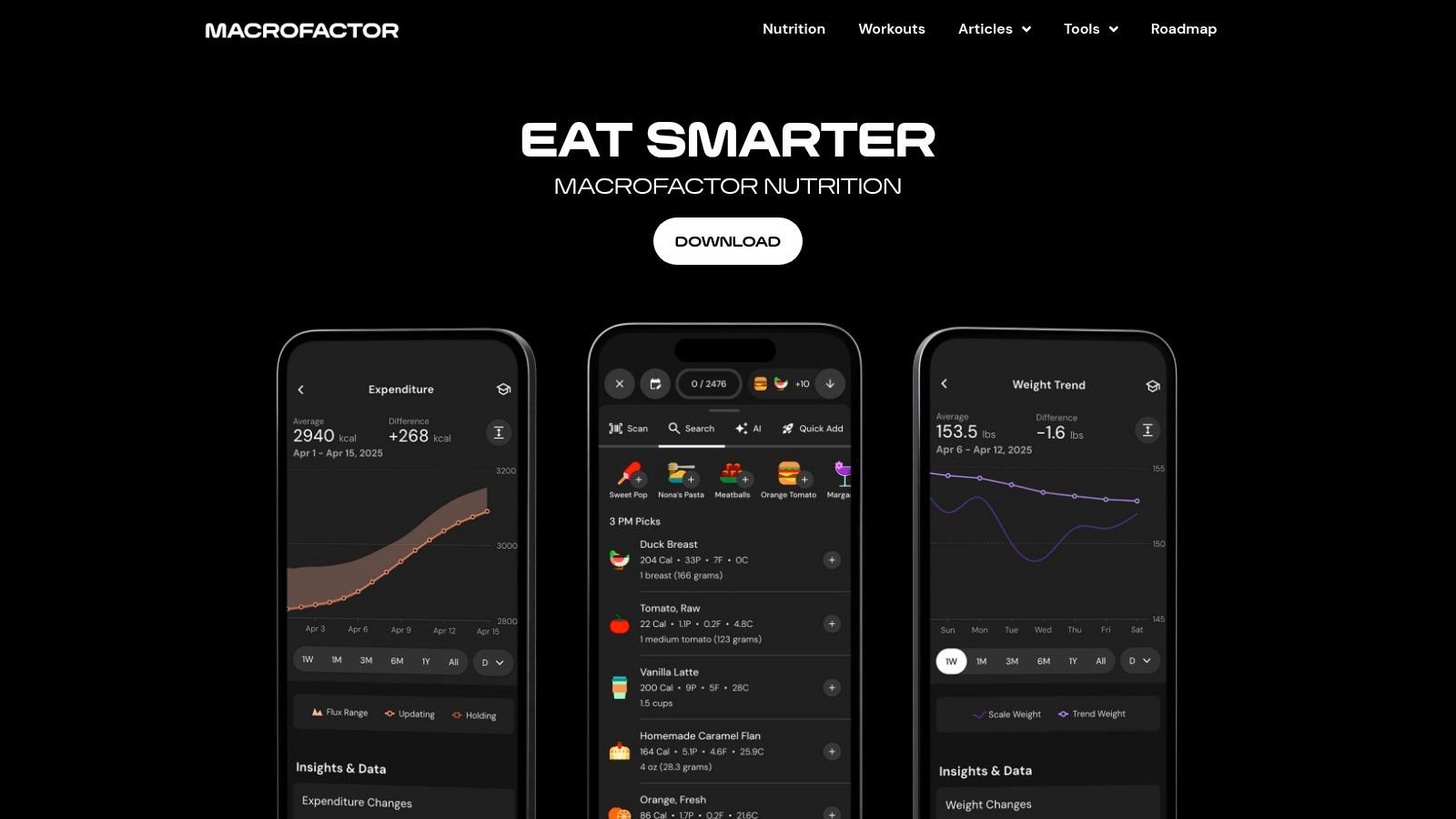
MacroFactor is for people who don't just want to log food. They want the app to think with them. It's one of the smartest tools on this list for lifters, physique-focused users, and data-driven dieters who want macro targets that adapt over time rather than staying static.
That adaptive coaching layer is what separates it from standard calorie counters. You log intake, log body weight, and the app adjusts based on trend data instead of forcing you to manually guess what needs changing.
Strong logic, slight learning curve
This is one of the few apps where the coaching logic itself is the product. If you've ever bounced between too many online calculators and random macro formulas, MacroFactor feels refreshingly coherent.
The trade-off is that it expects a little buy-in. There's no free tier, and people used to bare-bones food logs may need a week or two before the workflow clicks.
- Adaptive planning: Macro targets update from your actual data, not just your starting estimate.
- Great for lifters: Especially useful in cutting, bulking, and maintenance phases.
- Transparent approach: The app's educational content makes the process easier to trust.
- Main drawback: It's not the simplest option for casual users.
This breakdown of the best macro tracking app is helpful if you're deciding whether adaptive coaching is worth the added complexity.
MacroFactor is excellent when you're serious about progress and don't mind doing your part consistently. Go to MacroFactor.
6. MyNetDiary
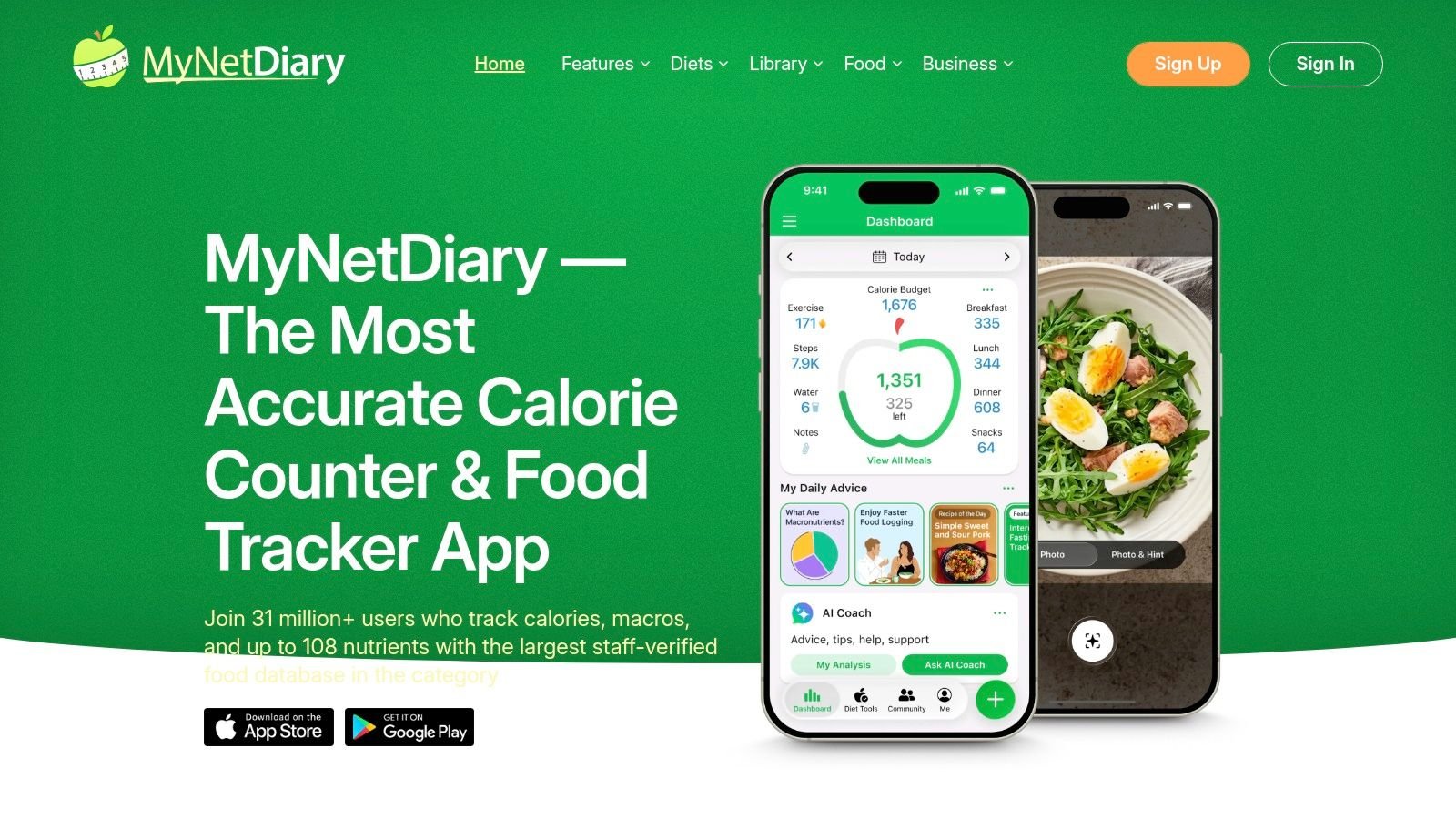
MyNetDiary doesn't get talked about as much as some of the biggest names, but it's one of the better balanced apps in the category. It combines a polished interface, fast food logging, verified food entries, and a decent amount of nutrition guidance without feeling chaotic.
In day-to-day use, that balance matters. A lot of apps are either stripped down or overloaded. MyNetDiary lands somewhere comfortable in the middle.
A polished middle ground
What stands out here is usability. Logging is quick, the app feels well maintained, and the guidance features are helpful without taking over the screen. That makes it a strong option for users who want support but don't want to feel like they've signed up for a whole coaching ecosystem.
The tier structure is the one annoyance. Free, Premium, and Premium Plus can blur together if you aren't paying attention, and some feature differences between app and web access can be confusing.
- Smooth workflow: Fast logging and a clean interface make daily use easy.
- Verified foods: Helpful if you're tired of sorting through questionable database entries.
- Coaching options: Premium Plus adds more guided support and AI-style features.
- Weak spot: The upgrade path isn't always crystal clear.
MyNetDiary is one of those apps that tends to attract users without much fanfare. It may not be the loudest brand, but it often feels more polished than people expect.
Go to MyNetDiary.
7. Lifesum
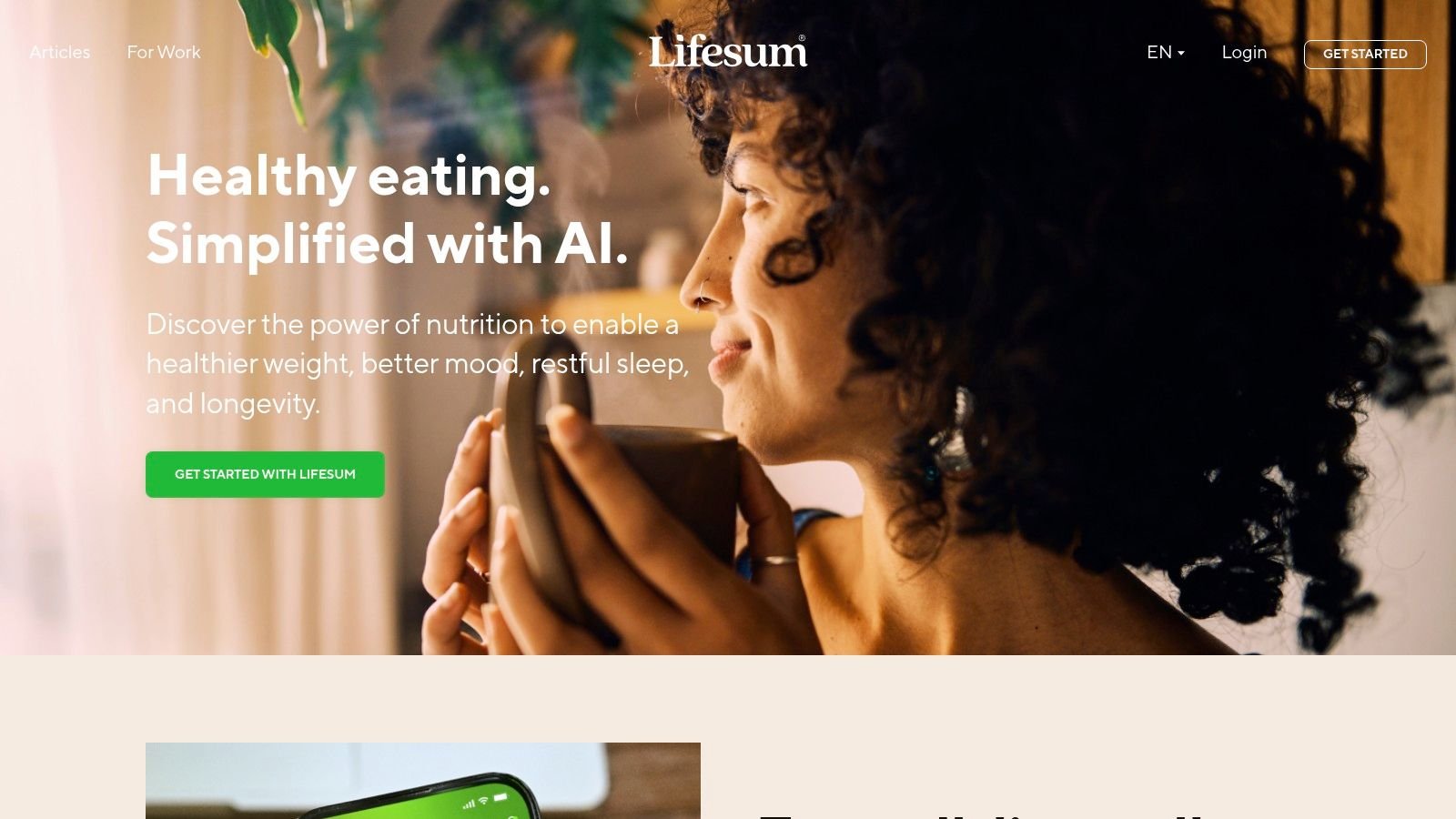
Lifesum is the app I'd put in front of someone who wants healthy-eating guidance, not just a calorie ledger. It's attractive, easy to use, and designed to make nutrition feel approachable rather than clinical. That makes it a strong beginner app.
The visual design does more work here than people might expect. An app that looks calm and clear is often easier to return to every day than one that feels like a spreadsheet.
Better guidance than pure logging
Lifesum leans into plans, meal ideas, and habit-building. If you're overwhelmed by open-ended tracking, that structure can be useful. Instead of staring at a blank food log, you get more of a “follow this path” experience.
There's also a trust angle worth mentioning. The provided research notes that a 2025 study found 68% of users distrust standard nutrition grades when they can't see the factors behind them. Lifesum isn't alone in using nutrition scoring and healthy-eating framing, but this category works best when the app helps users understand why something is rated the way it is, not just whether it looks good or bad.
A clean interface helps people start. Clear reasoning helps them stay.
The usual premium caveat applies. Many of the more useful plans and structured features sit behind a subscription, and the app does push upgrades.
Go to Lifesum.
8. YAZIO
YAZIO is one of the cleaner mainstream apps for people who want both calorie tracking and fasting support in one place. The app layout is tidy, the workflow is easy to understand, and it doesn't feel as crowded as some older competitors.
That simplicity is why it tends to work well for users who are trying to build routine around eating windows as much as food quantity. If fasting is central to your approach, YAZIO is more purpose-built for that than a standard nutrition tracker app with a timer bolted on.
Best if fasting is part of the plan
YAZIO combines food logging with structured fasting schedules like 16:8 and 5:2. That makes it appealing for users who want one dashboard for meals, fasting windows, and general progress instead of stitching together multiple tools.
The main issue is that the full experience lives behind the PRO tier. The free version gives you a feel for the app, but the premium upgrade is where it becomes complete.
- Strong fasting support: Better than many calorie counters that treat fasting like an afterthought.
- Easy workflow: One of the cleaner interfaces in this category.
- Recipe content: Useful if you want ideas without leaving the app.
- Trade-off: You'll likely feel the limits of the free version fairly quickly.
YAZIO works best for people who already know they like a fasting-based structure and want an app that supports it cleanly.
Go to YAZIO.
9. Carb Manager
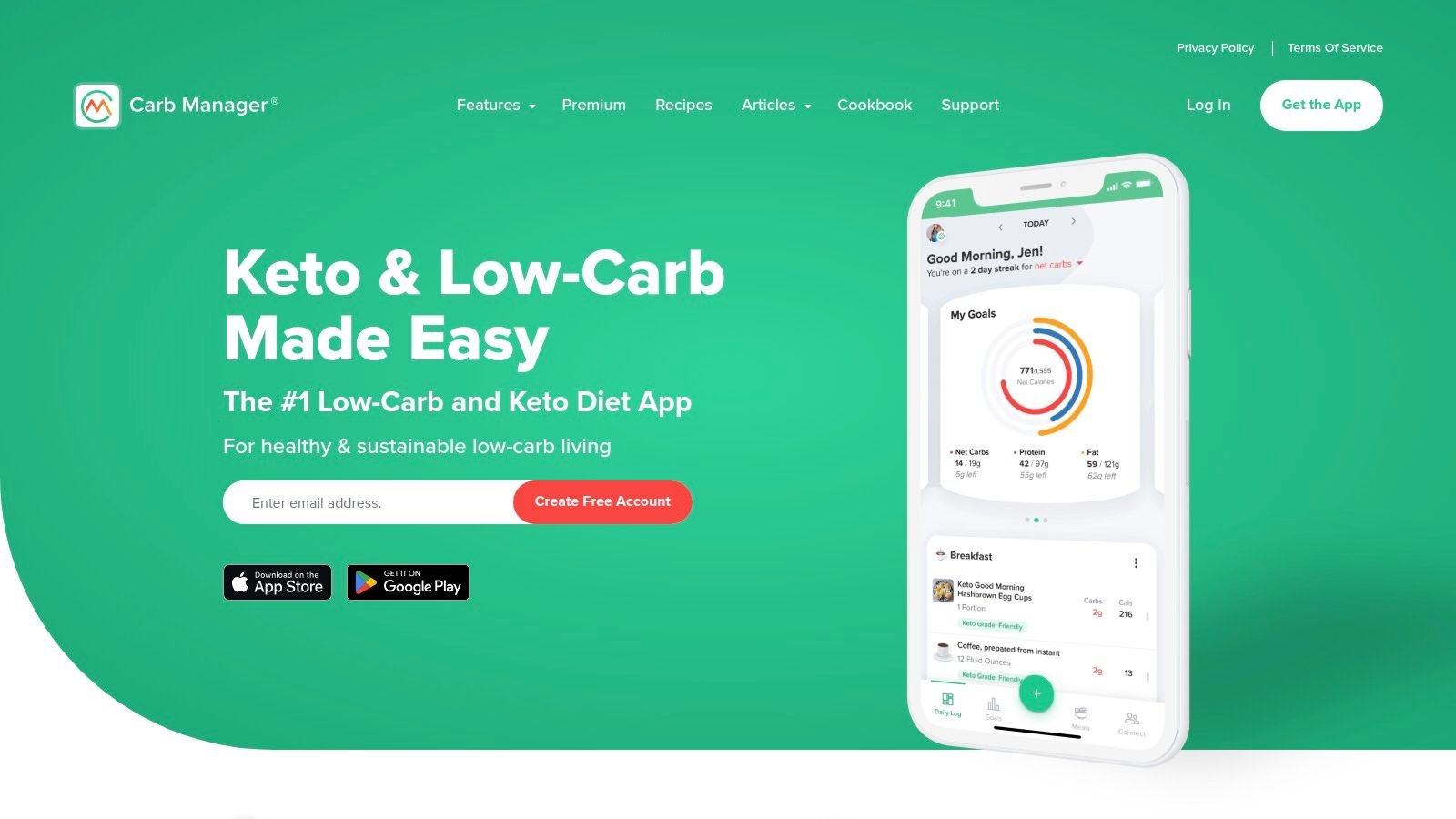
Carb Manager is the clear specialist if you're eating low-carb or keto. Unlike general trackers that try to accommodate every eating style equally, this app is built around net carbs, keto-friendly planning, and visual feedback that matters for that style of dieting.
That specificity is its biggest strength. It saves you from constantly customizing a generic app to behave like a low-carb tool.
Narrower focus, better fit
If keto or low-carb is your actual diet, Carb Manager can feel more natural than the general-purpose options above. Meal plans, recipes, and dashboards are aligned with what you're trying to do, which removes a lot of setup friction.
If you aren't committed to low-carb eating, though, some of that specialization becomes less valuable. It's a better fit than a broader app only when your nutrition strategy matches its core design.
- Purpose-built tracking: Net-carb visibility is front and center.
- Planning help: Recipes and meal plans reduce decision fatigue.
- Useful dashboards: Better for low-carb adherence than generic calorie-first screens.
- Limitation: It's most valuable for keto and low-carb users, not everyone else.
For users trying to dial in ketosis or build more precise nutritional programming, that focus can be a real advantage.
Go to Carb Manager.
10. FoodNoms
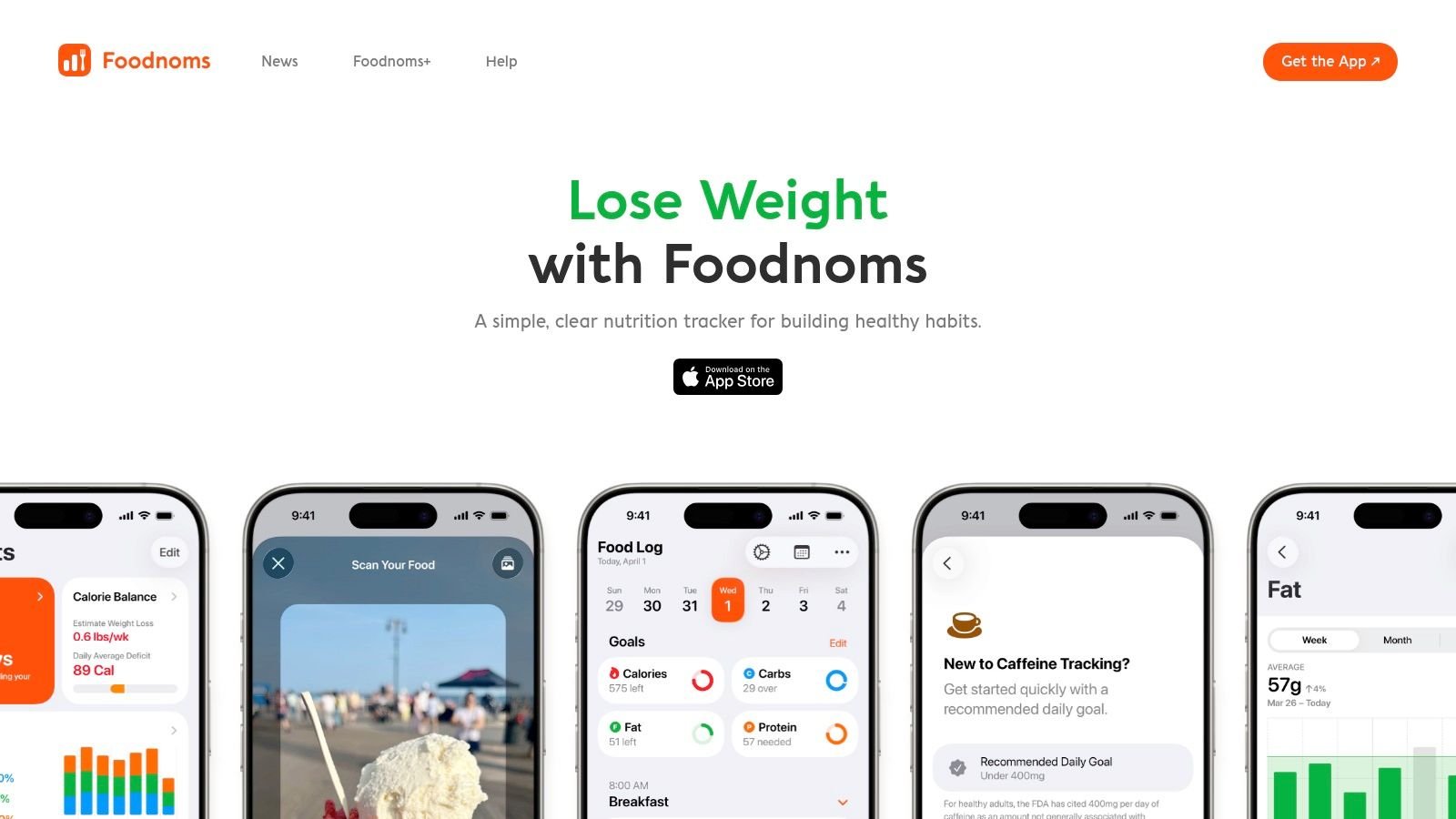
FoodNoms is a very Apple-style nutrition tracker app. It's clean, fast, privacy-conscious, and thoroughly integrated with Apple Health, widgets, and Shortcuts. If you're already all-in on iPhone and Apple Watch, FoodNoms makes a lot of sense.
The app feels intentionally lightweight. That's a compliment. It gets out of the way and lets you log without drowning you in banners, clutter, or social features you never asked for.
Best for Apple-only users
FoodNoms is strong on workflow. Search is quick, logging is smooth, and the app feels native in a way a lot of cross-platform tools don't. If you like apps that respect the Apple ecosystem and keep the interface uncluttered, it's a pleasant experience.
The obvious limitation is ecosystem lock-in. No Android. No real web-based fallback for people who want desktop logging during work hours.
FoodNoms is the kind of app you pick because you value a clean iPhone experience as much as the nutrition features themselves.
There's also a subscription layer for more advanced features, so the best parts aren't all free. Still, for Apple-first users who care about privacy and speed, it's one of the better niche choices.
Go to FoodNoms.
Top 10 Nutrition Tracker Apps, Feature Comparison
| Product | Core features (✨) | UX / Quality (★) | Price / Value (💰) | Target audience (👥) |
|---|---|---|---|---|
| PlateBird 🏆 | ✨ Type‑like natural‑language logging, AI photo recognition, one‑tap saved meals | ★ Fast, diary‑like; high App Store praise (4.9/5) | 💰 Free to start, no account required | 👥 Weight‑loss seekers, gym‑goers, meal‑preppers, busy professionals, coaches |
| MyFitnessPal | ✨ Massive crowdsourced DB, barcode scanning, broad integrations | ★ Mature, feature‑rich; DB quality varies | 💰 Free + Premium for advanced tools | 👥 Broad audience: beginners → advanced users |
| Lose It! | ✨ Goal‑driven logging, barcode & recipe tools, recent AI features | ★ Simple UI; long track record | 💰 Free + subscription (lifetime option available) | 👥 Weight‑loss focused users, habit builders |
| Cronometer | ✨ Deep micronutrient tracking (80+ nutrients), curated database | ★ Precision‑focused; data‑dense interface | 💰 Free + Gold for advanced reports/integration | 👥 Dietitians, athletes, micronutrient‑focused users |
| MacroFactor | ✨ Adaptive macro coach, auto‑recalculated targets from trends | ★ Science‑driven; strong coaching logic | 💰 Subscription required (no free tier) | 👥 Lifters, data‑driven dieters, athletes |
| MyNetDiary | ✨ Fast logging, verified foods, AI coach & GLP‑1 tools in Premium Plus | ★ Polished UX; frequent updates | 💰 Free + Premium / Premium Plus tiers | 👥 Users wanting verified data + coaching features |
| Lifesum | ✨ Structured diet plans, habit tools, recipes & shopping lists | ★ Attractive, beginner‑friendly design | 💰 Freemium; Premium unlocks full plans | 👥 Beginners seeking guided meal plans |
| YAZIO | ✨ Extensive recipe library, fasting timers & schedules | ★ Clean, straightforward workflow | 💰 Free + PRO subscription for full features | 👥 Intermittent fasters and recipe users |
| Carb Manager | ✨ Net‑carb & keto targets, keto meal plans and dashboards | ★ Tailored UX for low‑carb/keto adherence | 💰 Freemium; Premium for advanced keto tools | 👥 Keto / low‑carb followers, planners |
| FoodNoms (iOS) | ✨ Quick logging, powerful search, deep Apple Health & Shortcuts support | ★ Excellent native iOS experience; privacy‑minded | 💰 Free + FoodNoms+ for advanced features | 👥 Apple‑only users who value speed & privacy |
The Best Food Diary Is the One You Actually Use
You find out how good a nutrition tracker app is at the least convenient moment. Lunch is half over, you are between meetings, and you have maybe 20 seconds before logging feels like a chore. That is when stickiness shows up. If the app is slow, cluttered, or makes common foods hard to find, consistency usually starts slipping fast.
People do not quit tracking because they suddenly stopped caring about nutrition. They quit because the app keeps asking for extra effort. One entry has five duplicates. The serving sizes are vague. The best shortcut sits behind a paid tier. Logging dinner at home is manageable, but restaurants, travel days, and weekends expose every bit of friction.
That is why I put more weight on daily usability than feature count. A food diary has to work on ordinary, messy days, not just during the first week when motivation is high. Speed matters. Clear search matters. Repeating meals without rebuilding them matters. An app that is slightly less advanced but much easier to use often leads to better long-term tracking.
The trade-offs are real. MyFitnessPal still has the advantage on familiarity and sheer database size, but that scale can mean more cleanup and double-checking. Lose It! tends to be easier to stick with for straightforward calorie and weight-loss goals. Cronometer is excellent for precision, especially if micronutrients matter, but it asks for more attention and patience. MacroFactor is one of the strongest options for lifters and data-driven users, though it works best for people who will engage with trend data instead of only logging meals and closing the app.
The rest of the field is more about fit than raw capability. MyNetDiary feels polished and efficient. Lifesum and YAZIO do a good job keeping beginners engaged with guided structure. Carb Manager is built for low-carb users who want the app to reflect how they already eat. FoodNoms is one of the fastest options on iPhone, especially if Apple Health matters to you.
PlateBird earns its place for a simple reason. It reduces the little points of friction that usually kill the habit. Plain-language meal entry, plate-photo logging, and quick access to repeat meals are not flashy ideas. They are useful ones. In daily use, that difference matters more than another dashboard you will rarely open.
AI features follow the same rule. They help when they save time, show what was recognized, and make corrections easy. They become noise when they feel vague or force extra review.
Choose the app you will still log into on a random Thursday when the day is off schedule and your patience is low. That is the app that fits real life.
Better eating habits also connect to recovery, sleep, and energy. If that is part of your bigger goal, it is worth taking a look at these sleep-enhancing meal ideas.
If food logging keeps turning into admin work, PlateBird is worth a serious look. It is built for rushed lunches, repeat meals, and the days when nobody wants to scroll through endless search results. Type the meal, snap the plate, save the foods you eat often, and move on. For iPhone users who want tracking they can stick with, it is a strong place to start.