You start tracking on a Monday because you want clearer numbers. By Thursday, the friction shows up. Search results are messy, dinner from a local takeout spot is hard to log, and the app already wants you to pay for features that looked free in the ad.
That is the true test with a macro tracking app free tier. Accuracy matters, but consistency matters more. An app can have a giant database and still be a bad fit if logging feels slow, confusing, or repetitive enough that you stop using it after one busy week.
Free tracking is better than it used to be, but the gap between “free to download” and “free to use well” is still wide. Some apps give you solid logging and basic macro totals without much hassle. Others save the useful parts for premium, such as better meal planning, deeper macro targets, barcode tools, or cleaner trend reports. If your goal is fat loss, maintenance, or getting honest about what you eat, pairing a workable app with a realistic calorie target is usually the part that moves results, and Nutrition Geeks on losing weight is a solid place to sort that out.
This guide stays focused on what you get for free. The useful part is not the marketing checklist. It is knowing where each app saves time, where it becomes annoying, and which kind of eater can still do well with those limits. The best option is usually the one that matches how you eat on normal days, not your most organized day.
1. PlateBird
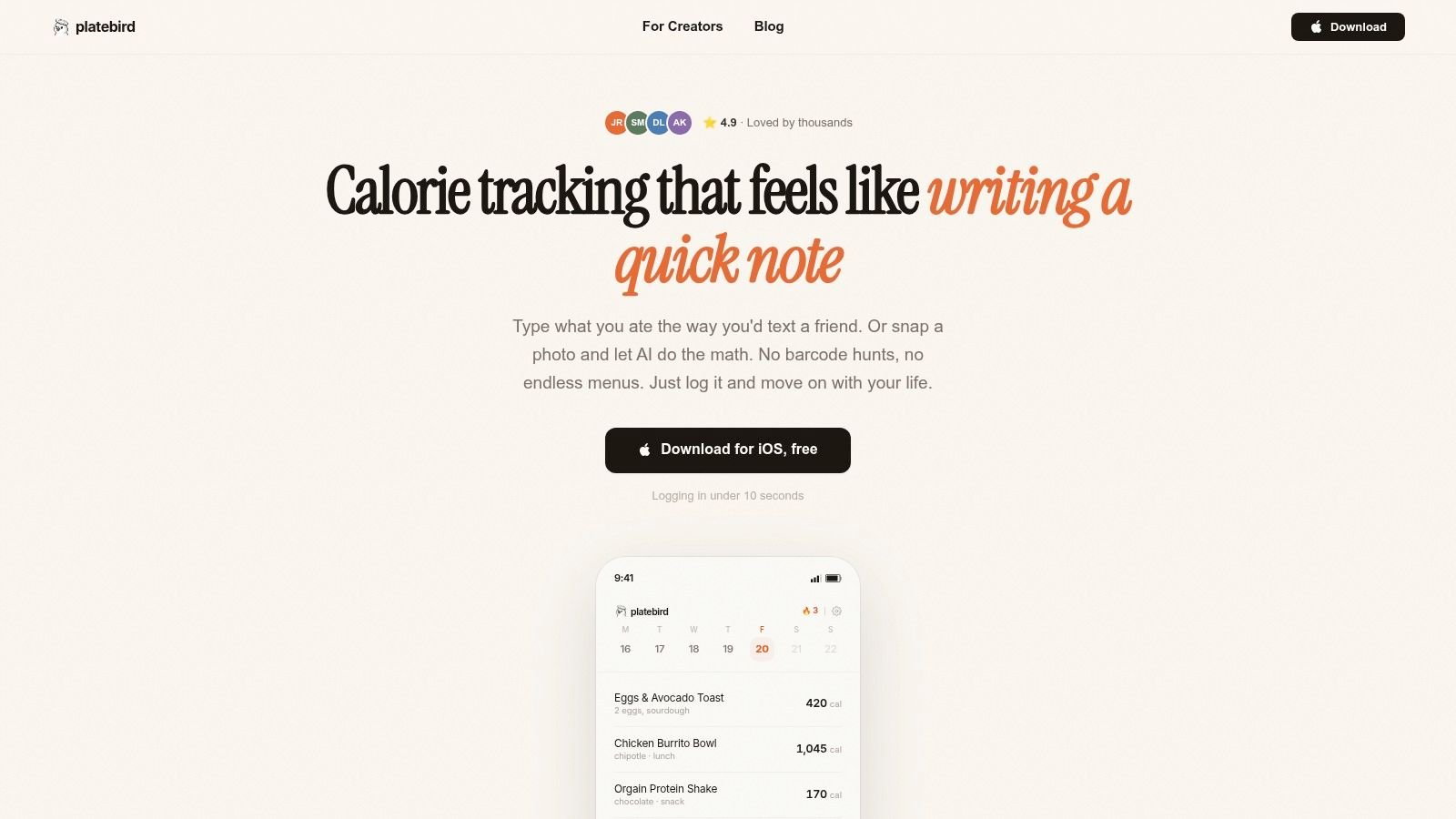
Tuesday morning is usually where free tracking apps start to annoy people. You make the same breakfast again, type it in again, scroll through another pile of search results, and wonder why logging a couple eggs and toast feels like admin work. PlateBird attacks that problem better than most apps here.
The appeal is simple. It lets you log food in plain language, use meal photos, and quickly reuse meals you eat often. For the right person, that is a better free-tier benefit than a giant feature list, because it cuts the repetitive work that makes people quit.
Why It Stands Out
PlateBird feels built for people who do not want to babysit a food diary. You can type something close to how you speak, log a plate from a photo, and turn common meals into fast repeats. If your weekdays look similar, the app gets easier to use after the first few days instead of more annoying.
The no-account start helps too. Trying an app before handing over personal data is a real advantage, especially for first-time trackers who are still figuring out whether macro logging will stick.
Practical rule: A good free macro tracker saves time on your usual meals, not just on day one.
That is the core free-tier value here. PlateBird gives you quick entry without pushing a long setup process before you can test whether the app fits your routine.
What Works Best, and What Doesn't
PlateBird works best for repeat eaters. Meal preppers, busy office workers, parents, and anyone cycling through the same breakfasts and lunches will get the most from it. In real use, that matters more than having every possible chart or setting.
The trade-off shows up with messy meals. Photo logging and AI entry are convenient, but mixed dishes still need a quick review if you want tighter numbers. A homemade casserole, takeout curry, or build-your-own bowl can be close without being exact. As noted earlier in coverage of photo logging, that kind of input is useful for speed, but portion estimation is still the weak point.
It is also iOS-only right now. That limitation will end the conversation for a lot of people.
PlateBird is the free pick for someone who has already bounced off traditional barcode-and-search trackers. If the main reason you stop logging is friction, not lack of data, it has one of the strongest free experiences in this list.
2. Cronometer
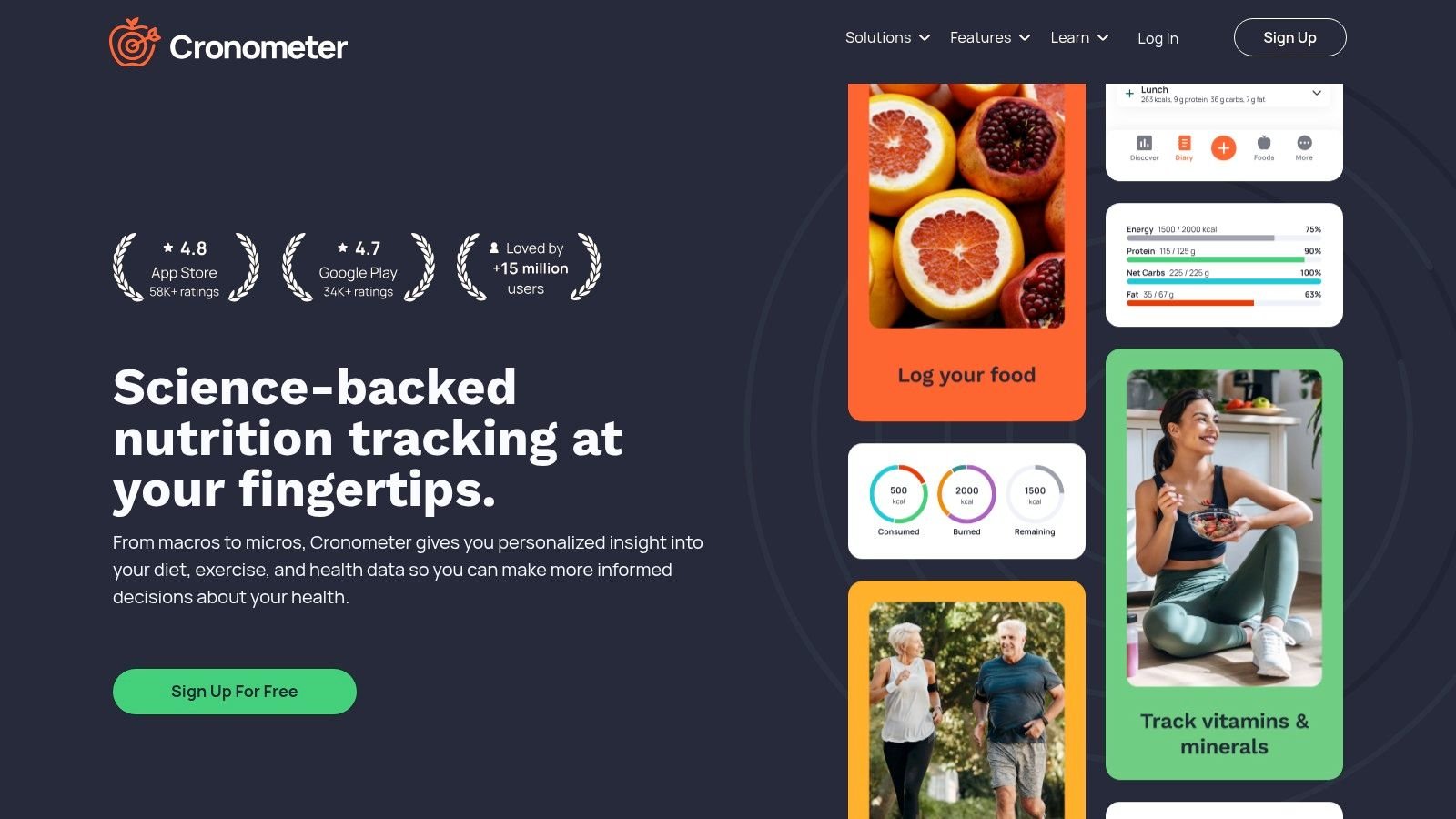
Cronometer makes sense the first time you try to log a normal day of eating and realize calories alone do not answer much. Protein is low, fiber is worse than expected, sodium is high, and suddenly a basic macro app feels too shallow. Cronometer is built for that kind of user.
The free tier gives you more than many apps in this category. You can track calories, macros, and micronutrients without getting pushed straight into a paywall. Free barcode scanning helps too, because logging gets old fast when every packaged food has to be entered by hand.
What you get for free is a lot of nutrition detail. That is the appeal, and it is also the trade-off. Cronometer shows a level of data that serious lifters, endurance athletes, and users with specific nutrition targets often appreciate. A beginner who just wants to hit protein and stay within calories may open it once, see all the extra numbers, and feel done.
Who It's Best For
Cronometer is a strong free fit for a specific type of person:
- Data-focused users: You want more than calories, carbs, fat, and protein.
- People with nutrition gaps to monitor: Fiber, sodium, potassium, iron, and other nutrients matter to your goal.
- Users who log on multiple devices: Web and mobile sync is useful if you prefer entering meals on a computer.
The limitation is not generosity. It is friction. More data means a busier interface, and busier interfaces usually ask for more attention every time you log.
Cronometer is one of the best free picks if detail keeps you engaged. If detail makes logging feel like homework, it is probably too much app.
For free-tier value, Cronometer stands out because it does not reduce nutrition tracking to a calorie counter with a macro summary slapped on top. But sticking with it depends on personality. If you like accuracy, verification, and seeing the full nutrition picture, this is an easy app to keep. If speed is your whole priority, another free option will feel lighter.
3. MyNetDiary
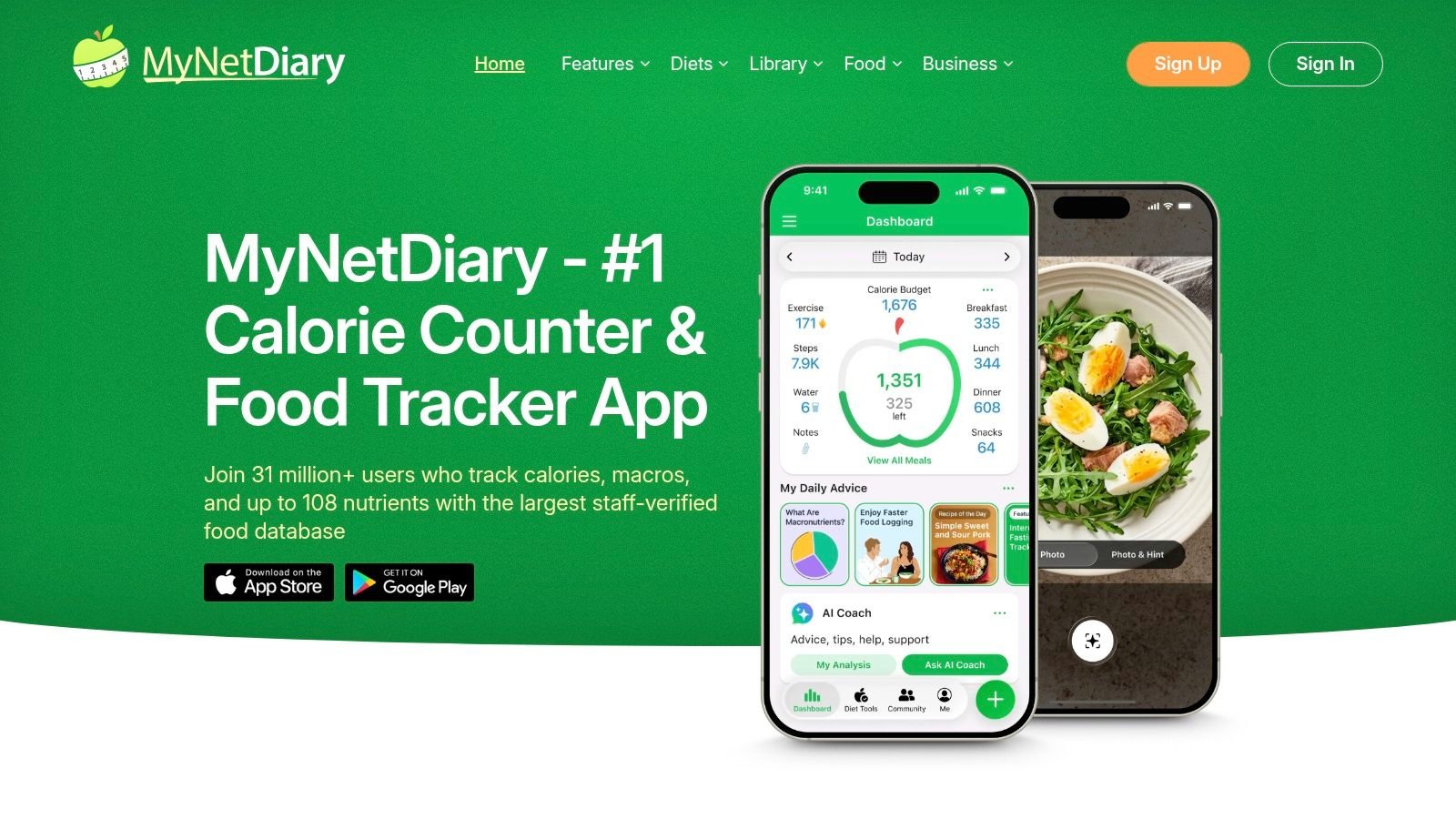
MyNetDiary has a nice balance that a lot of apps miss. It feels polished and beginner-friendly, but it doesn't feel toy-like. That matters if you're just getting into macro tracking and don't want either a cluttered dashboard or an oversimplified app that stops being useful after a week.
The free version is practical. You can log calories and macros, use barcode scanning, and stay inside a diary workflow that's easy to understand. For many people, that's enough to build the habit without running into premium pressure on day one.
The Real Free-Tier Experience
MyNetDiary's biggest strength is approachability. The food diary is clean, the app is easy to learn, and nothing about it screams “this was built only for nutrition nerds.” That makes it a strong pick for first-time users.
A lot of people don't need advanced coaching. They need a tracker that gets out of the way. MyNetDiary does that well.
- Best fit: First-time trackers, casual fat loss, and users who want a clean interface.
- Main limitation: Advanced automation, coaching, and deeper integrations live in the paid tier.
- Why people stay with it: It feels stable and predictable, which is more important than flashy features.
If your goal is to build consistency before you chase precision, MyNetDiary is one of the easiest apps on this list to live with.
4. FatSecret
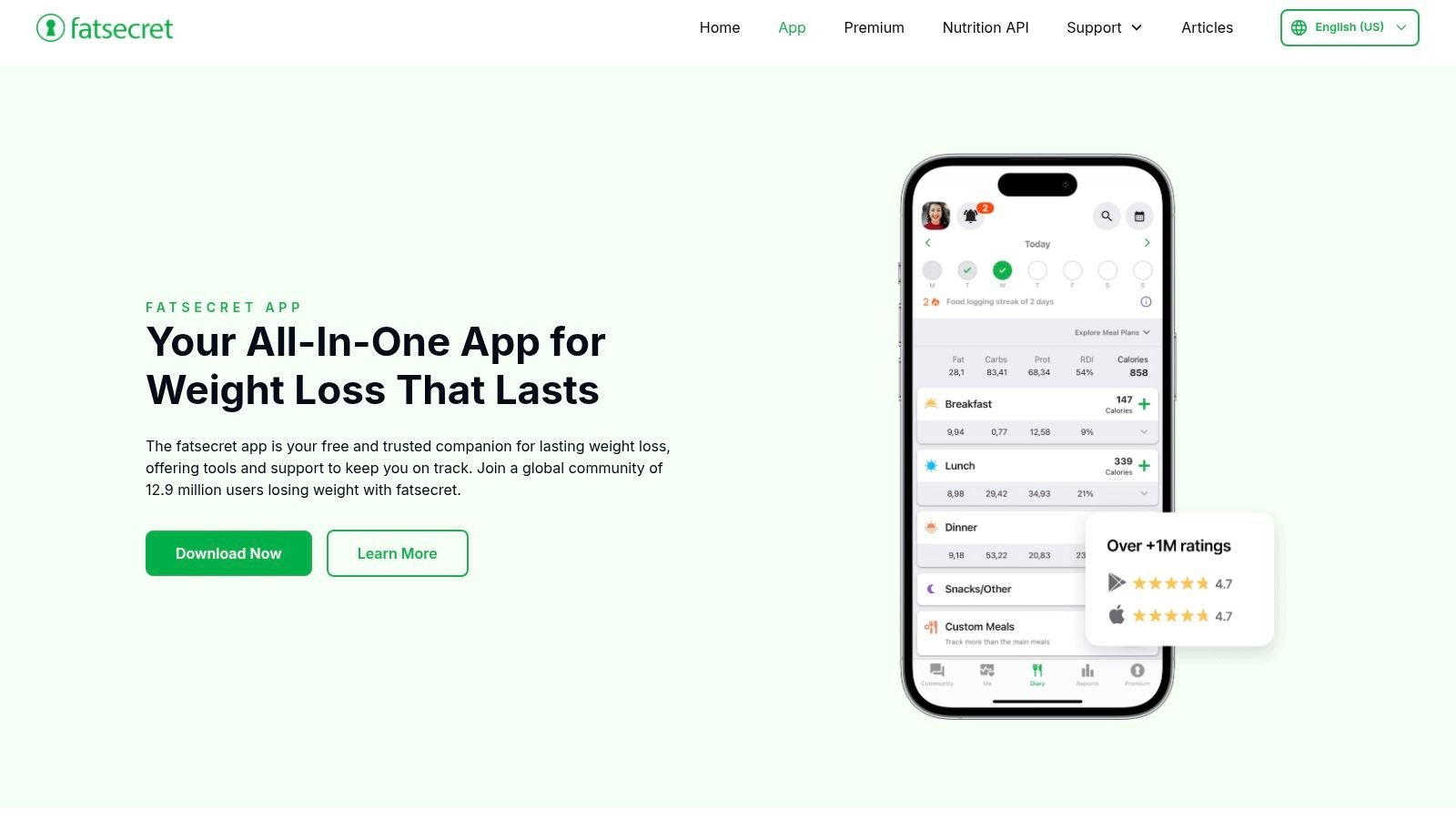
FatSecret has been around long enough to earn a certain kind of trust. It's not the prettiest app here, and it won't impress anyone with design polish, but the core tracking workflow has stayed useful for years. For a lot of people, that's enough.
This is a no-frills pick. You get food logging, barcode scanning, recipe logging, and community features without feeling like every tap is bait for an upgrade.
Where FatSecret Still Wins
FatSecret is good when you want a tool, not an experience. Search food, log it, move on. If you like community challenges or want a little social accountability without turning tracking into social media, it does that too.
The downside is that the interface feels dated. Some users won't care. Others will uninstall it in ten minutes because it feels old-school.
Quick take: FatSecret isn't flashy, but it's one of the steadier options if you want core free tracking without a lot of drama.
I usually recommend FatSecret to people who value function over aesthetics. If you've been burned by apps that look modern but hide basics behind premium, FatSecret can feel refreshingly straightforward.
5. Nutritionix Track
Nutritionix Track is built for speed, especially if most of your food comes from U.S. grocery stores, chain restaurants, or packaged items. Search is fast, barcode scanning is central to the experience, and the natural-language logging is useful when you want to type food quickly instead of hunting through menus.
That U.S.-centric strength is also the catch. If you live elsewhere or eat a lot of regional foods that aren't covered well, the experience can feel less reliable than it does for a typical American grocery run.
Who Should Use It
Nutritionix Track makes sense for people who eat a lot of branded foods, regular restaurant orders, and repeat supermarket staples. Its “Freeform” entry style is also nice for anyone who wants a less rigid logging flow.
- Strong fit: U.S.-based users, restaurant eaters, and packaged-food heavy routines.
- Less ideal: International users and people who want a coaching-heavy app.
- Big advantage: Fast logging is part of the free experience, not an afterthought.
This isn't the app I'd pick for someone obsessed with nutrient detail or behavior coaching. It's the app I'd pick for someone who says, “I just want the food to be easy to find.”
6. Carb Manager
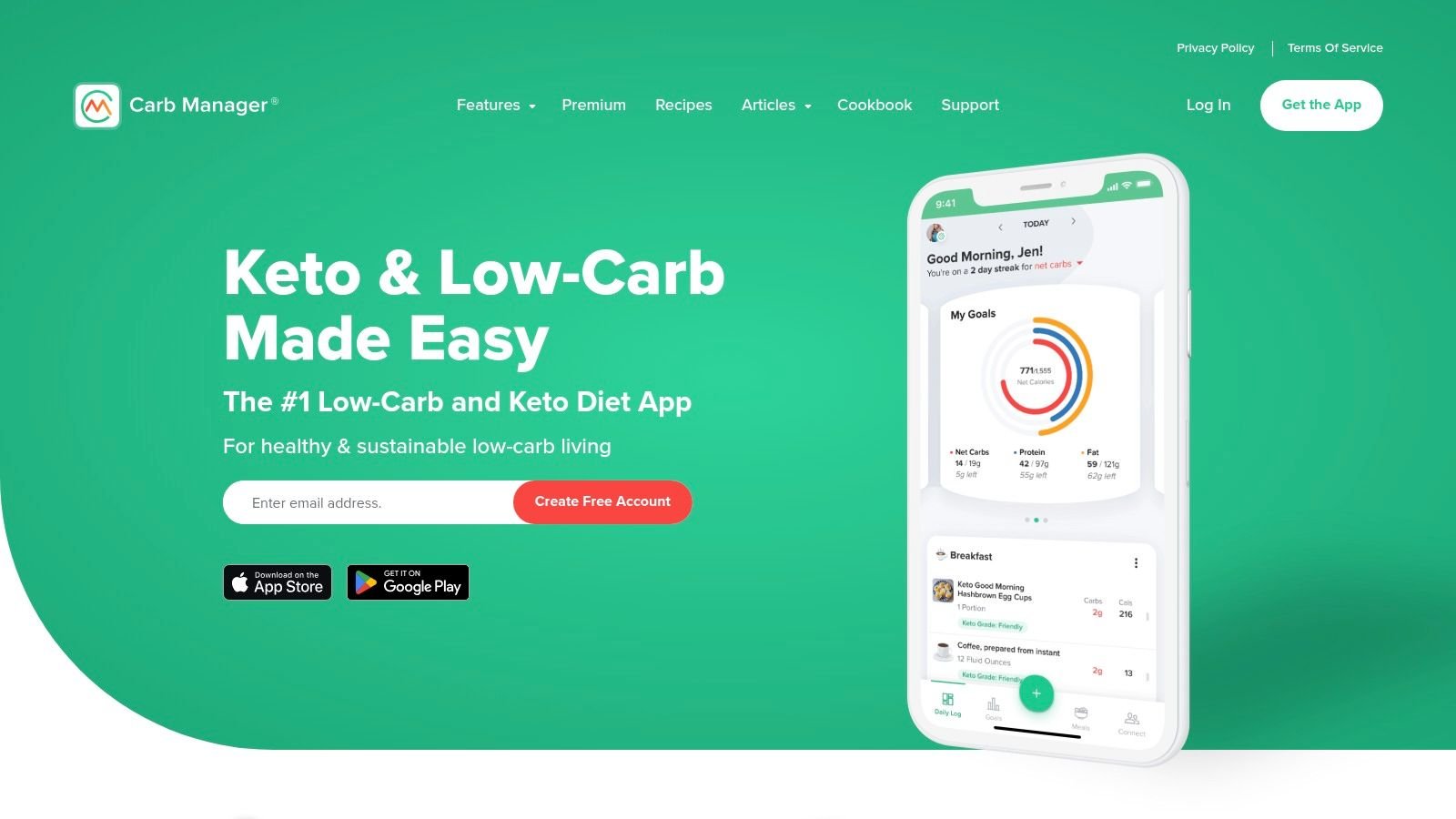
Carb Manager is built with a clear bias toward keto and low-carb eating. That's good if you're tracking net carbs and want the app to think that way with you. It's less good if you want a neutral macro tracker that treats all approaches equally.
The free plan covers the basics well enough for core logging. You can track food, use the barcode scanner, and work with recipe logging. But the app's whole personality leans low-carb, so balanced eaters may feel like they're using a tool built for someone else.
Best for Keto, Fine for Everyone Else
If your primary concern is net carbs, Carb Manager is one of the easiest recommendations on this list. The app understands what low-carb users care about and surfaces that information naturally.
If your goal is general fat loss or muscle gain with balanced macros, the design can feel a little too keto-forward.
- Use it if: You're eating keto, low-carb, or want net-carb visibility front and center.
- Skip it if: You want the cleanest general-purpose macro tracker.
- Expect this: Planning and deeper analysis start pushing you toward Premium.
Carb Manager succeeds when your diet style matches the app's assumptions. When it doesn't, it can still work, but it won't feel as natural.
7. YAZIO
YAZIO is one of the better-looking apps in this group. The interface is clean, modern, and easy to use, which matters more than people admit. If an app feels cluttered, logging starts to feel heavier than it should.
The free version covers the basics well. You can log calories and macros, use barcode scanning, and manually enter foods without a steep learning curve. For a lot of casual users, that's enough.
The Catch With YAZIO
YAZIO's free experience is solid, but you'll notice the boundary between free and paid quickly. Features that make the app feel more guided and more automated tend to sit in PRO. Ads are part of the free plan too, which some people tolerate and others hate.
Some apps lose users because they're confusing. YAZIO is more likely to lose people because the free version reminds them that the paid version exists.
Still, if you want a polished app that feels easy from the start, YAZIO is one of the safer picks. It's especially good for someone who's put off by dense dashboards and wants a softer entry into tracking.
8. MacrosFirst
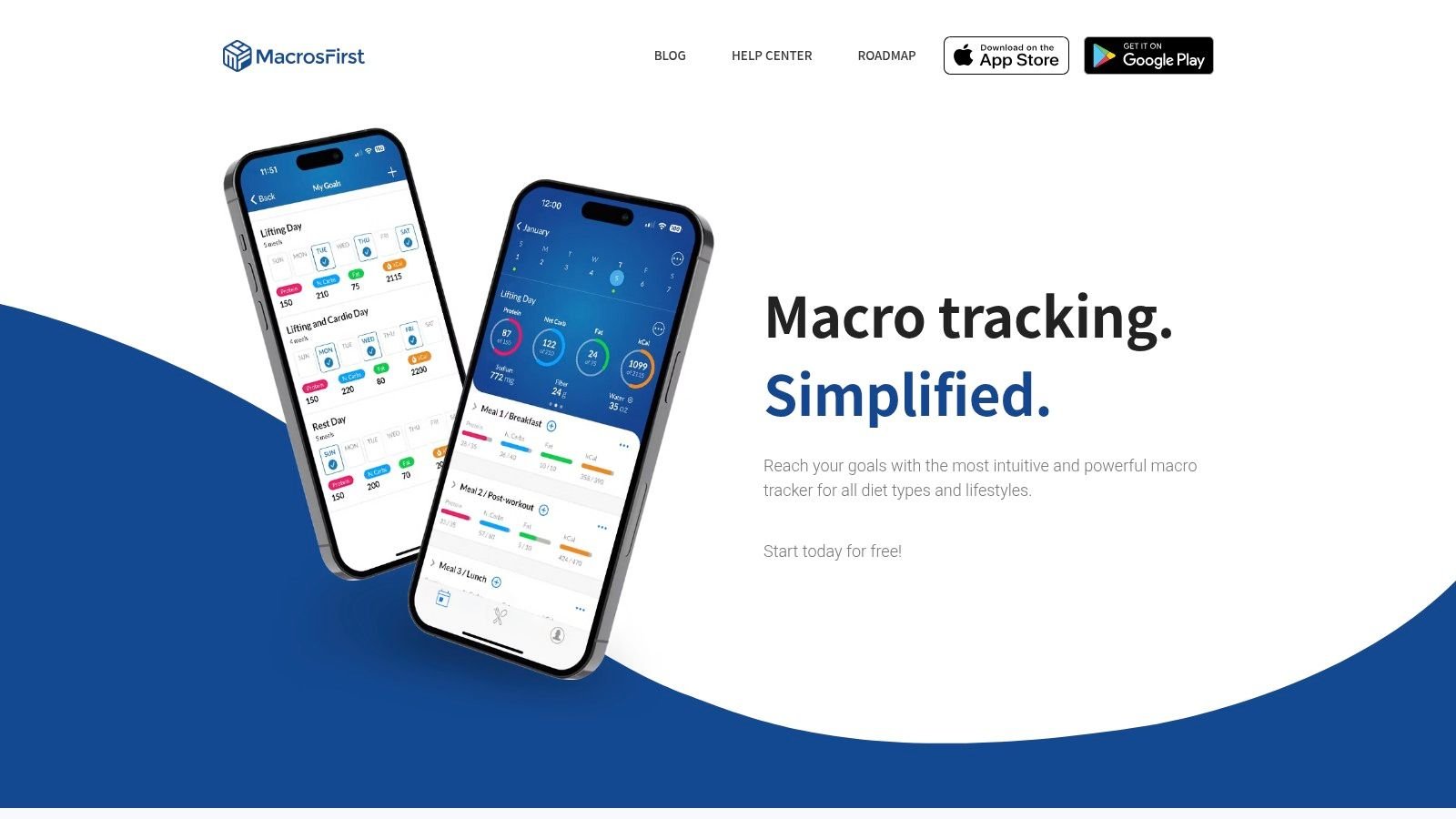
MacrosFirst is more niche, but in a good way. This app is clearly built for people who care about hitting macro targets in grams and want less fluff around that job. It's a macro-first tracker, not a lifestyle app pretending to be one.
The free tier is unusually serious. Barcode scanning, gram-based macro goals, fast search, and meal-level totals give it real value if you already know what you're trying to hit.
Why Serious Lifters Like It
MacrosFirst doesn't waste much screen space on stuff that casual users might love and macro-focused users often ignore. If your mindset is “just show me my targets and let me log fast,” it makes sense immediately.
- Best fit: Gym-focused users, coaches, and people tracking macro compliance closely.
- Less ideal: Users who want coaching, meal plans, or a broader wellness dashboard.
- Main trade-off: Smaller ecosystem and fewer lifestyle extras than older apps.
This is one of the best picks for someone who's outgrown generic calorie trackers but doesn't want to pay right away. It knows what it is, and that helps.
9. FoodNoms
FoodNoms is one of the strongest privacy-minded options if you're on iPhone. It feels native to iOS, the logging flow is fast, and the free tier includes enough core functionality that you can use it seriously before thinking about an upgrade.
That privacy angle matters more than most comparison posts admit. A lot of roundups focus on food databases and premium features, but privacy and device-only use are real decision points for plenty of users, especially first-timers who don't want to create an account before testing an app, as discussed in this overview of macro tracking apps. FoodNoms is one of the apps that makes that concern feel valid instead of niche.
The Best Reason to Pick FoodNoms
FoodNoms is easy to recommend when someone says, “I want a good iPhone app, I care about privacy, and I don't need a bunch of coaching.” You get macro goals, unlimited tracking, barcode and label scanning, meal and recipe creation, Health app sync, and export options in a package that feels thoughtful.
Its limits are straightforward. It's iOS-only, and some of the more advanced features sit in FoodNoms+.
FoodNoms is the kind of app that earns loyalty by being pleasant to use, not by shouting about features.
If you live in the Apple ecosystem and want a privacy-conscious tracker that still feels modern, FoodNoms is an easy short-list app.
10. Fitbit App
The Fitbit app support pages make it clear that you can use the app for food logging without owning Fitbit hardware, and that's the main reason it belongs here. If you already live inside Fitbit or Google's health ecosystem, using one app for steps, sleep, and food can be simpler than juggling separate tools.
But this is still a general health app first, nutrition app second. You can track food and see calorie and macro totals, but dedicated nutrition apps usually feel deeper and smoother for food logging.
When Fitbit Makes Sense
Fitbit is a practical choice for someone who wants basic macro awareness inside a broader health dashboard. It's not the app I'd choose for detailed nutrition work, and it's definitely not the app I'd choose for someone who wants the smoothest food-entry workflow.
- Use it if: You want food logging bundled with activity and sleep.
- Skip it if: Nutrition tracking is your main focus.
- Watch for: Interface changes can disrupt the flow if you're used to older versions.
Fitbit works best when food tracking is one part of a bigger habit system. If macros are the main project, a dedicated tracker usually wins.
Top 10 Free Macro-Tracking Apps Comparison
If you have ever downloaded three food apps in one week, logged breakfast in all of them, and deleted two by dinner, this is the part that matters. Feature lists look great on app store pages. The free tier is what decides whether an app is usable once the trial excitement wears off.
The table below compares what these apps are like in real use, with extra attention on free access, logging speed, and the limitations that show up fast. Some free plans are generous enough for daily macro tracking. Others work best if you only need basic logging and can live without deeper reports, coaching, or automation.
| App | Core features / ✨ USP | UX & Quality (★) | Target audience (👥) | Value / Price (💰) | Notable limitations |
|---|---|---|---|---|---|
| 🏆 PlateBird | Type natural-language logs + photo computer-vision, one-tap saved meals, privacy-first ✨ | ★★★★★ 4.9/5, ultra-fast logging | 👥 Busy professionals, meal-preppers, iOS users | 💰 Free to download, no account required | iOS-only. Complex mixed dishes may need manual fixes |
| Cronometer | Deep micronutrient tracking, verified database, barcode & cloud sync ✨ | ★★★★☆, clinical, highly accurate | 👥 Dietitians, precision trackers | 💰 Free core. Gold subscription for advanced reports | Data-dense UI. Key tools sit behind Gold |
| MyNetDiary | Staff-verified foods, clean UX, cross-platform sync, Premium coaching ✨ | ★★★★☆, approachable & clear | 👥 Beginners and daily trackers | 💰 Useful free tier. Premium for automation/coaching | Advanced integrations and extra features require Premium |
| FatSecret | Free core diary, barcode & recipe logging, active community ✨ | ★★★☆☆, simple & utilitarian | 👥 Budget-conscious users who want community support | 💰 Free core (ads) | Dated interface. Limited advanced analytics |
| Nutritionix Track | Large US food database, instant barcode & predictive search, fast logging ✨ | ★★★★☆, fast and reliable | 👥 US grocery and restaurant-focused users | 💰 Free core. Minimal upsells | Heavily US-centric database |
| Carb Manager | Net-carb/keto focus, diet personalization, large recipe community ✨ | ★★★★☆, keto-optimized | 👥 Keto / low-carb followers | 💰 Free core. Premium for meal plans & analytics | Many advanced tools are paid. Keto-first UX will not suit everyone |
| YAZIO | Polished UI, barcode/manual entry, PRO meal plans & deeper insights ✨ | ★★★★☆, modern & user-friendly | 👥 Casual trackers seeking guided plans | 💰 Free with ads. PRO paid tier | Recipe book and auto-tracking sit in PRO. Ads in free |
| MacrosFirst | Macro-first design, gram goals, smart scanning, fast logging, API ✨ | ★★★★☆, focused & efficient | 👥 Serious macro followers and athletes | 💰 Generous free tier. Premium for extra conveniences | Smaller ecosystem. Some convenience features are paid |
| FoodNoms | Privacy-focused iOS app, Health/iCloud sync, label scanning, AI+ in paid ✨ | ★★★★☆, native iOS, fast UX | 👥 Privacy-minded iOS users | 💰 Free core. FoodNoms+ for AI & advanced charts | iOS-only. Advanced AI and charting require a subscription |
| Fitbit app (no device required) | Food logging inside wider health dashboard (activity, sleep) ✨ | ★★★☆☆, mixed after recent UI changes | 👥 Users wanting an all-in-one health hub (Fitbit/Google) | 💰 Free core. Fitbit Premium for coaching | Less detailed nutrition analytics. UI changes have frustrated some users |
One pattern stands out. The best free option depends less on feature count and more on how you log food. If you want speed, PlateBird and Nutritionix Track make sense. If you care about nutrient detail, Cronometer is stronger. If you want a gentler learning curve, MyNetDiary is easier to live with.
The Best App Is the One You Use
It is 7:15 p.m. You are standing in the kitchen, trying to rebuild the day from memory because lunch was rushed and dinner is half prepped. That is usually when people decide whether a macro app is helping or becoming one more task to avoid.
The free tier decides a lot. Paid plans almost always look good on a feature chart. What matters day to day is whether the no-cost version lets you log fast, repeat common meals, and stay consistent without constant friction. That is where the differences show up. Some apps give you enough to track for months. Others nudge you toward an upgrade the moment you want better reports, fewer ads, or a faster workflow.
Analysts at Grand View Research expect the diet and nutrition app market to keep growing quickly, as noted earlier in the article. For users, that usually means more polished apps and more aggressive upgrade prompts at the same time. Free versions are not just stripped-down demos. They are habit tests. If an app is annoying before you build momentum, you probably will not stick with it.
The practical move is to choose for your logging style, not for the biggest name.
PlateBird works well for people who want quick entry and low drag. Cronometer is better for users who care about nutrient detail and can tolerate a denser interface. MyNetDiary is a good fit for beginners who want more guidance without feeling lost. FoodNoms appeals to iPhone users who care about privacy and a clean native app experience.
I have found that the winning app is usually the one that saves time on ordinary meals, not the one with the best-looking dashboard. Search quality matters. Saved meals matter. Barcode scanning matters. Being able to recover after a messy day matters even more.
Perfection is not the goal. Restaurant meals are estimates. Homemade dishes are often rough entries. A free macro tracking app still does its job if it helps you stay honest enough, often enough, to see patterns and make better choices next week.
Test one app for a full week and judge it on four things:
- Can you log your usual breakfast in under a minute? Slow logging gets old fast.
- Can you recover after missing a meal entry? Good apps make it easy to estimate, copy yesterday, or keep going.
- Does the free version cover your real goal? Hitting protein, staying within calories, and monitoring micronutrients are different jobs.
- Are the free-tier limits tolerable? Ads, locked charts, and upgrade prompts are fine in some apps and irritating in others.
Start simple. Protein is usually the easiest target to build around. Once that habit is steady, calories and full macro targets are much easier to manage.
If you want extra support staying consistent, Habit Huddle's app for accountability is worth a look. For plenty of people, the problem is not knowing what to eat. It is having a system that keeps them logging long enough for the data to become useful.